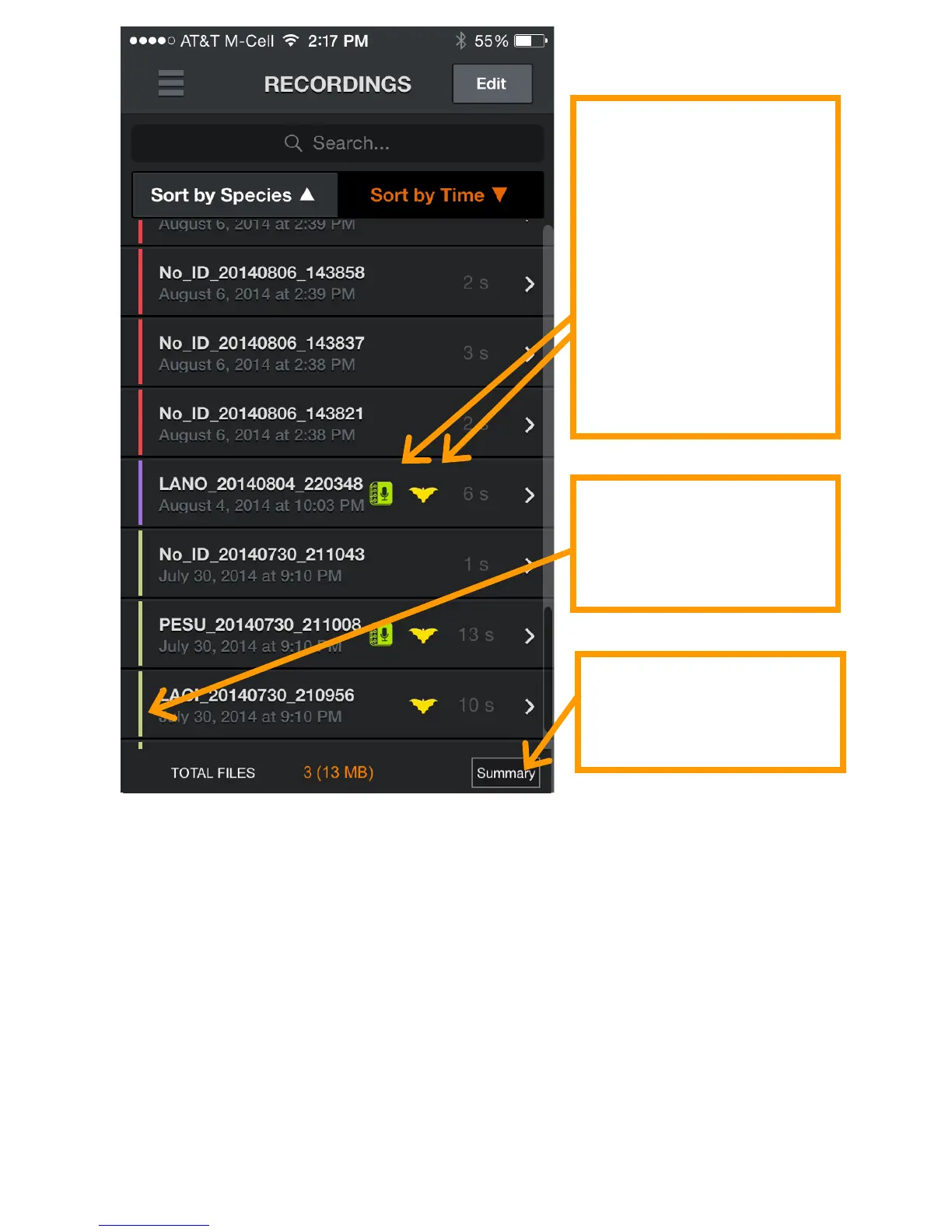
Press the Summary button to show a pop up screen with the
number of recordings with each identified species, NoIDs, and
the NOISE files. This will summarize all recordings if none are
checked, or a subset if only some have been selected with the
checkboxes.
Use the search bar to search for species IDs or to search the text
of any text notes you have added.
In addition to running ID or manually labeling recordings, the
Auto-ID button will also give the option to remove all IDs from
the checked recording. This will remove the ID meta data as well
as the filename prefix.



 To Next Page