NOTE: The module should be pointed in the general direction
of the bats which requires the iOS device to be turned upside
down as shown above. iPhone X, XR and XS require the user to
flip Live Mode with a rotate icon that appears at the top of the
screen. Apple does not permit automatic flipping on those
models.
2.2 Navigating the app
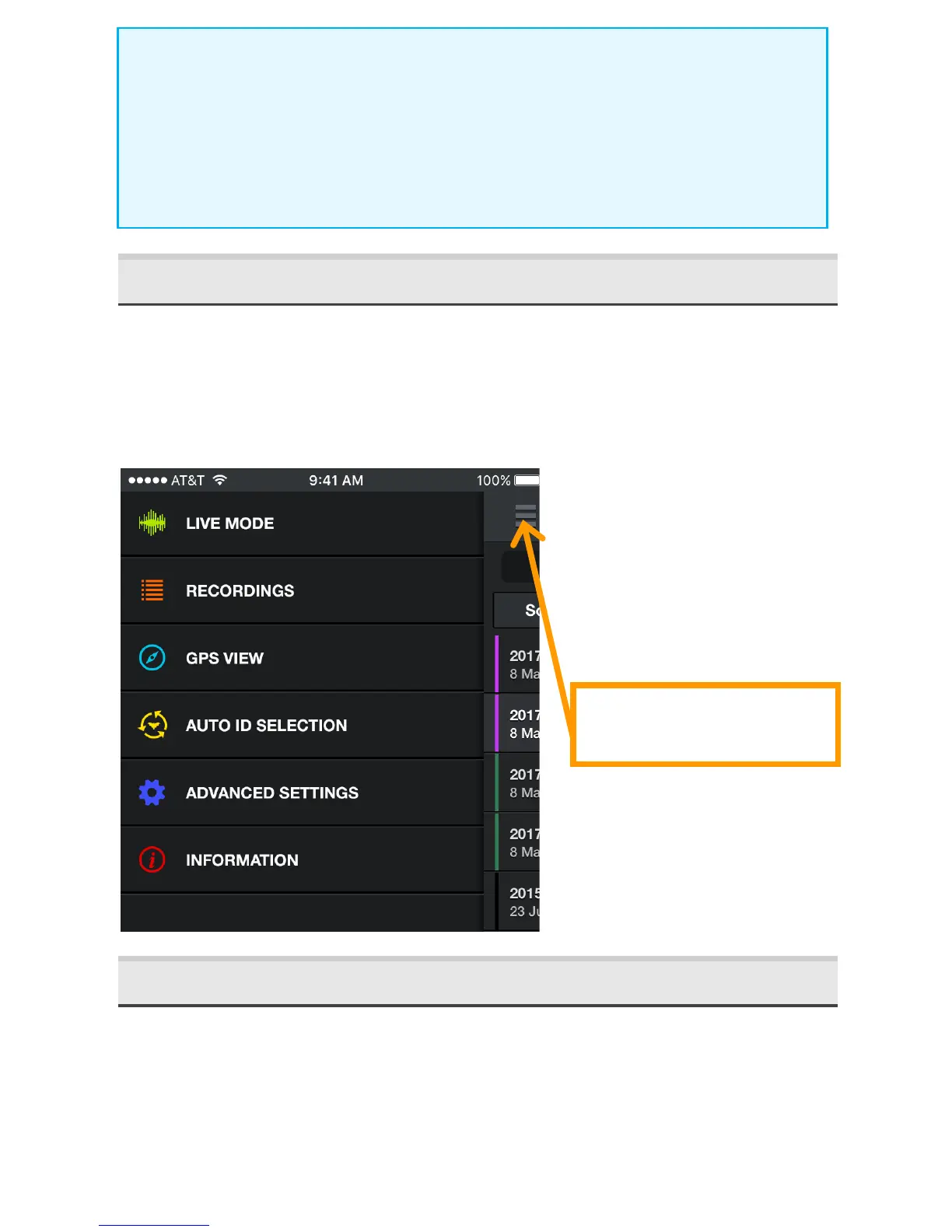
To na vi ga te th rou gh th e a pp, press th e main menu symbol. You
can go to other sections of the app while still hearing and
recording bats. You can even continue to monitor and record bats
in the background while using other apps.
2.3 Monitoring in Live Mode
In LIVE MODE, ultrasonic data is streamed to your iPhone or
iPad. The frequency and duration of the bat echolocation calls are
visually represented in a scrolling spectrogram.



 To Next Page