Swift 2 X User Manual | English
14
You will be given a chance to add a screen lock. For further instruction please go to Security.
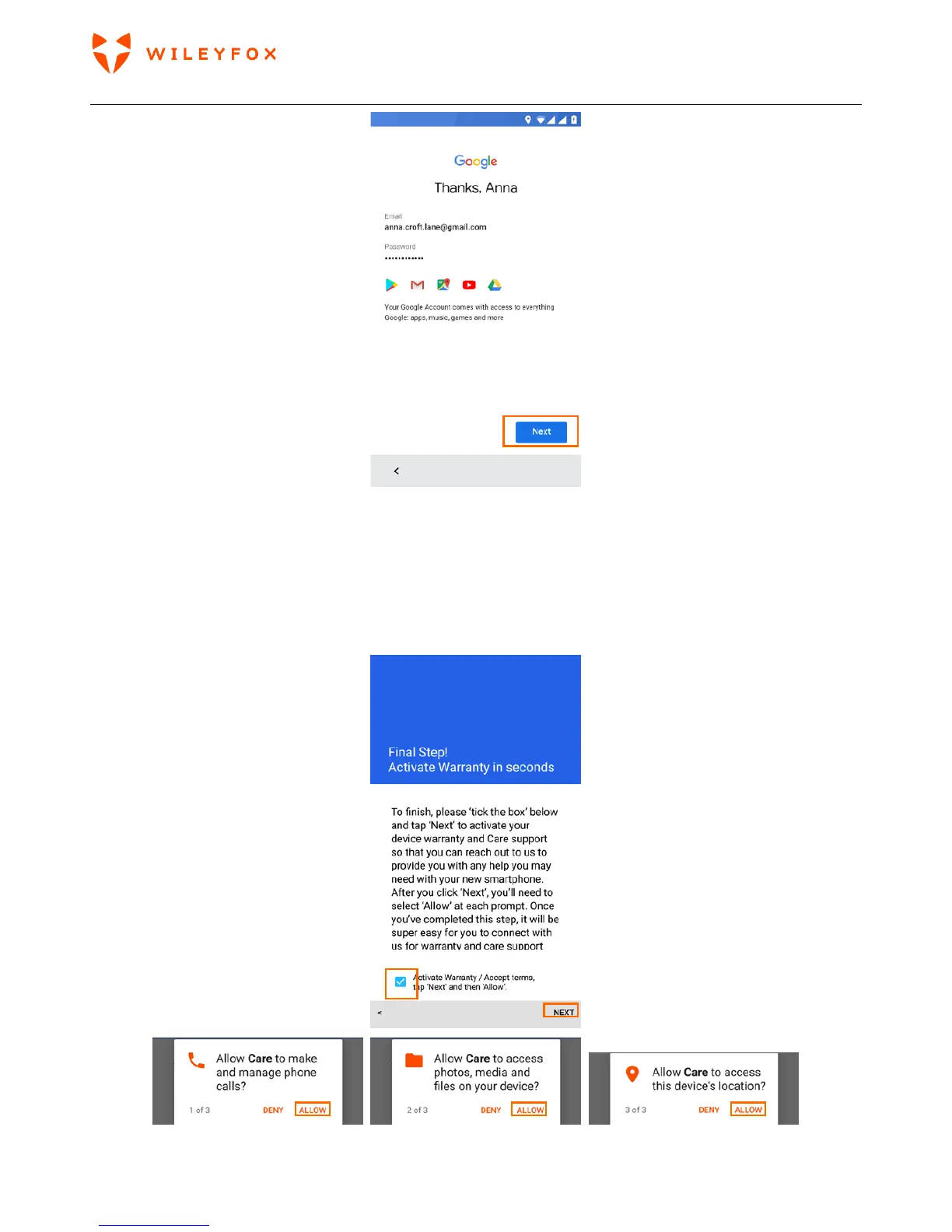
Activate your Warranty
Final step is to activate your warranty. Please tap on the grey box on bottom left > Next and follow the
instructions on the screen. Please give the permissions needed to the Care App to help it to fully support
your phone and its performance.
When Care App will opens read and swipe left then tap ‘OK GOT IT’. You will see a message on your screen



 To Next Page