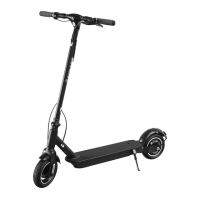
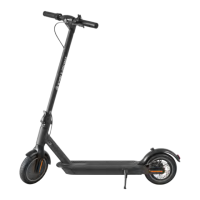
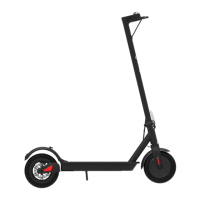
Front light
2. Function schematic 3. Assembly
Bell
Throttle 1. Fix the head handle bar and put down the kickstand.
2. Install the handle bar into the front tube.
Brake lever
LCD display
Charging port
Folding mechanism
Motor
Control Panel
Hole for seat
(dedicated original seat can be installed)
Hook
Rear brake led
Disc brake
Kick stand
Battery compartment
3. Use the hexagonal wrench in the package
box to lock the screws on both sides.
4. Check the power ON/OFF, when the
installation is completed.
On/off switch
Battery indicator
Short press the power switch to turn on the scooter when the power is off, and long press the switch for more than 5 seconds to turn
off the scooter when the power is on. When the scooter is powered on, short press the switch once to Turn on/off the front light.
There is a speed and battery indicator on the LCD display, and full battery is indicated with five bars. With the consumption of the
battery, the number of bars displayed will reduce. The number of bars displayed will finally become zero with the consumption of the
battery. When there is only one bar left, the power is about to run out, please recharge it before use.


 To Next Page