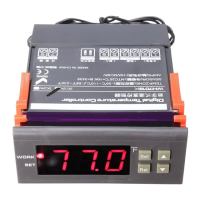
with "▲" or "▼" key adjusted to the screen, appearing "HS" or "LS" code,
press the "SET" key to display the upper or lower limit set value, Then press
"▲" or "▼" key to adjust the parameters. HS means upper limit. LS means
lower limit.
For example: the upper and lower limits are used to limit the range of control
temperature that can be set, such as: LS is 10, HS 20, then press the SET key
to adjust the temperature control, it can only be varied between 10 and 20.
Menu code selection:
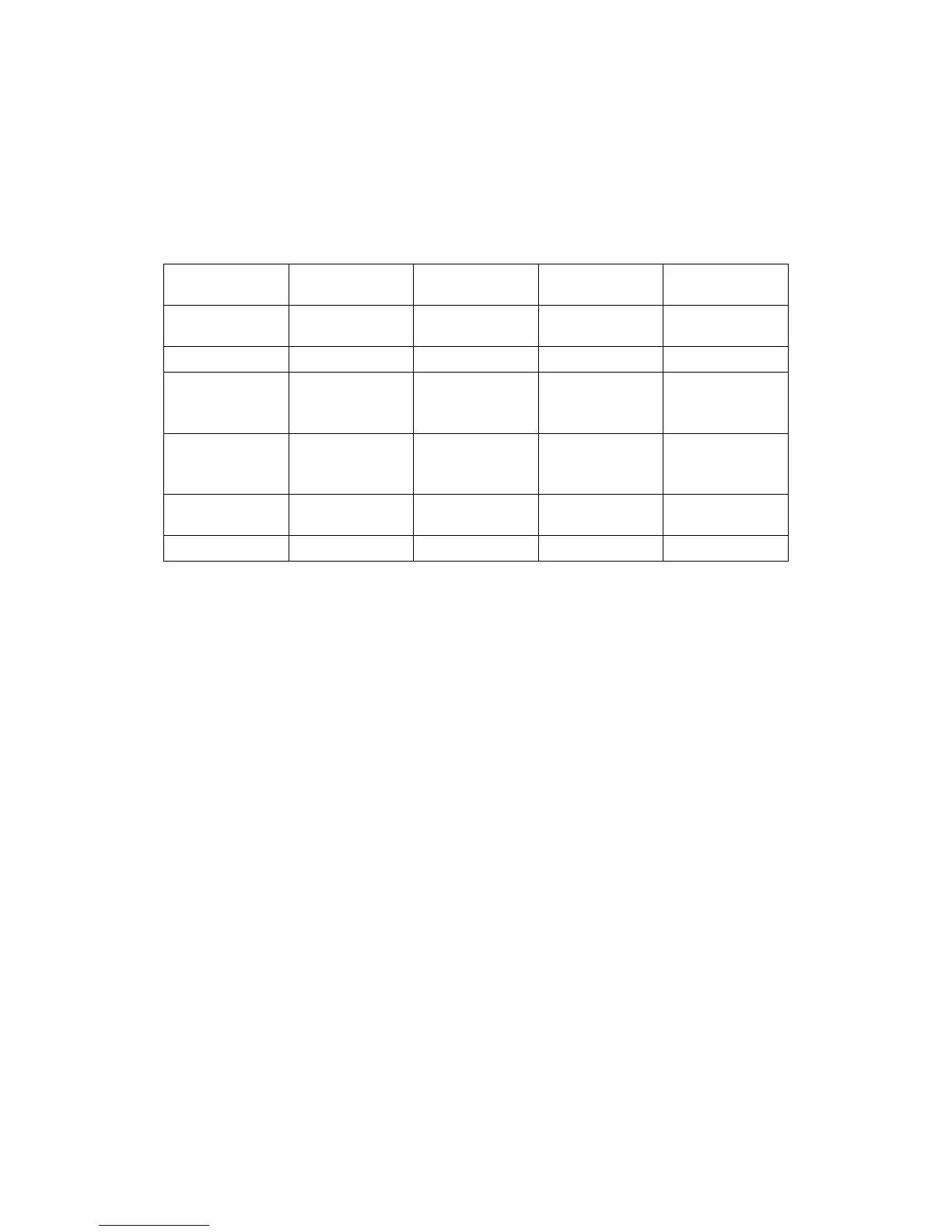
Symbol Details Setting range Factory
settings
Units
HC
Heating /
cooling
H/C C
D
Hysteresis
1~15
5
LS
The
minimum set
limit
-50~110
-50
HS
The
maximum set
limit
-50~110
110
CA
Temperature
calibration
-5~+5
0
PT
Delay time
0~10
1
Minutes
fault tips:
1)When the sensor disconnected, the screen displays --- and close the
heating wire
2)When the sensor detects the temperature is below -50 degrees, the screen
displays LLL
3)When the sensor detects a temperature higher than 110 degrees, the
screen displays HHH
Caution for using:
Cooling, heating load must not exceed the output contact capacity, or it
may result in machine damage and cause a fire.
Various connecting wire must be well connected with the terminal,
otherwise, it would result in reducing the reliability of machine.
When connecting the wire, please separate power supply, relays, sensors,
otherwise it will damage the machine.


 To Previous Page