Installation
10
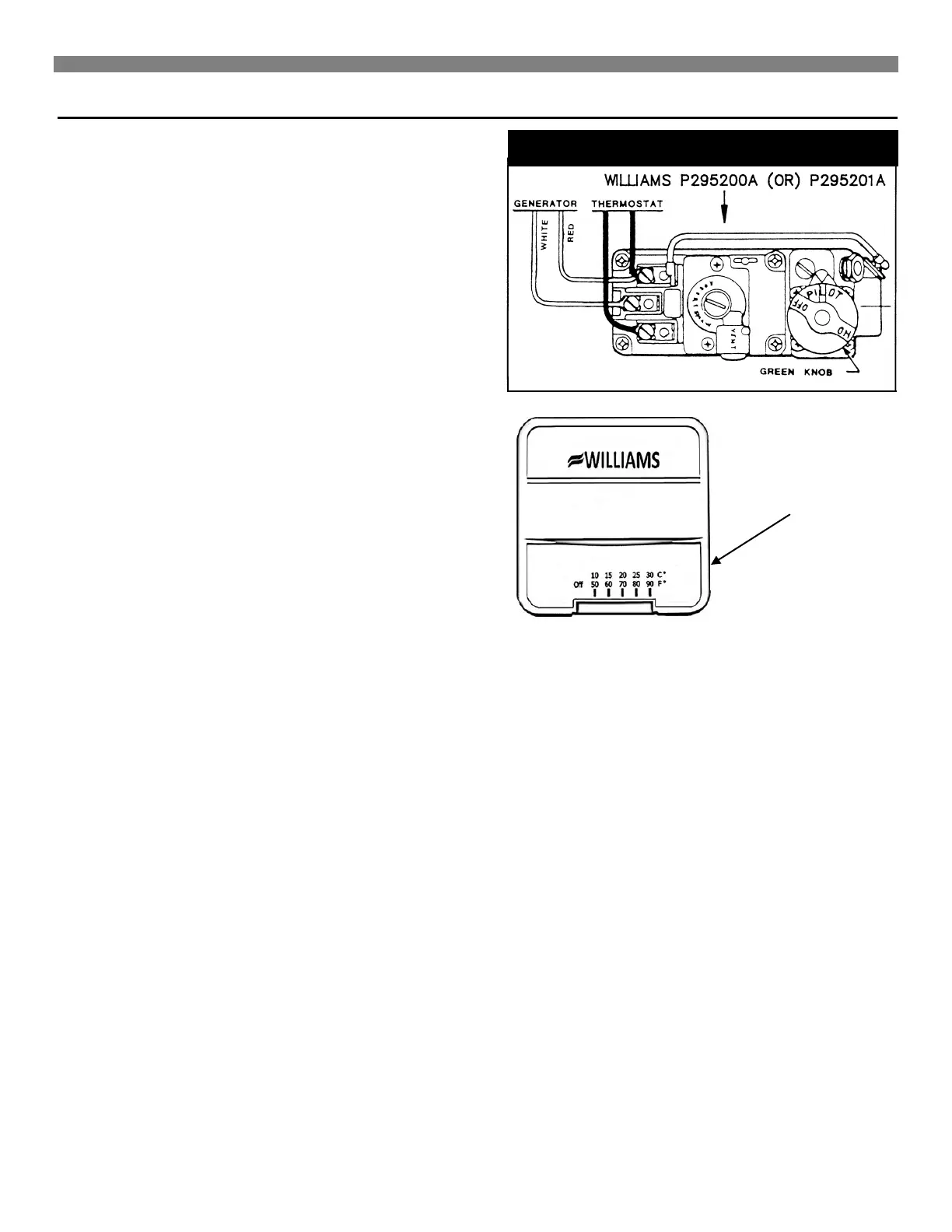
Thermostat Mounting
1. To remove the thermostat cover, grasp cover and squeeze
both sides firmly, then lift to remove cover. Carefully
remove and discard the packing tab protecting the switch
contacts.
2. Connect thermostat wires to the terminal screws on the
front of thermostat base.
3. Push any excess wire back through hole in the wall and
plug the hole with insulation to prevent drafts from affecting
thermostat operation.
4. Being sure to level thermostat for the best appearance.
Fasten the thermostat base to the wall through the
mounting holes with the screws provided.
5. Replace the thermostat cover.
Note: Refer to the installation instructions packed in the
thermostat carton if you have any doubt about the above
procedures.
SQUEEZE FIRMLY BOTH
SIDES AND LIFT TO
REMOVE COVER



 To Next Page