13. Using MENU up-down keys: Highlight START
CAL then press SELECT key.
14. Connect SWR Autotester to INPUT A, if you
have not done so yet.
15. Connect beadless end of air line to test port on
SWR Autotester, paying careful attention to
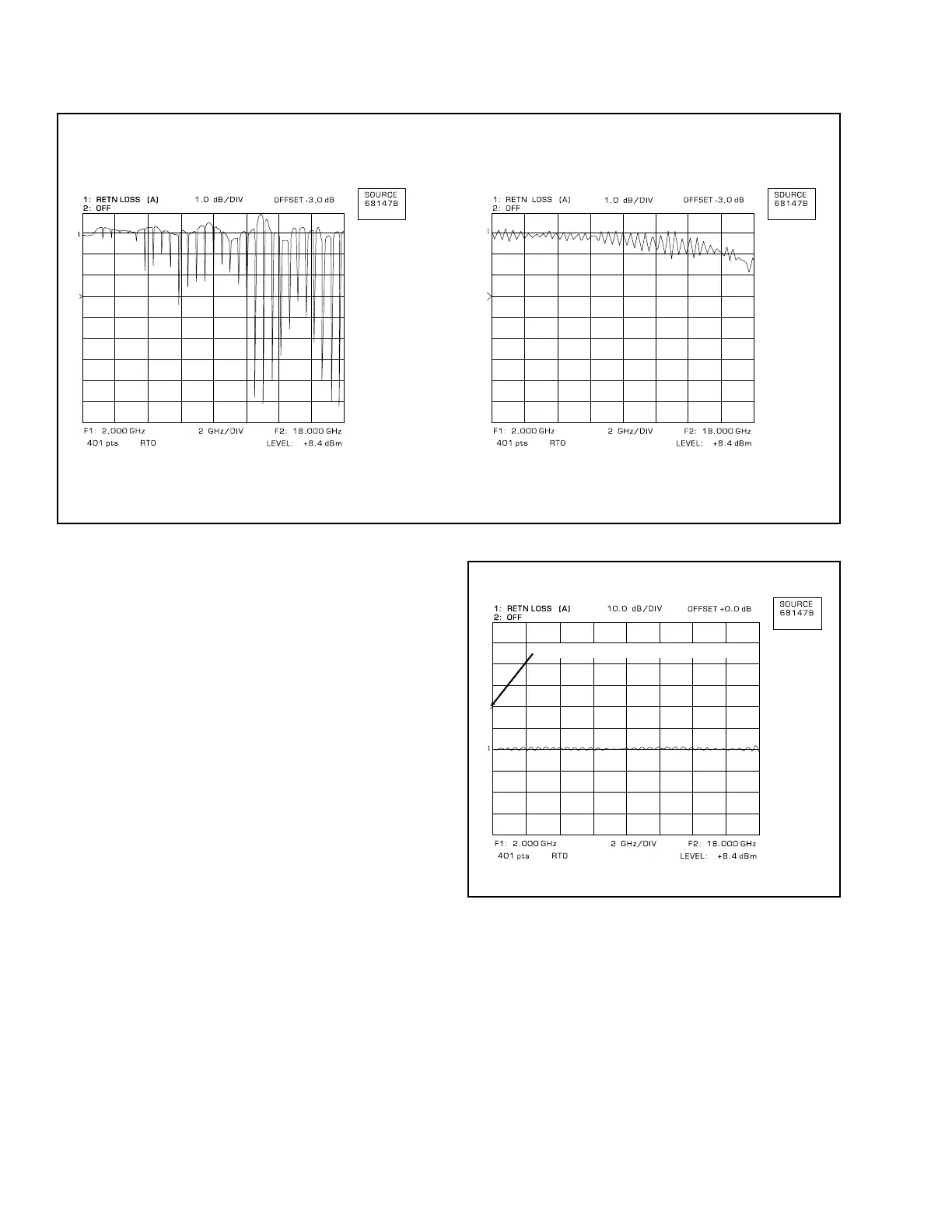
making a good connection. The displays
shown in Figure 6 indicate good and bad con-
nections.
16. Connect OPEN to air line and press SELECT
key.
17. Connect SHORT to air line and press SELECT
key.
18. Connect 20 dB Offset to air line and press
SELECT key.
19. Press CHANNEL 1 MENU key.
20. Using MENU up-down keys: Highlight REF
LINE, then press SELECT key.
21. Using DATA ENTRY knob, set reference line to
4th graticule line from top (Figure 7).
22. Press CHANNEL 1 AUTOSCALE key.
23. Press CHANNEL 1 OFFSET/RESOLUTION
key.
REFERENCE LINE POSITION
Figure 7. Reference Line Position
Figure 6. Examples of Good and Bad Air Line Connections
GOOD
BAD
8 SWR OMM



 To Next Page