support01@wimius.com support01@wimius.com
EN EN
12 13
• Digital Zoom
With the zoom value at 100%-50%, Just click “OK” button enter,and then press the button "
▲
" or "
▼
" to set the value
needed as shown below.(Note: The zoom value will be affected by the value of four-point keystone correction)
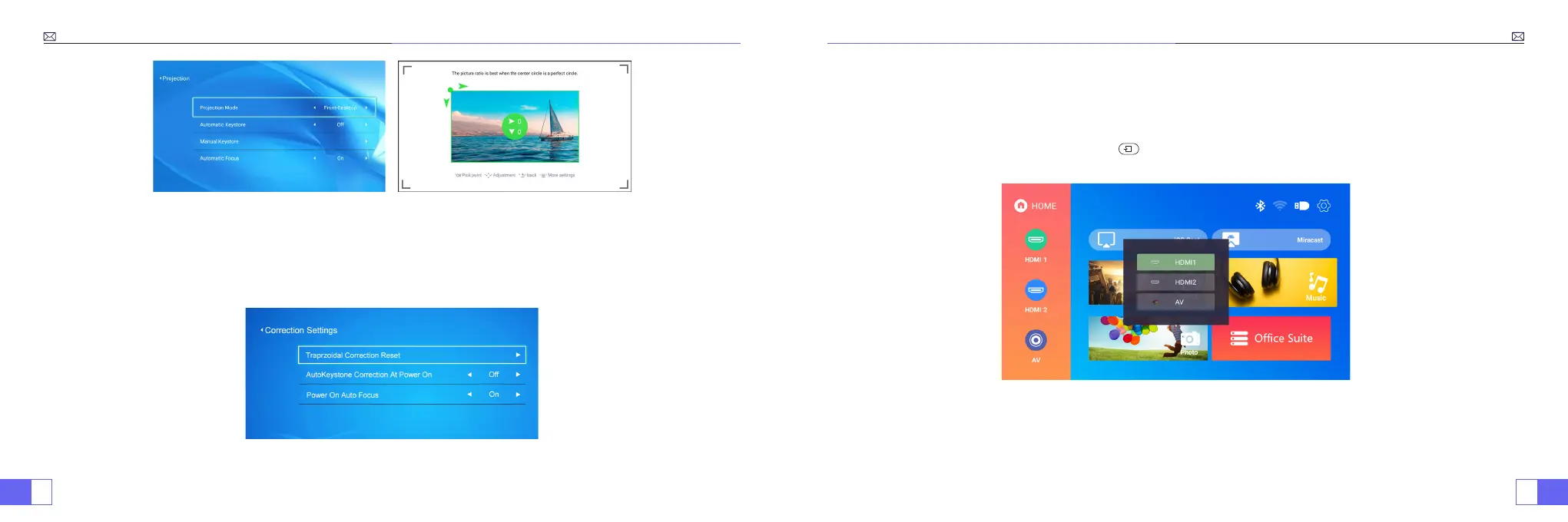
• Correction setting
Trapezoidal Correction Reset: Press ''OK'',the image will restore to the original keystone correction settings.
3.Connect input devices and then choose signal source button to choose
corresponding signal source ( HDMI1, HDMI2, AV,etc)
For the USB devices, no need to choose the signal source. The machine will detect them
automatically.
Just operate through the remote control: Press “ ” and then press "
◀ ▶
" or "
▲ ▼
" to choose the corresponding
signal input channel, then press "OK’’ to conrm.



 To Next Page