EasyManua.ls Logo

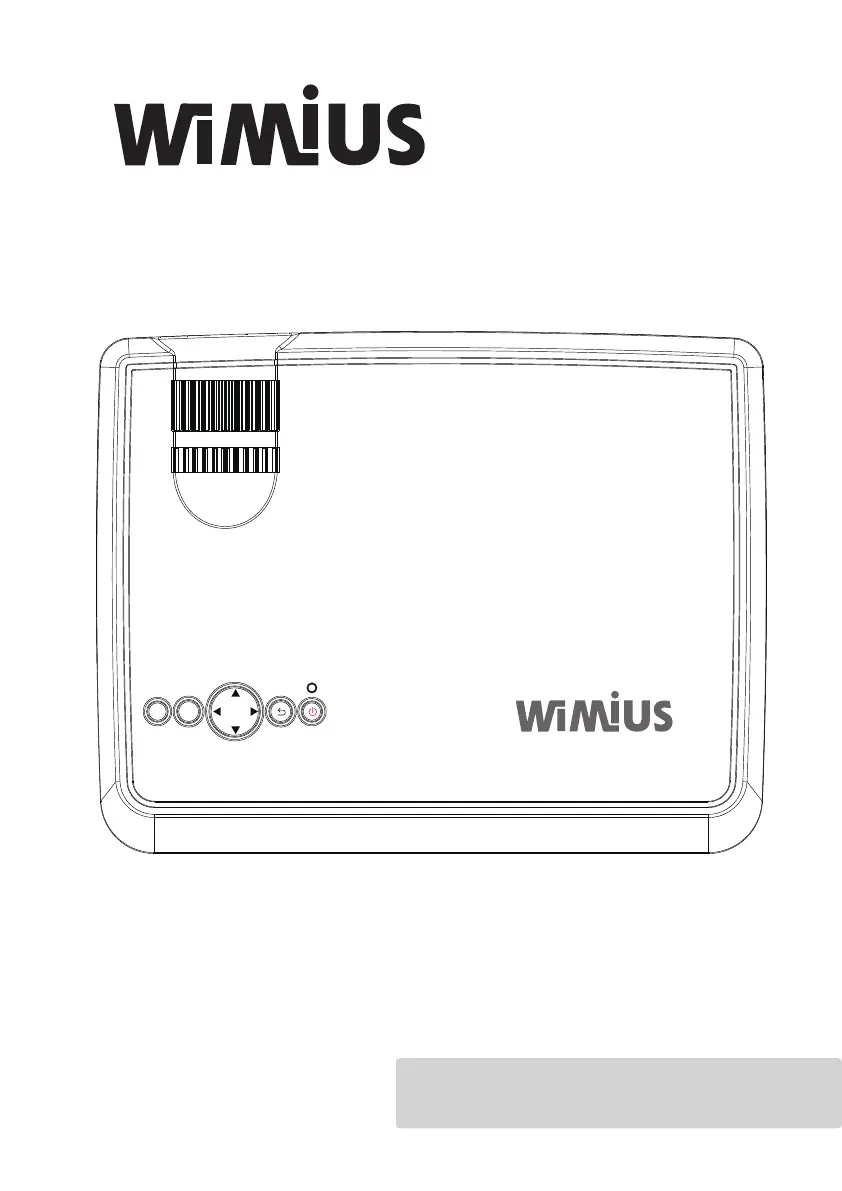
Wimius T7 - User Manual

Wimius T7
100 pages
Print Icon
To Next Page IconTo Next Page
Loading...
User Manual
Please read this Manual carefully before use;
The company reserves the right of nal interpretation;
Appearance of the product and the UI please in kind prevail;
If product technology or software upgrades, without prior notice.
PROJECTOR T7
O KMS

Questions and Answers

Summary

Warning

High Brightness Lamp

Avoid staring at the light, especially for children.

High Voltage and Operation Safety

Indicates instructions for important operations or dangerous voltage requiring caution.

Remote Control Battery Safety

Insert battery correctly to prevent overheating; keep away from children.

Safety Precautions

Manual Reading and Operation

Read the manual carefully and operate according to instructions before use.

Installation and Ventilation Requirements

Place on a stable table and ensure proper ventilation to prevent overheating.

Power, Cable, and Repair Safety

Check power specs, protect cables, and seek professional repair for safety.

Caution

Operating Temperature and Airflow

Specifies working temperature range and importance of clear air intake/exhaust for heat protection.

Installation - Standard Setting

Installation - Mounting Methods

Input Terminals

Remote Control

Control Panel

Turn on & Turn off

Image Adjustment

Menu Settings - General

Trouble Shooting - Common Issues

Trouble Shooting - Connectivity

Wimius T7 Specifications

General IconGeneral
Display TechnologyLCD
Keystone Correction±15°
Power SupplyAC 100-240V, 50/60Hz
Projection Size40-200 inches
Lamp Life50, 000 hours
ConnectivityHDMI, USB, AV, VGA
Throw Distance1.5m to 5m
Aspect Ratio4:3/16:9/Auto
Native Resolution1280x720 (HD)
Speaker5W

Related product manuals