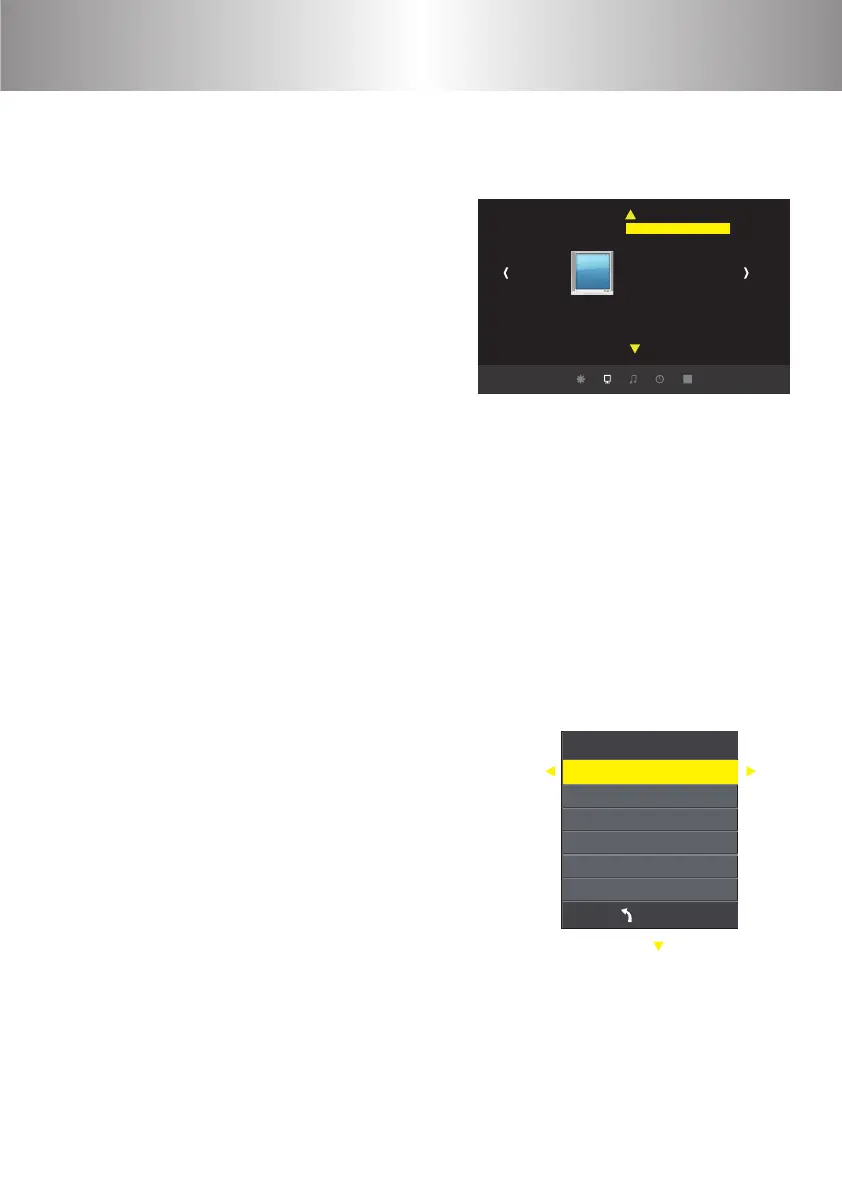
Menu Settings
Picture
Picture Mode User
Color Temperature
Aspect Ratio
X_Zoom
Y _Zoom
Noise Reduction
PC Setting
Color Range 16-235
Flip Horizon
Flip Vertical
a. When Use the projector, press “menu”
button and the picture setting menu
pop up.
b. Press“
◀/▶
”key, the menu turn
circle into“picture”>“sound” >
“time”>“system”.
c. Select the adjust interface,use“▲/▼”
key to choose the wanted item.
d. Press“OK”or“
◀/▶
”to adjust
the item parameter.
e. Finished the selected item parameter, press
the “menu” key again to exit the page
f. Repeat operating step from b to e, till you nished all the parameters
setting, press “exit" to exit the menu page. Otherwise, the menu page
will disappear after a period time automatically.The menu icon is grey,
which means that this option cannot be set.
1. Menu setting
2. Parameter adjustment
ME NU
Contrast 0
Brightness 50
Color 50
Sharpness 50
Tune 50
Picture mode user
a. Press "menu" key until display the right
picture of the menu.
b. Press“▲/▼”key and elect the option that
need to adjust. The option will be in yellow.
c. Press“OK”key and use“
◀/▶
”button
to adjust the certain parameters.
d. Press the “menu” key again to exit the
menu page.
1 2 3 4
5 6 7 8
9 10 11 12
13 14
15
16
17 18 19 20
21
22 23 24 25
26 27 28 29
30 31 32 33
34 35 36 37
38 39 40 41
42 43
44 45 46
47 48 49
50 51 52 53
54 55 56 57
58 59 60 61
62 63
64 65 66 67
68 69 70 71
72 73 74 75
76 77



 To Next Page