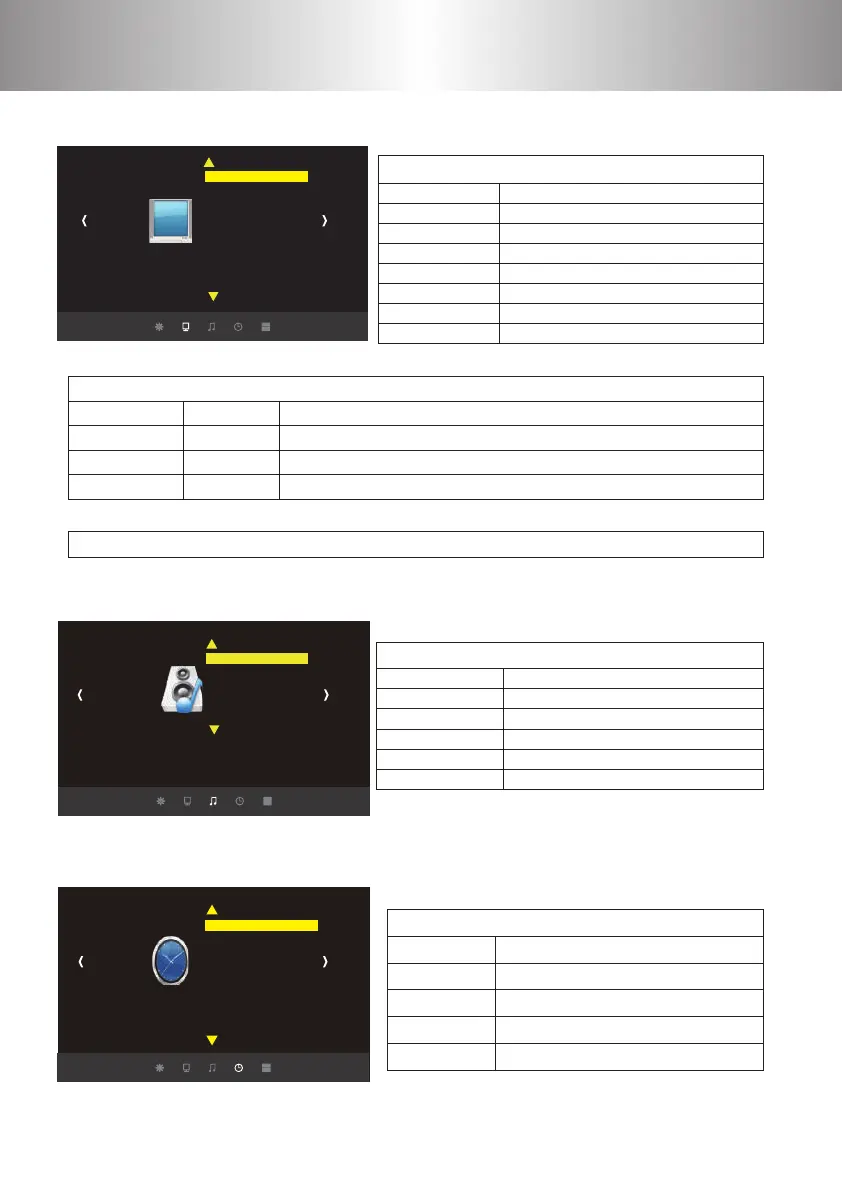
Menu Settings
Picture
Picture Mode User
Color Temperature
Aspect Ratio
X_Zoom
Y _Zoom
Noise Reduction
PC Setting
Color Range 16-235
Flip Horizon
Flip Vertical
Picture Mode
Color Temperature
Aspect Ratio
X_Zoom
Y _Zoom
Noise reduction
Flip Horizon
Flip Vertical
Clock-- -- -- --
O Time
On Time
Sleep Timer
Auto Sleep
Clock-- -- -- --
O Time
On Time
Sleep Timer
Auto Sleep
3.Picture Menu
Picture Menu
Standard/Soft/User/Vivid
Medium/Warm/User/Cool
Auto/4:3/16:9 …(Appendix 2)
0-100
0-100
OFF/LOW/MID/HIGH
OFF/ON
OFF/ON
☆ Appendix I
Image contrast adjustment
Image brightness adjustment
Image hue adjustment
Image sharpness adjustment
Contrast
Brightness
HUE
Sharpness
0~100
0~100
0~100
0~100
Picture
The setting of Hight-width is dierent under diere modes, zoom is not valid in picture mode
☆ Appendix II
4.Sound Menu
5.Time Menu
SOUND
TIME
Sound Mode Standard
Balance
Auto Volume
Surround Sound
EQ
Sound Source
Sound Mode Standard
Balance
Auto Volume
Surround Sound
EQ
Sound Source
Music/Movie/Sport/User/Standard
(- 50~50)
OFF/On
O/ SRS TruSurround XT/Surround
(120/500/1.5K/5K/10K)Hz 50
Normal/Sound Box/Line/
Sound Menu
Date--/Month--/Year--/Hr--/Min–
OFF/Once/Every Day/Mon.~Fri/Sat.~Sun./Sunday
OFF/Once/Every Day/Mon.~Fri/Sat.~Sun./Sunday
OFF/10Mins/20Mins/30Mins/60Mins/90Mins
Never/4 hours/6 hours/8 hours
Time Menu
1 2 3 4
5 6 7 8
9 10 11 12
13 14 15
16
17 18 19 20
21
22 23 24 25
26 27 28 29
30 31 32 33
34 35 36 37
38 39 40 41
42 43
44 45 46
47 48 49
50 51 52 53
54 55 56 57
58 59 60 61
62 63
64 65 66 67
68 69 70 71
72 73 74 75
76 77



 To Next Page