Menu Settings
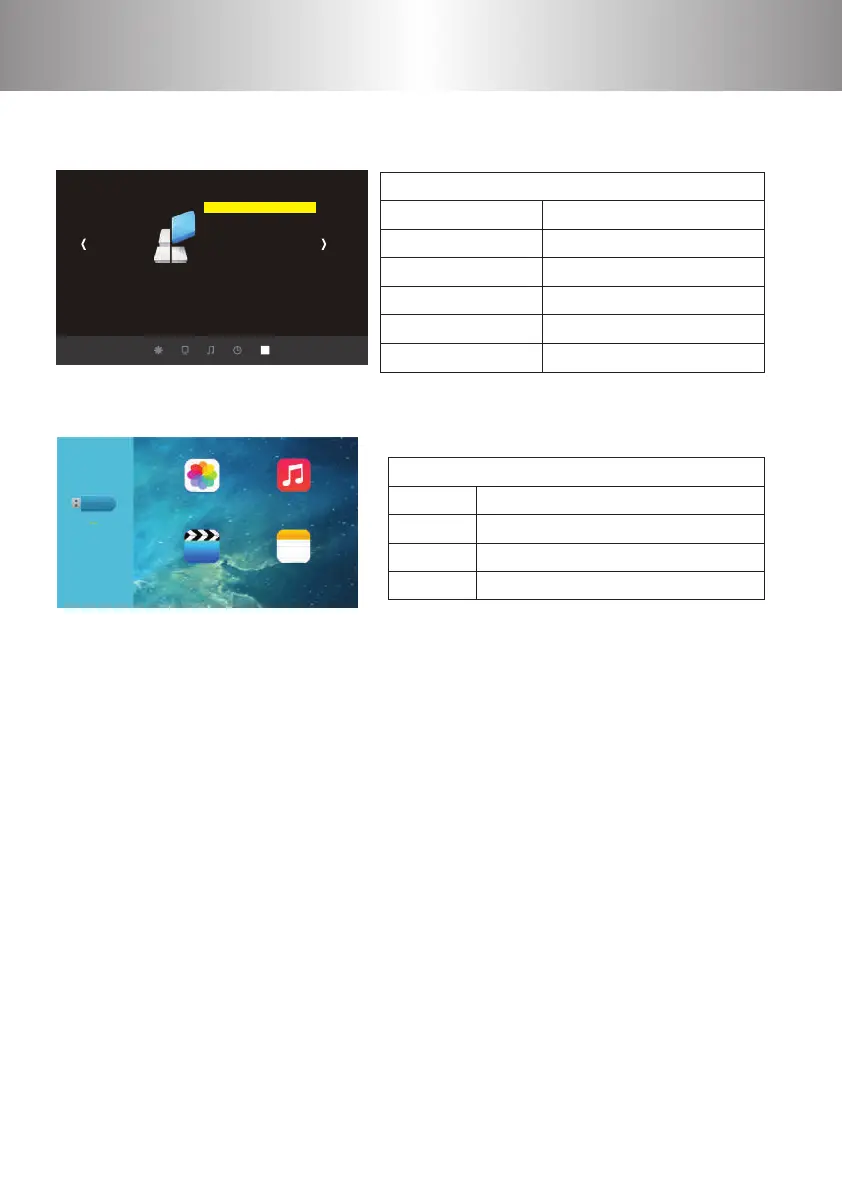
7. Multimedia Menu
Multimedia Menu
Cautions:
6. Option Menu
Option Menu
OPTION
OSD language English
Restore Factory Default
Blending
HDMI CEC
Osd Duration
Software Update
OSD language English
Restore Factory Default
Blending
HDMI CEC
Osd Duration
Software Update
Polski/Arabic/CN
Y E S / N O
OFF/LOW/MID/ HIGH
HDMI CEC/ HDMI ARC/Auto standby/
Device control/Device list
OFF/5S/ 10S/ 15S
Software update
View the photos in gallery
Play an album
Watch a movie
Read the book
PHOTO MUSIC
VIDEO TEXT
PHOTO
MUSIC
VIDEO
TEXT
1 2 3 4
5 6 7 8
9 10 11 12
13 14 15 16
17 18 19 20
21
22 23 24 25
26 27 28 29
30 31 32 33
34 35 36 37
38 39 40 41
42 43
44 45 46
47 48 49
50 51 52 53
54 55 56 57
58 59 60 61
62 63
64 65 66 67
68 69 70 71
72 73 74 75
76 77
1) The max storage supported is 500GB(2.5").
2) The system format supported: FAT16, FAT32, and NTFS.
3) The digital multimedia player interface is not a universal media solution; it can support
the vast majority of mobile hard disks, if there is no recognition, which is not a malfunc-
tion of the projector or the equipment.
4) The total voltage of the connected devices shall not be over 1200 mAh. The problems
caused by the wrong operation will not be warranted.
5) With the continuous improvement and upgrading of the system, there will be some
dierence in the manual, operation and interface. This is normal and does not aect their
use.
6) As some of the sound, video le encoding format does not meet the standard, the
projector may not play properly, which is not the machine failure.



 To Next Page