Trouble Shooting
VGA with notebook
When connect the projector with the note book,you may need to press
the Fn + F* ( with “ ” on the button ).
windows7 above user system needs to press the “ + P ” key on the
keyboard. Choose the "copy" option to connect. If the operation is invalid,
please update the computer graphics driver.
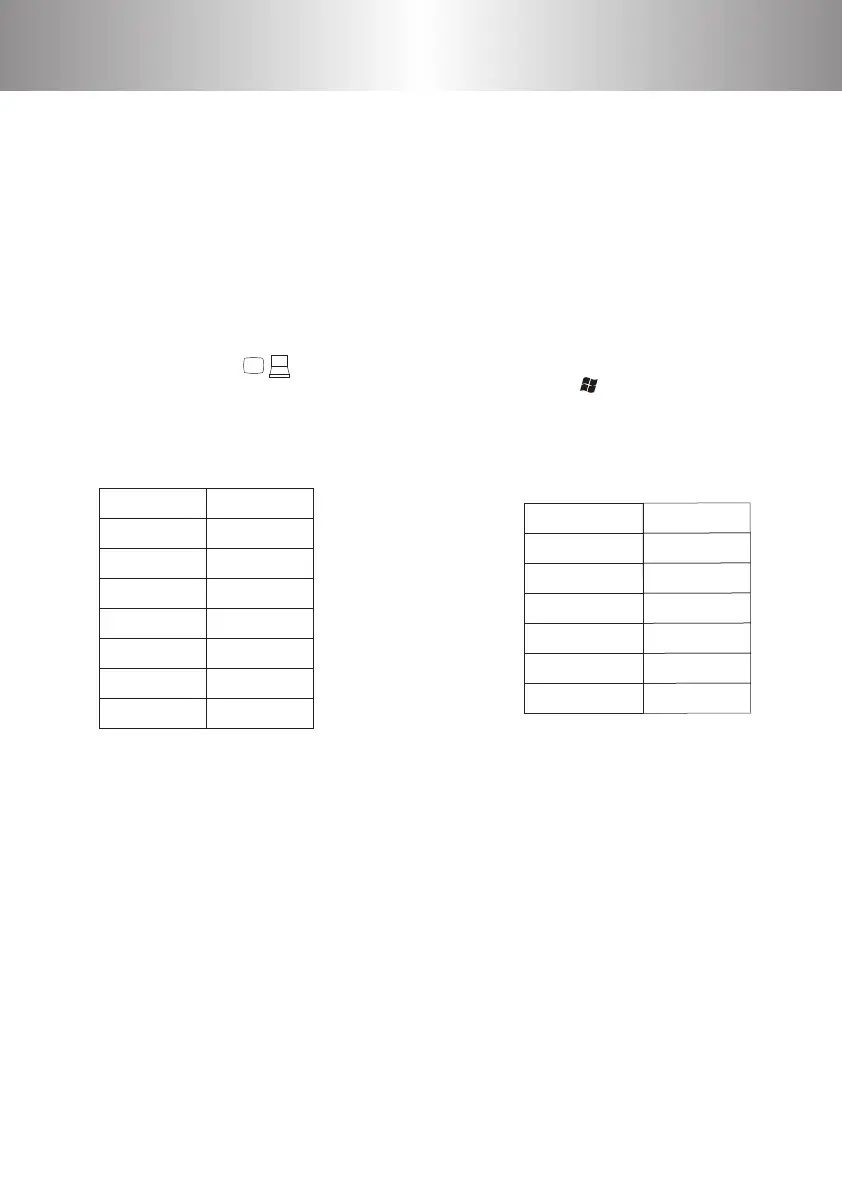
Fujitsu Fn+F10
Haier Fn+F3
NEC Fn+F3
Panasonic Fn+F3
Sharp Fn+F5
Hitachi Fn+F7
TOSHIBA Fn+F5
Lenovo Fn+F3
Dell Fn+F8
HP Fn+F4
ThinkPad Fn+F7
Asus Fn+F8
Acer Fn+F5
Samsung Fn+F4
Sony Fn+F7
9. Can't play the movies.
1) The format of the video is right?
2) Files are broken?
3) Device is broken?
1 2 3 4
5 6 7 8
9 10 11 12
13 14 15 16
17 18 19
20
21
22 23 24 25
26 27 28 29
30 31 32 33
34 35 36 37
38 39 40 41
42 43
44 45 46
47 48 49
50 51 52 53
54 55 56 57
58 59 60 61
62 63
64 65 66 67
68 69 70 71
72 73 74 75
76 77



 To Next Page