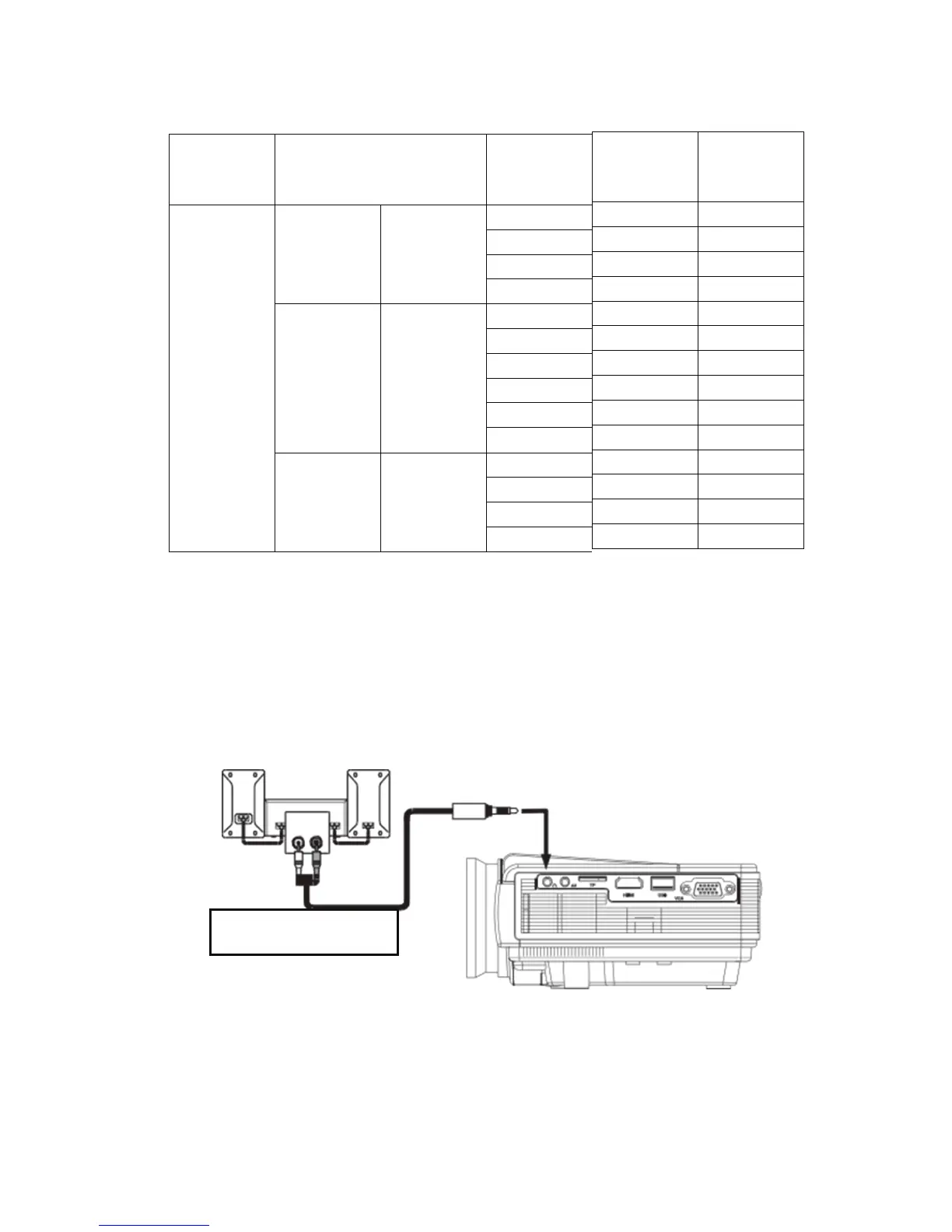
Refer to the follwering table parameters to adjust the output signal
from a computer
Note: when there is a computer connected to the projector and the image
can not bedisplayed simultaneously, please set the display properties of
the computer, select the output mode for the CRT.
3.Video input socket:This port can be connected to the LD players, DVD
players, cameras and other video player video (VIDEO), the audio
output socket.
4.Audio output:Audio signal from the output port of the projector, such as
high power to play music, please connect to an external power amplifier
input.
Audio signal line
5.HDMI signal input:This interface can be connected to the output end
of a HDMI HD output player.When the projector connect to HD player, HD
set-top boxes, video games,hd (HDMI) signal connection can be used.
After connecting projectors and high-definition equipment with
high-definition cable (HDMI cable), connect the power cord or power
adapter, turn on the projector, press the "Source" button on the projector
9



 To Next Page