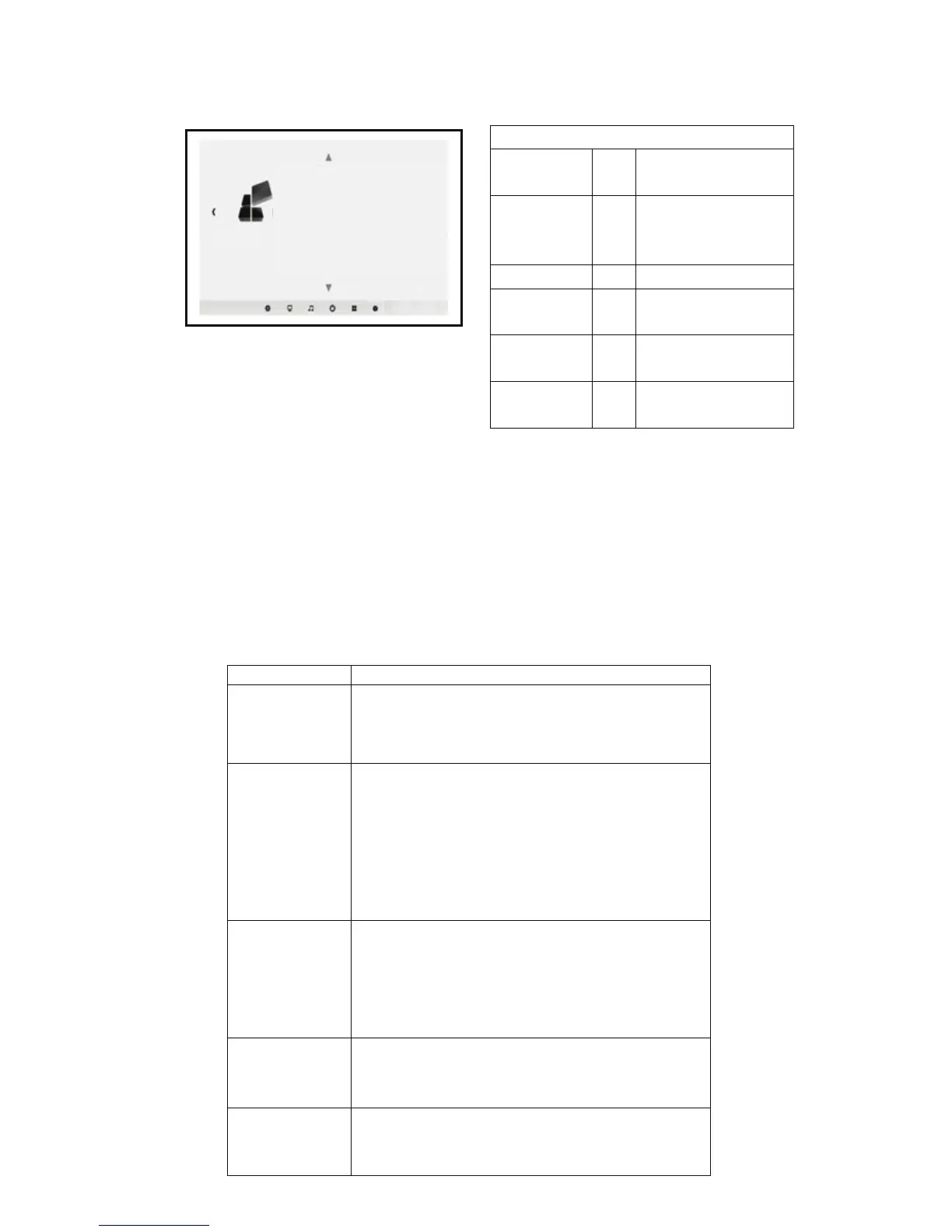
Menu setup
Five.Deal with simple faults
The operation of this machine is very easy, and the same as using of
an ordinary TV ,generally will not encounter any difficulty, but sometimes
the influence of some false failure phenomena appear because of using
the peripheral devices or mains, Please refer to the following instructions
before repairing the machine, for troubleshooting. After excluding the
following possible failure, the projector is still abnormal, please contact
the relevant technical staff.
Setting
menu language
Restore factory settings
Menu transparency low
Menu display time close
Image rollovers
Zoom 0
Failure phenomena
the cause of the fault may be
1.After turning the
power switch on
the side, the light
does not shine.
◇Does Power cord plug in?
◇Does the outlet have a normal mains voltage?
◇Does the power on the rear side of the board are open?
2.After turning on
the projector, no
image on the
screen.
◇ Does the volume of the projector turn to minimum?
◇ Is there a stereo audio signal output device?
◇ Does the volume of the sound equipment turn to
minimum ?
◇ Does the Signal path of the projector select correct ?
◇ Does the power source device turn on?
◇ Does the signal cable plug in?
◇ Does the signal cable insert in the wrong position?
◇ Under VGA input mode,does the computer display
refresh rate set too high?
◇When using a portable computer, does the output of
the computer have set to signal external display?
◇ Does the rear panel power of the projector have turn
on ?
◇ Whether the remote control battery is dead?
◇ Are there obstructions between the remote control
receiver window and the projector?
◇Does the operating distance of the remote control and
the projector too far?
◇ Is the air inlet of the projector blocked by other objects?
◇ Does this machine overheat protection?
5.Normal picture,
but no sound.
3.Press the power
button of the
remote control
can not turn up
4.After each boot
for a periodof time
automatic
shutdown



 To Next Page