Picture3
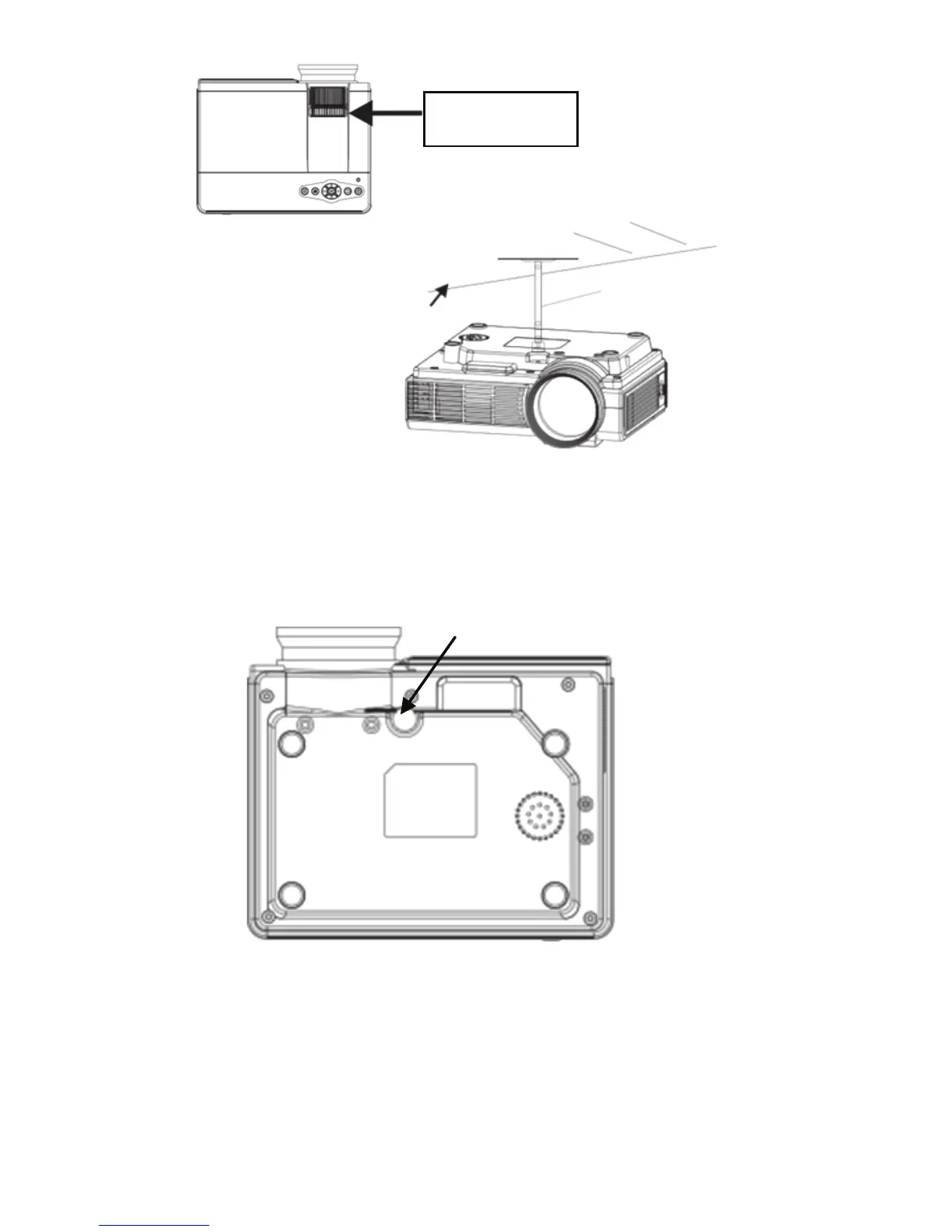
Please refer to the following illustration Projector Ceiling
Note: Do not place the projector near a heat source air conditioners
and heaters, otherwise the machine may overheat and shut down
automatically.When installing the projector, please choose those
adequate strength and hanger screws, so as to avoid quality time or
screw screwed into enough depth and occurs in the projector
falling accident.
Hanger fixing holes
Three.Signal linesConnection
1.Power input socket:when using, please insert the power adapter of
the machine accessories into theDC output terminal, and the other end
of the power adapter is inserted into the mains socket.
2.VGA input socket:with this port can be connected to a computer or
other output socket with VGA video signal.When the projector is
connected to the computer, you can use a VGA cable connection.
After connecting with a VGA cable projector and
7



 To Next Page