Xsupport02@wimius.com
Note:
hen you press the "Reset' button, the values of horizontal and vertical
•II be restored to O
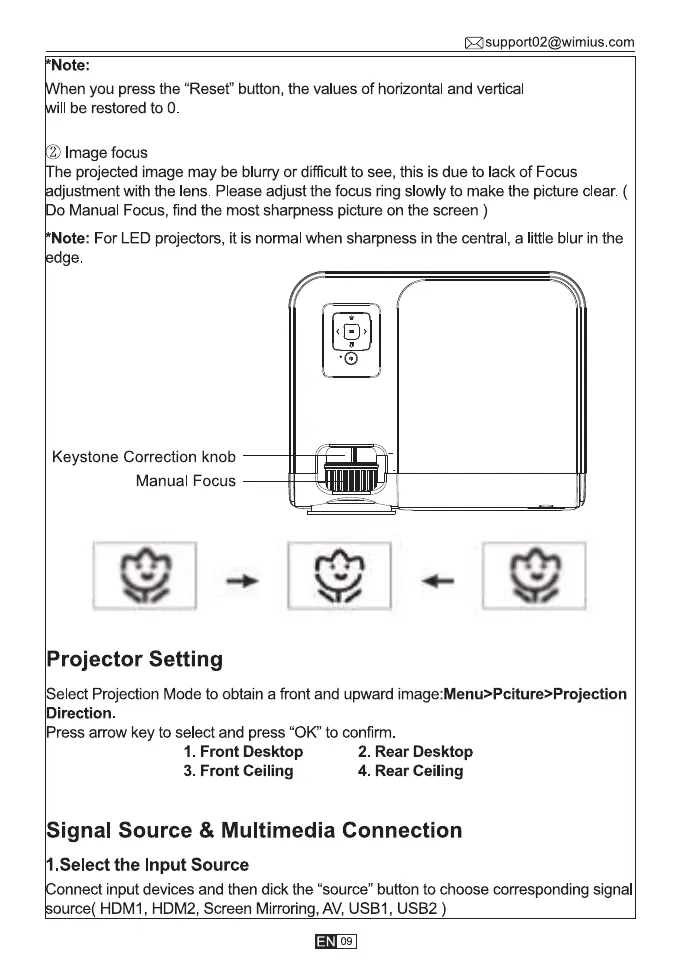
2 Image focus
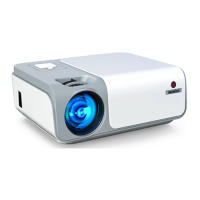
he projected image may be blurry or difficult to see, this is due to lack of Focus
djustment with the lens. Please adjust the focus ring slowly to make the picture clear. (
Do Manual Focus, find the most sharpness picture on the screen )
Note: For LED projectors, it is normal when sharpness in the central, a little blur in the
dge.
Keystone Correction knob
Manual Focus
Projector Setting
Select Projection Mode to obtain a front and upward image:Menu>Pciture>Projection
Direction.
Press arrow key to select and press "0K" to confirm
1. Front Desktop
3. Front Ceiling
2. Rear Desktop
4. Rear Ceiling
Signal Source & Multimedia Connection
1.Select the Input Source
onnect input devices and then dick the "source" button to choose corresponding signal
ource( HDMI , HDM2, Screen Mirroring, AV, USBI , USB2 )
09


 To Next Page