Asupport02@wimius.com
For IOS wired mirroring setting.
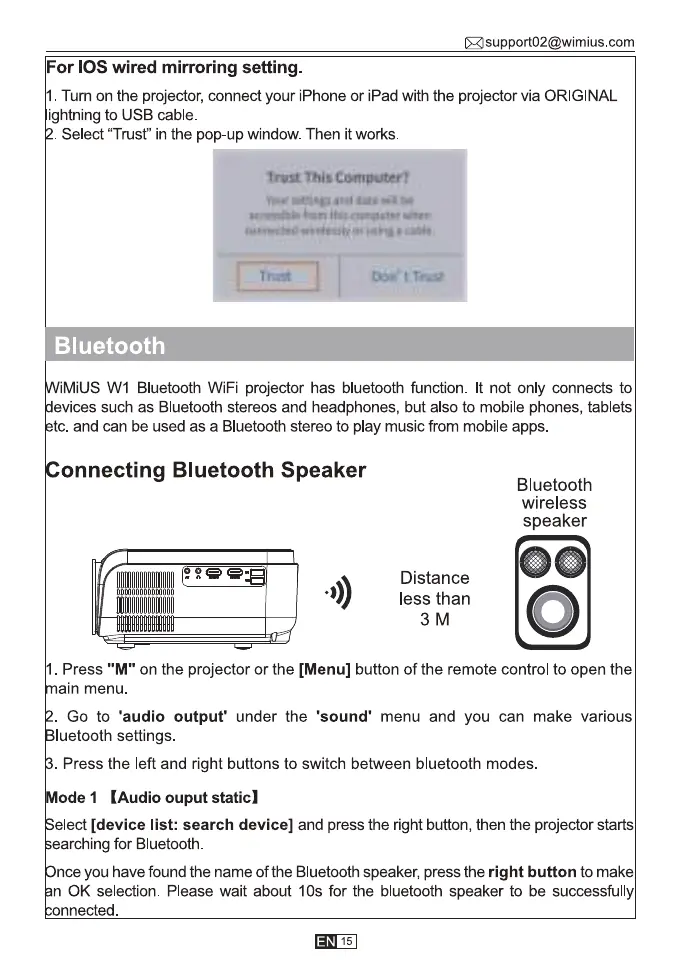
1. Tum on the projector, connect your iPhone or iPad with the projector via ORIGINAL
ightning to USB cable
Select "Trust" in the pop-up window. Then it works.
trust Comgvtev!'
Bluetooth
IMiUS WI Bluetooth WiFi projector has bluetooth function. It not only connects to
evices such as Bluetooth stereos and headphones, but also to mobile phones, tablets
tc. and can be used as a Bluetooth stereo to play music from mobile apps.
onnecting Bluetooth Speaker
o))
Bluetooth
wireless
speaker
oo
Distance
less than
3M
I . Press "M" on the projector or the [Menu] button of the remote control to open the
ain menu.
Go to 'audio output' under the 'sound' menu and you can make various
luetooth settings.
Press the left and right buttons to switch between bluetooth modes
ode I (Audio ouput static)
elect [device list: search device] and press the right button, then the projector starts
earching for Bluetooth.
nce you have found the name of the Bluetooth speaker, press the right button to make
n 0K selection. Please wait about IOS for the bluetooth speaker to be successfu ly
nnected.
15



 To Next Page