Xsupport02@wimius.com
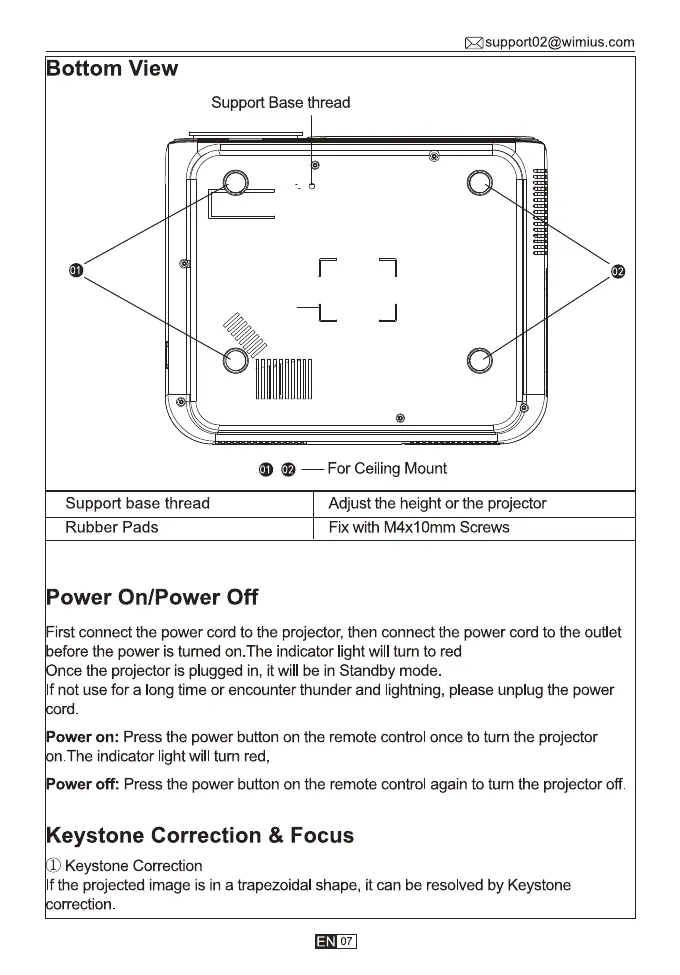
Bottom View
Support Base thread
Support base thread
Rubber Pads
Power On/Power Off
O — For Ceiling Mount
Adjust the height or the projector
Fix with M4x1 Omm Screws
First connect the power cord to the projector, then connect the power cord to the outlet
before the power is turned on. The indicator light will turn to red
nce the projector is plugged in, it will be in Standby mode.
If not use for a long time or encounter thunder and lightning, please unplug the power
rd.
Power on: Press the power button on the remote control once to turn the projector
n.The indicator light will turn red,
Power off: Press the power button on the remote control again to turn the projector off.
Keystone Correction & Focus
Keystone Correction
If the projected image is in a trapezoidal shape, it can be resolved by Keystone
rrection.



 To Next Page