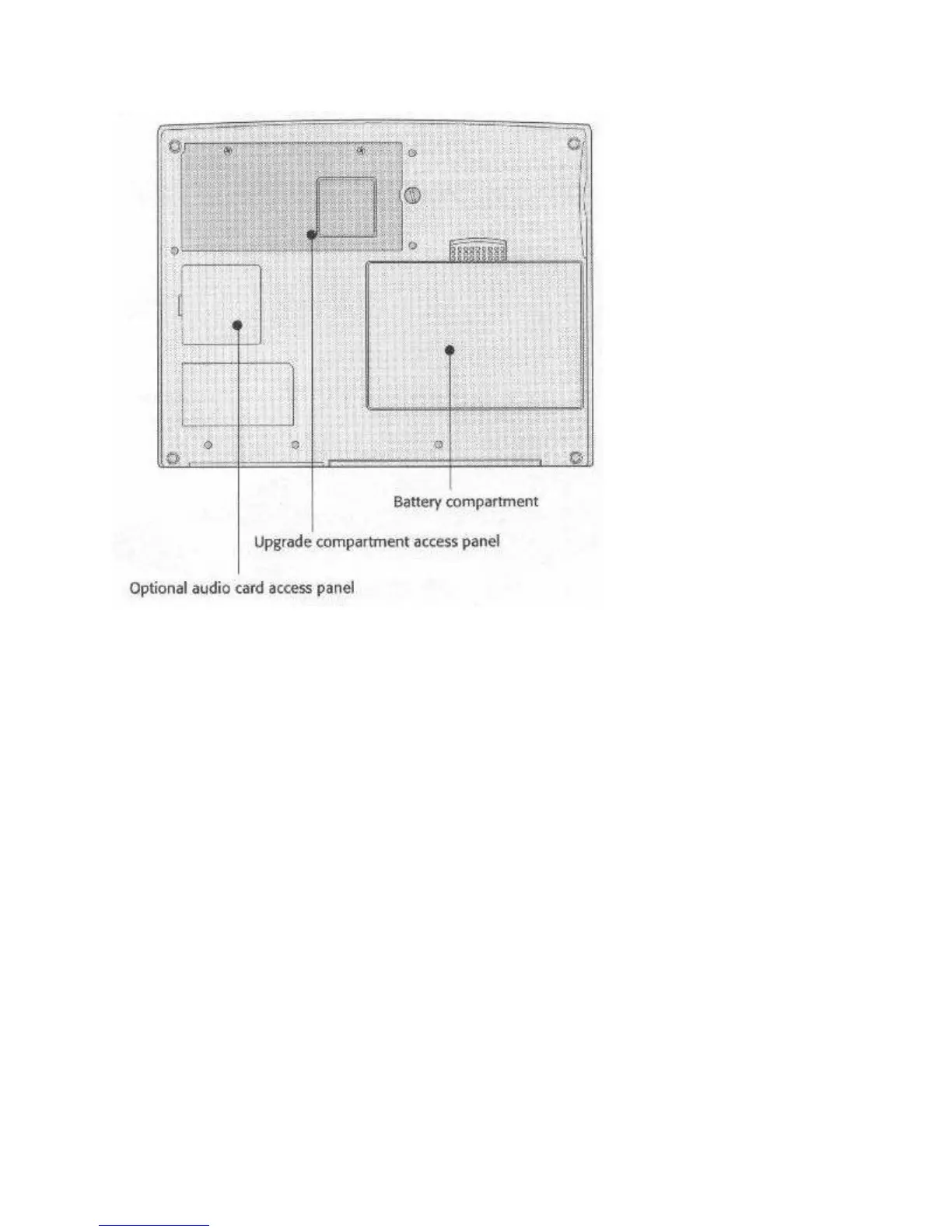
Fig. 6: Underside View
Underside Compartments
The battery, audio card, and memory compartments are on the underside of the computer.
For more information, see Chapter 4 regarding the audio card and Chapter 5 about memory and
hard disk upgrades.
Note
The battery pack has a shipping insert you have to remove before you use the computer:
1. Push the latch slide away from the battery to release it
2. Remove the battery
3. Pull out the insert
4. Replace the battery
The WinBookXP opens like most other notebook computers; there’s a hinge at the back edge
and a latch at the front. Push in on the latch release bar at the front and raise the top half. The
following illustrations show where things are.



 To Next Page