WindSonic Doc No 1405 PS 0019 Issue 25 February 2017
66
Commands and Returns in Low Power Mode (aXLPM!)
Note:- Rolling average data not available.
Use of the aR2!, aR3!, aR4! and aR5! (and their associated aRCn!) commands when the
device is in aXLPM! (low power - continuous) mode, will return a "zero data values ready"
message.
Name Command Gill Output
Not Applicable aR0! Zero Data values ready e.g. 0<CR><LF>
Not Applicable
ARC5! Zero Data values ready e.g. 0AP@<CR><LF>
Start Measurement (Polar) aM! atttn<CR><LF> e.g. a0053
Where a is unit identifier, 005 is measurement time in
seconds and 3 is the number of data readings.
Send Data aD0! a<dir><mag><status><CR><LF>
e.g. 0+083+000.02+00<CR><LF>
Start Measurement (UV) aM1! atttn<CR><LF> e.g. 00053
Send Data aD0! a<U><V><status><CR><LF>
e.g. 0+000.00+000.02+00<CR><LF>
Start Measurement with
CRC (Polar)
aMC! atttn<CR><LF> e.g. 00053
Send Data aD0! a<dir><mag><status><CRC><CR><LF>
e.g. 0+295+000.01+00B{T<CR><LF>
Start Measurement with
CRC (UV)
aMC1! atttn<CR><LF> e.g. 00053
Send Data aD0! a<U><V><status><CRC><CR><LF>
e.g. 0+000.00+000.00+00JZY<CR><LF>
Acknowledge Active a! a<CR>< LF> e.g. 0<CR><LF>
Send Identification aI! a13GillInst 2487 B06 <sn><CR><LF>
e.g. 013GillInst 2487B0611220012<CR><LF>
Change Address aAb! b<CR><LF> e.g. 1<CR><LF>
Address Query ?! a<CR><LF> e.g. 0<CR><LF>
Measurement on demand aXLPM! 0LP<CR><LF>
Continuous Reading aXHPM! 0HP<CR><LF>
WindSonic Doc No 1405 PS 0019 Issue 25 February 2017
67
14.6 Gill Output Message Format
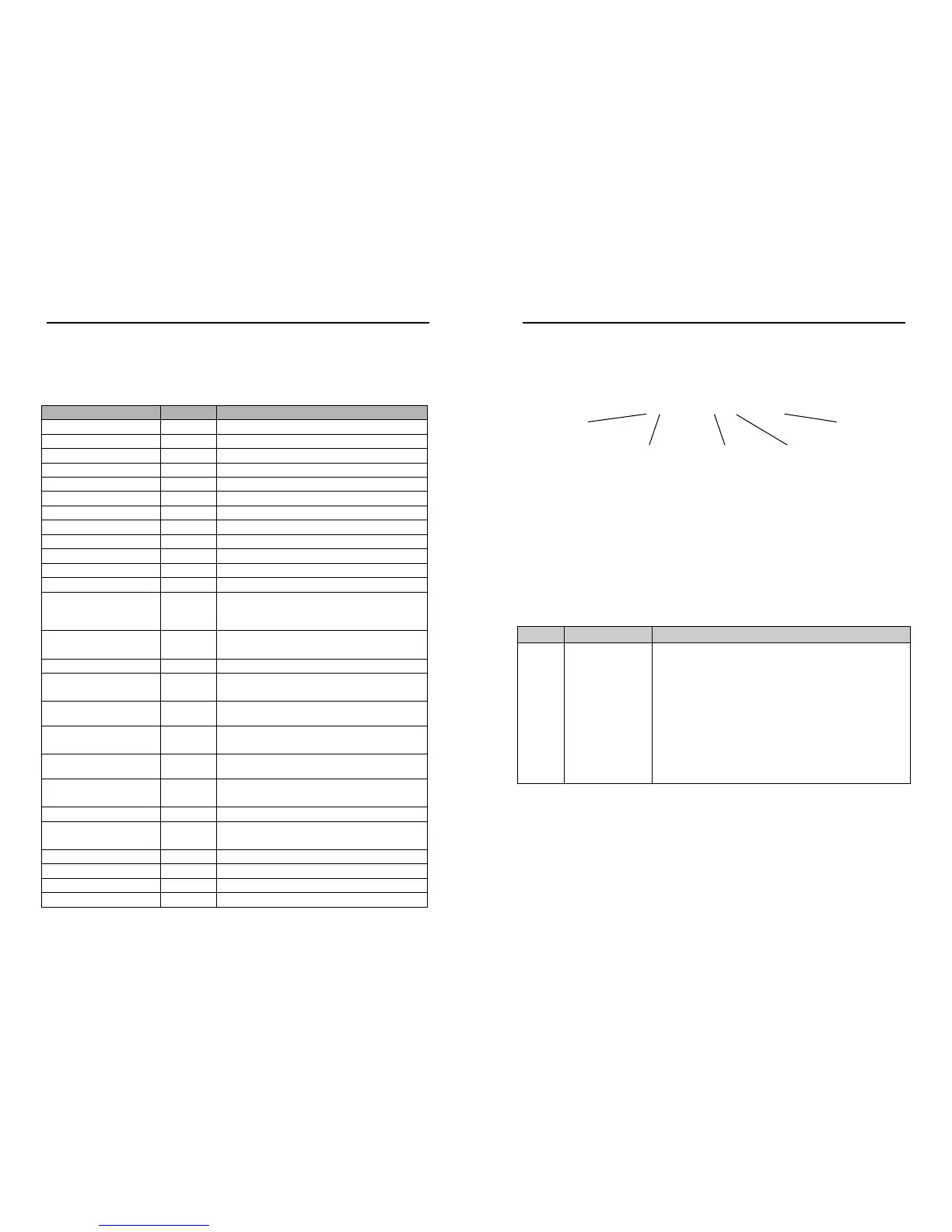
a13GillInst 2487 B06 1120012
Under normal no error conditions a typical data output will show:-
0+083+000.02+00<CR><LF> e.g. Unit ID, Direction, Speed, Status Code.
Under error conditions e.g. blocked paths error code 04 the unit will pad the wind data
with 9’s as follows (Gill Fixed Field setting):-.
0+999+999.9+04<CR><LF> e.g. Unit ID, Direction, Speed, Status Code.
14.7 SDI-12 Status Codes


 To Next Page