22 OFFICESUITE UC
®
—ADMINISTRATOR USER GUIDE
Turning On Voicemail Transcription
Receive your voicemail messages via email along with a transcription of the audio. Check
the box for Enable Voicemail Notification and then select Audio File w/Transcript
from the drop-down list. Monthly charges do apply, see the portal for details.
Turning Voicemailtranscription O
If you wish to turn o Voicemail Transcription, go to the My Voicemail widget on the
Dashboard and select Seings.
To turn o the email notifications, uncheck the Enable Voicemail Notifications at the
top of the screen.
Then, click Save at the boom of the screen to save your changes.
Seing Up Speed Dials and Memory Keys
Your OceSuite UC phone has memory keys that you can easily set up as one-touch
speed dials or to access the powerful features of the system. Seing up your memory
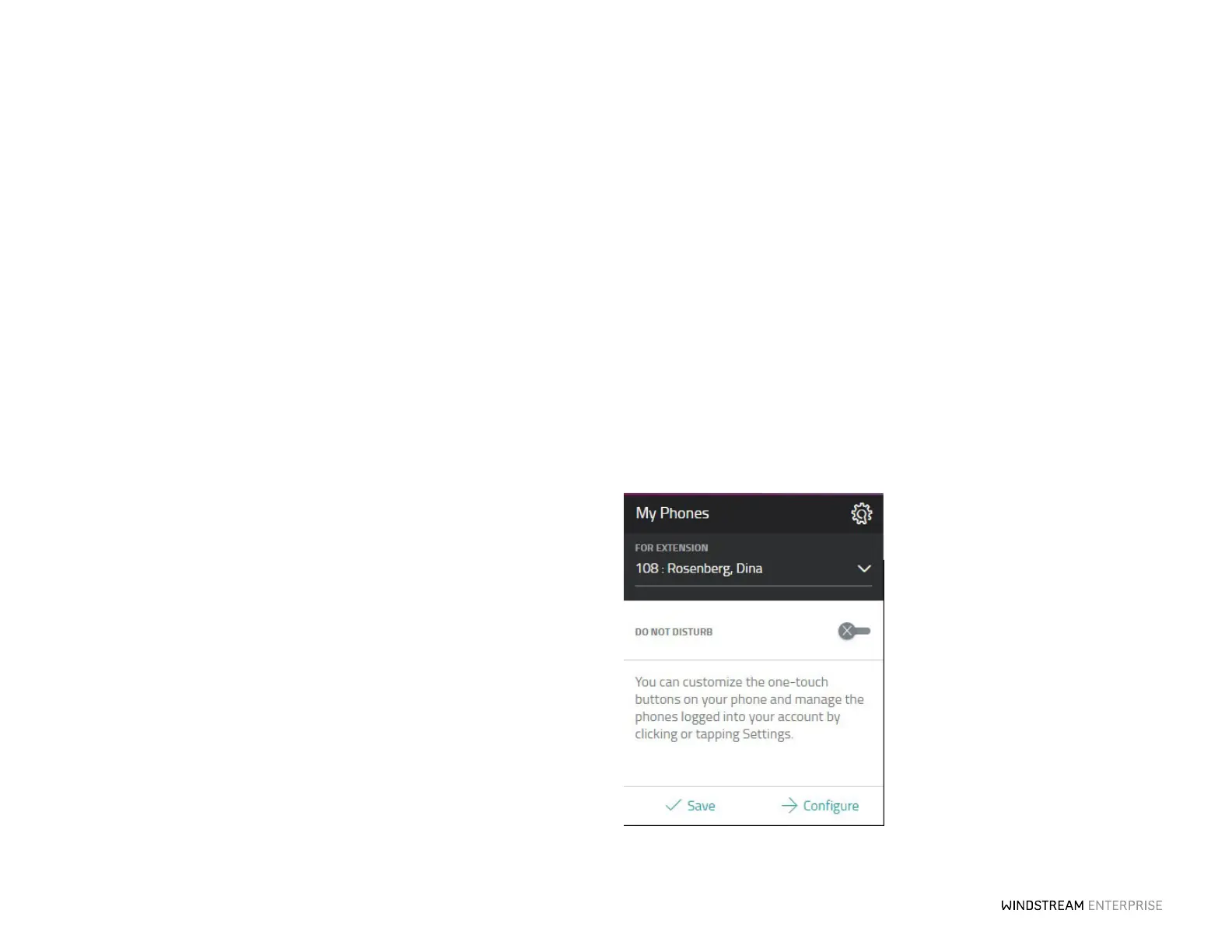
keys is easy. Click Configure from the My Phones widget. Scroll down and you click
any memory key that is not gray. From here, choose the feature you would like to
assign to the memory key. You will notice that when you make a selection there is a
description of what the feature does.
Enter a label for your new memory key and the details. For speed dials, remember to
type a 9 + 1 followed by the 10-digit phone number. Some features you can choose to
turn a feature on or o by selecting active or inactive from the state drop-down, be
sure to click Save and the feature will be instantly saved to your phone and is ready to
be put into action.



 To Next Page