23 OFFICESUITE UC
®
—ADMINISTRATOR USER GUIDE
Forwarding Your Business Calls
to an Outside Phone
OceSuite UC allows you to forward any of your calls to any outside number so you can
work from anywhere. To program this, simply go to the My Call Forwarding widget on the
WE Connect Dashboard and click More. Look for Call Forwarding (Immediate) and
choose Another Phone. From there, select Phone Number and enter the 10 digit number
that you wish to forward your calls. Click Save Call Forwarding (Immediate) to Activate.
To Inactivate the feature, choose None and click Save Call Forwarding (Immediate).
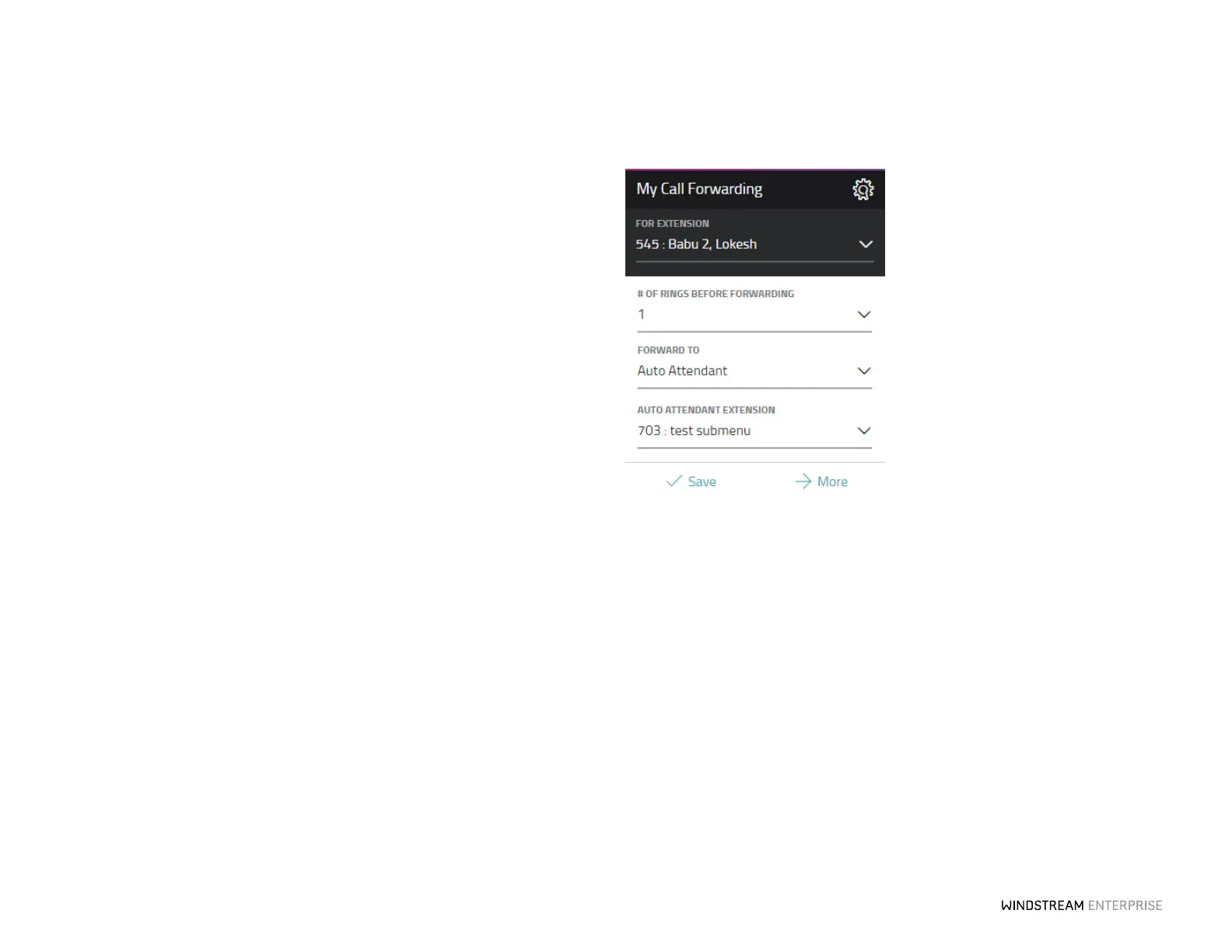
Seing Up Call Forwarding for Unanswered Calls
Unanswered calls can be forwarded to voicemail, an auto aendant, another employee
on the system, or any another phone, anywhere. Use the My Call Forwarding widget on
the WE Connect Dashboard to set up call forwarding. Select the extension you wish to
forward from the drop-down list, then select the number of rings (from 1 to 20) and
choose one of the forward options from the drop-down.
If you select Another Phone Number, enter an external number starting with the area
code. Press Save when done to save your call forwarding configuration.



 To Next Page