You will be prompted to set
up the remote. Select Setup
Remote Later to do this at a later
time.
Select Watch DIRECTV.
The receiver will run Data Feed
and Guide Feed Tests for a few
moments.
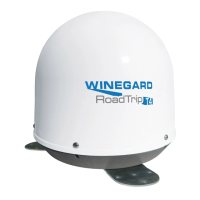
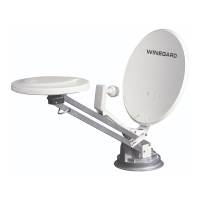
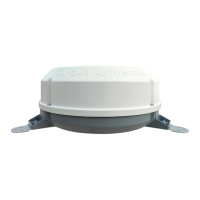
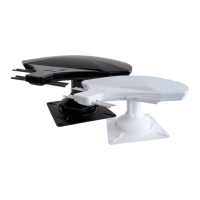
The Mission antenna will operate with most DIRECTV receivers. Winegard does
not recommend using receivers with hard drives not recommended by the
manufacturer for mobile applications. Winegard does not recommend using an
HD receiver since HD programming will not be available.
11
Mission Antenna 14
10
12
Receiver Recommendations



 To Next Page
 Loading...