EasyManua.ls Logo

WingScapes Audubon BirdCam WSCA06 - User Manual

Default Icon
52 pages
Print Icon
To Next Page IconTo Next Page
Loading...
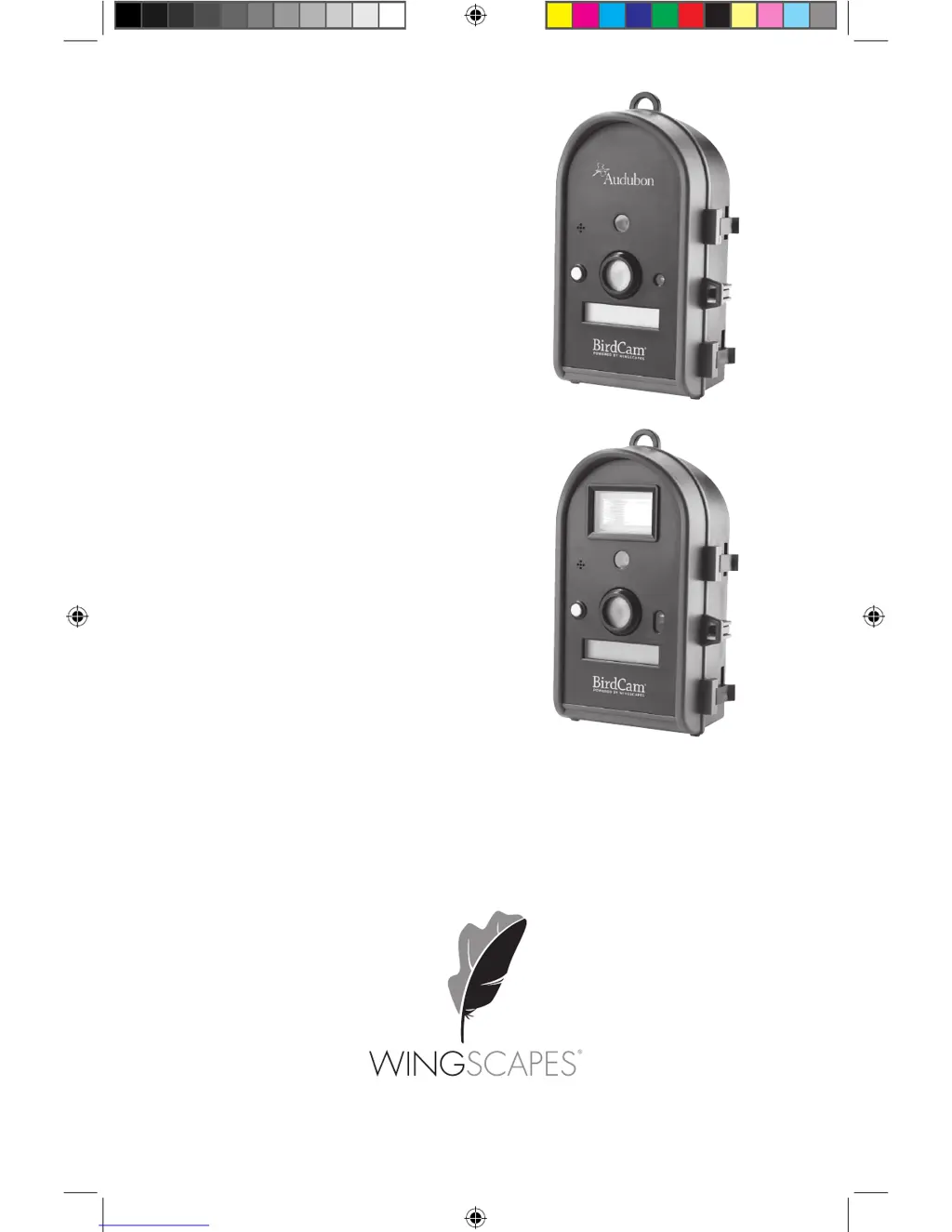
BirdCam
®
User’s Guide
For Models:
WSCA02 - BirdCam
®
2.0 w/ Flash
WSCA03 - Audubon BirdCam
®
(5 MP)
WSCA06 - Audubon BirdCam
®
(4 MP)
Rev. 01/11
33131 birdcams_userguide_01_2011.indd 1 12/2/10 9:40 PM

Questions and Answers

Summary

Quick Start Guide

Getting to Know the BirdCam

Wingscapes BirdCam Specifications

Details technical specifications like resolution, memory, lens, and weight.

Mounting the BirdCam

Important Mounting Considerations

Key factors to consider for optimal BirdCam placement and stability.

MODE Menu

Navigating Operating Modes

Instructions on how to access and switch between AUTO, MANUAL, and TIMELAPSE modes.

SETUP Menu

Resetting to Factory Defaults

Details on how to reset all settings to factory default via the RESET TO EASY? option.

AUTO Mode

MANUAL Mode

TIMELAPSE Mode

Accessing Photos and Videos

Troubleshooting

Solutions to Common Problems

Guidance for resolving typical issues like too few/many photos or dark images.

WingScapes Audubon BirdCam WSCA06 Specifications

General IconGeneral
BrandWingScapes
ModelAudubon BirdCam WSCA06
CategoryScouting Camera
LanguageEnglish

Related product manuals