14
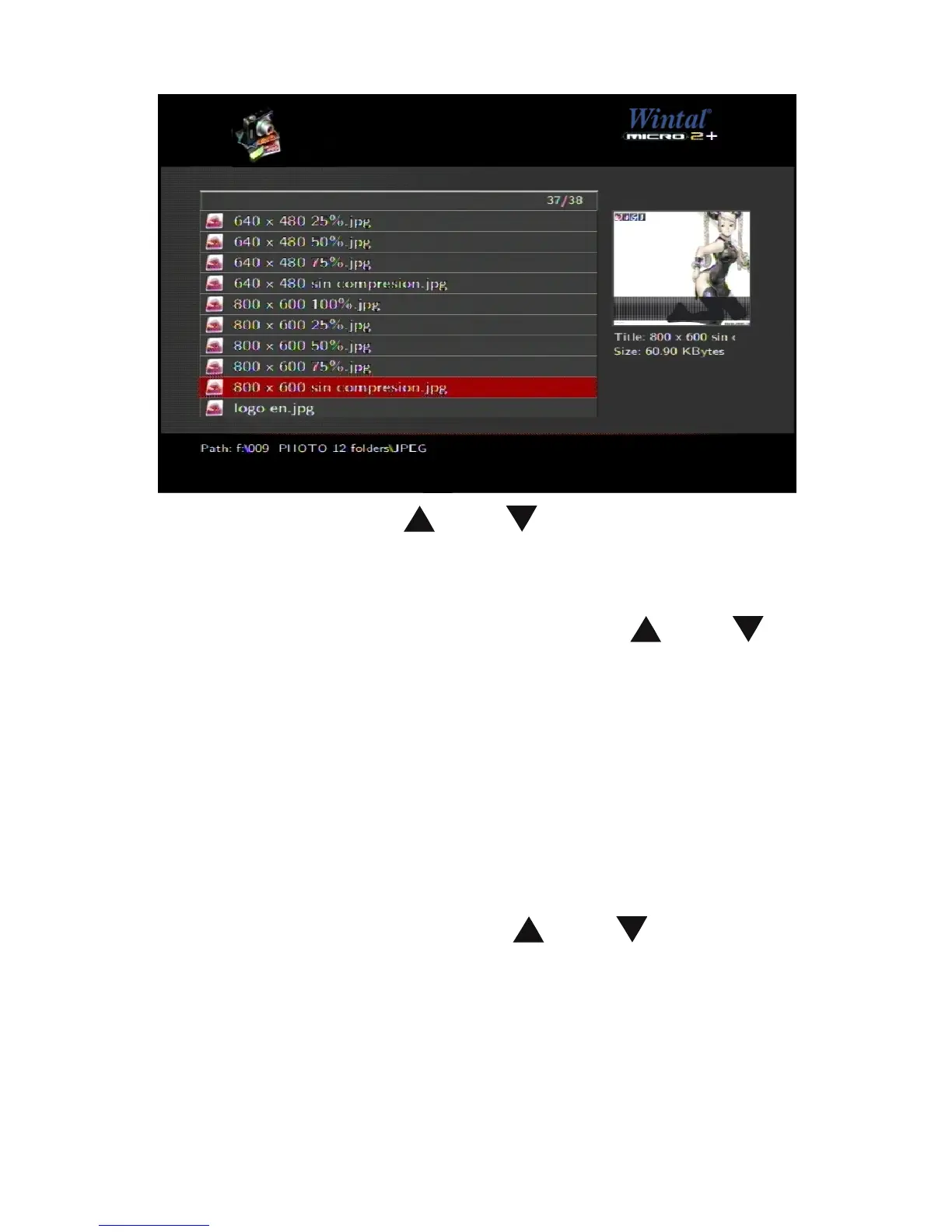
Enter the folder press and to select the photo you
want to view and press “OK”, the photo is displayed full
screen.
When you browse the photo, press the
and key
to view the previous or next photo. If you want to playback
some music during the slideshow, simply make sure that
you copy your music file(s) in the same directory as the
pictures.
Music play mode
Enter a storage device and the files under the current
directory will be listed. Press
and to select the
folder containing your audio files.


 To Next Page