16
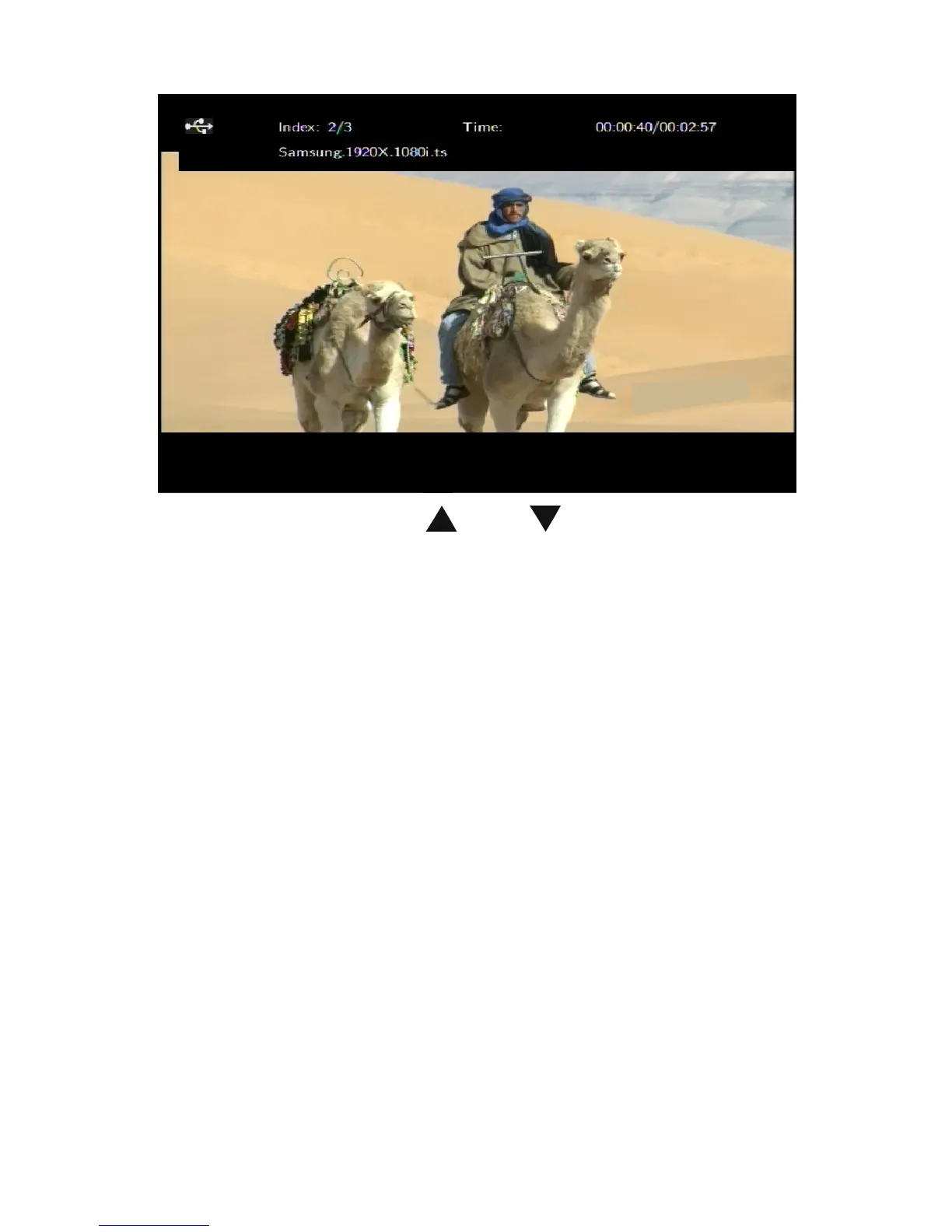
Enter the folder press and to select the movie
you want to view and press OK the movie is played full
screen. The Product supports multiple video formats,
including RM, RMVB, AVI, MPG, VOB, DAT and so on.
In addition, the Product also supports breakpoint movie
play. Next time you play the movie, there will be a prompt:
“is play from the breakpoint”. If you choose to “YES”, the
movie will start from where it stops last time.
Subtitle
The media player supports subtitle file formats including
SSA, SUB, SRT. Make sure the subtitle file and the video
file are in the same folder and the same name. When
playing the file, press SUBTITLE button to show / hide the
subtitle setup menu and realize subtitles settings. If using
external subtitles in a movie, press the arrow keys on the


 To Next Page