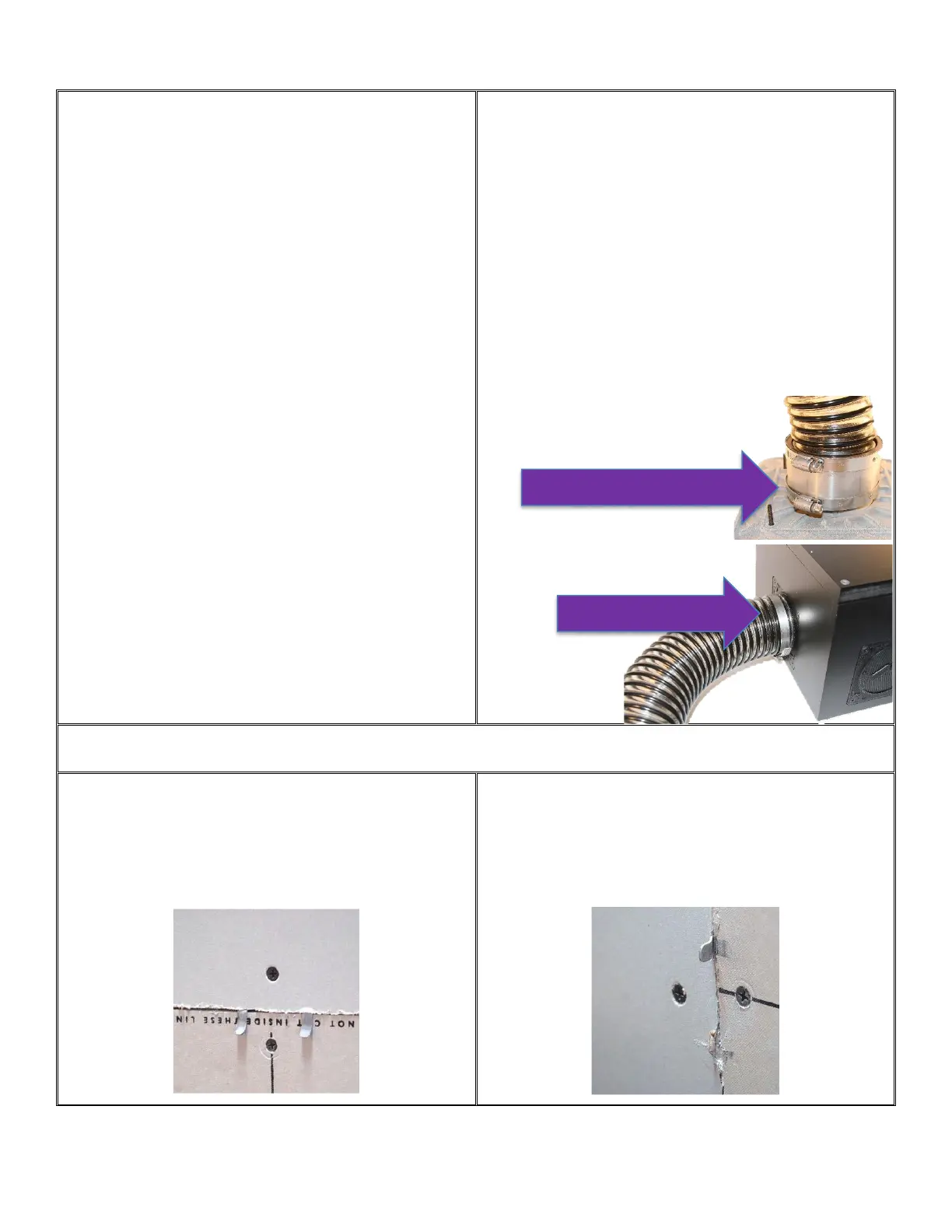
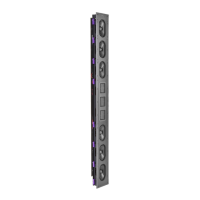
Step 4 – ICS3 and SUB1 Wiring
Make speaker wire connections on the back of the ICS3
enclosure or the SUB1 band-pass box prior to continuing to the
next step.
We strongly recommend using some strain relief on the speaker
wire to ensure the connection remains in place during
construction.
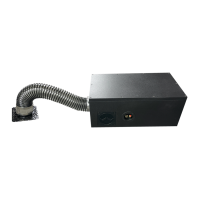
Step 5 - SUB1 Port Tube Connection
Attach to the rear of the Clamping Plate using the screw down
collar. Tighten the clamps on both ends of the port tube. Take
care not to kink the tube. The minimum distance needed to make
a 90-degree bend is 4-1/2 inches (115mm).
The clamp should fit snug before being tightened. If not, flip the
clamp and check again. The inside of the clamp has slightly
smaller inside dimensions for the side to be used with the
snorkel and slightly larger inside dimension for the side to be
used with the mounting plate.
NOTE: Bass Snorkel Tube length is not to be altered as it will
severely impact the operation of the subwoofer.
NOTE: Once the drywall work is complete, there is no easy access to the speaker terminals or the SUB1 port
tube attachments on the back of the enclosure.
Step 6 - Installing Drywall – Fit & Screw
Have the drywall contractor fit & install the drywall around the
mounting platform being sure to fasten at least one 1-1/4”
(32mm) drywall screw to each patch clip location.
Step 7 - Installing Drywall – Snap
After all drywall has been hung and patch clips are fastened, snap
off the patch clip tabs as shown below using a pair of pliers.
Two Clamps at Mounting Platform
(5/16 or 8mm socket)
One Clamp at SUB1
(7/16 or 11mm socket)


 To Next Page