II. What's in the box?
-1× Mini USB Camera
-1x USB Cable
-1x DC5V 1A USB Charger Adapter
III. Get the camera ready
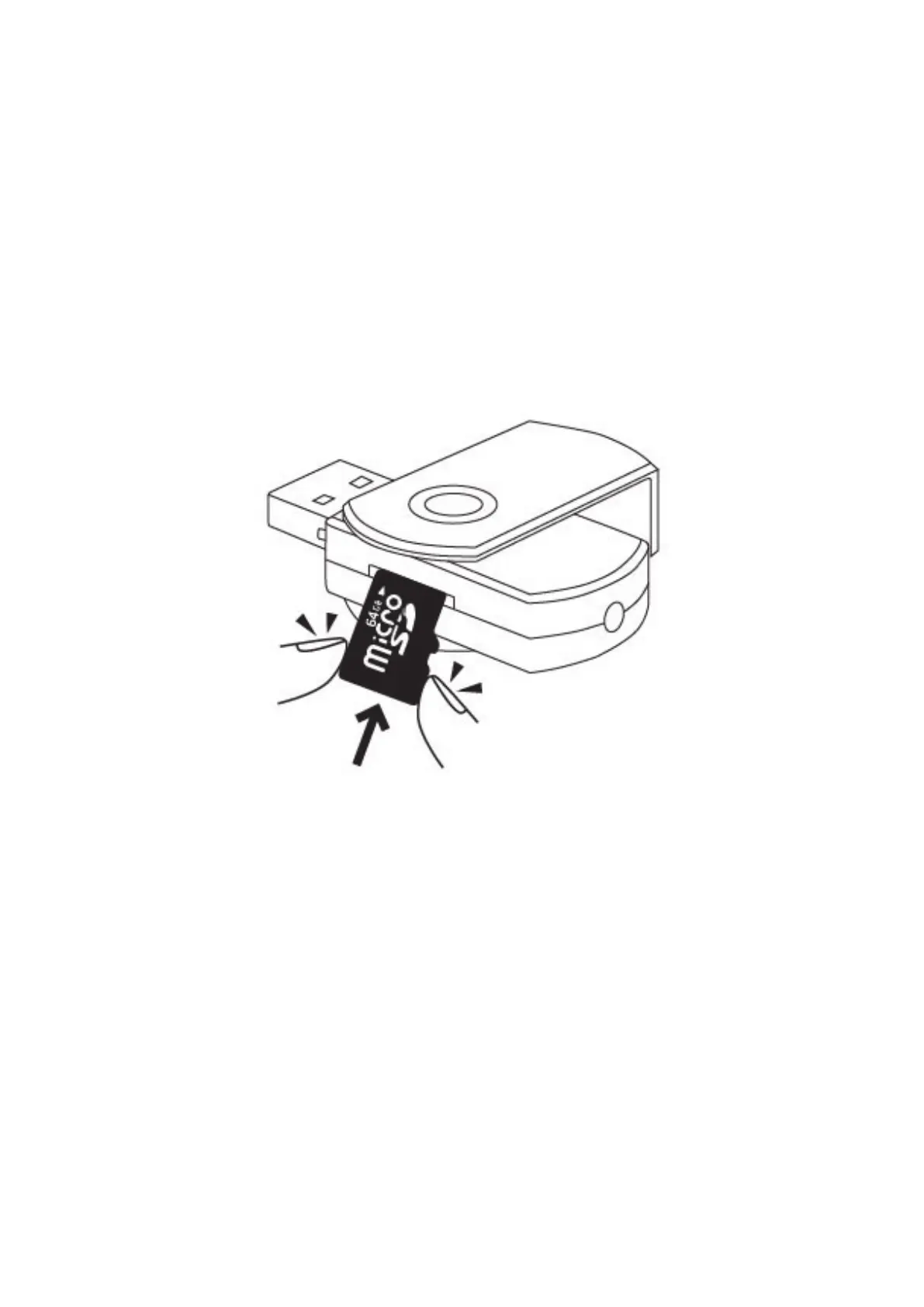
3.1 Make sure a micro sd memory card was inserted into this camera already.
3.2 Recharge this camera for about 30 minutes. Please refer to chapter 8.1 for the charging method.
3.3 Make sure that the camera lens is not covered by the removable wing.
3.4 Rotate the removable wing to reveal the USB port.
IV. Record video
4.1 Hold down the power button for 2 seconds to turn on the camera, the blue indicator light will be
solid on.



 To Next Page