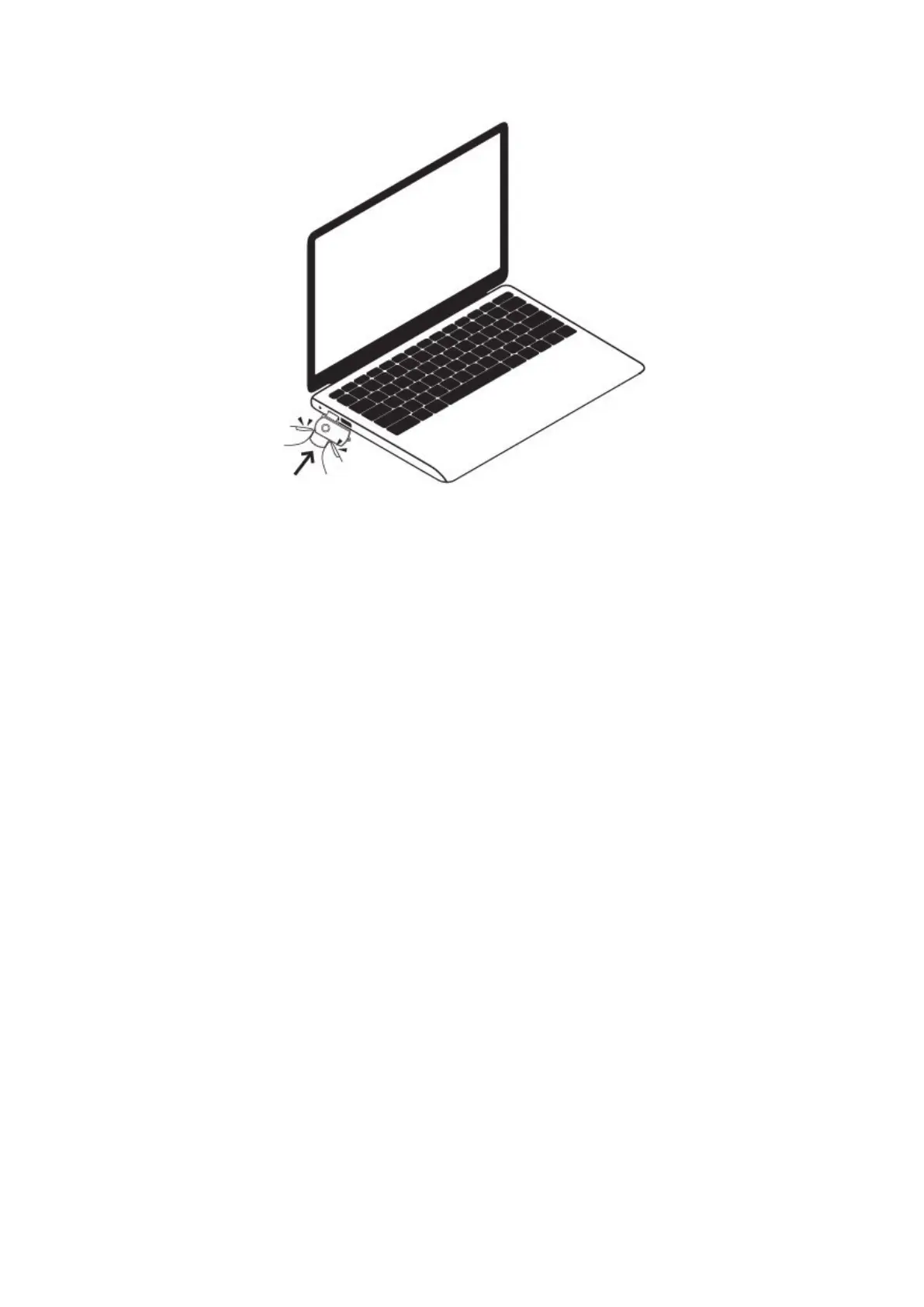
6.3 Removable disk drive appears.
6.4 Click on the drive in the root directory, then open or create a file named “TIME.txt” inside the
root directory.
6.5 Input the current date and time in the “TIME.txt” file with the correct format:
YYYY-MM-DD HH:MM:SS Y (For example: 2021-08-26 15:16:39 Y). If you don’t need the time stamp
on the video footage, change “Y” into “N” (For example: 2021-08-26 15:16:39 N).
6.6 Save this file, remove this camera from the computer.
6.7 The system will upgrade the program automatically after you restart this camera.
VII. Video/image files upload
7.1 Turn off this camera.



 To Next Page