WT901SDCL | manual v0707 | http://wiki.wit-motion.com/english
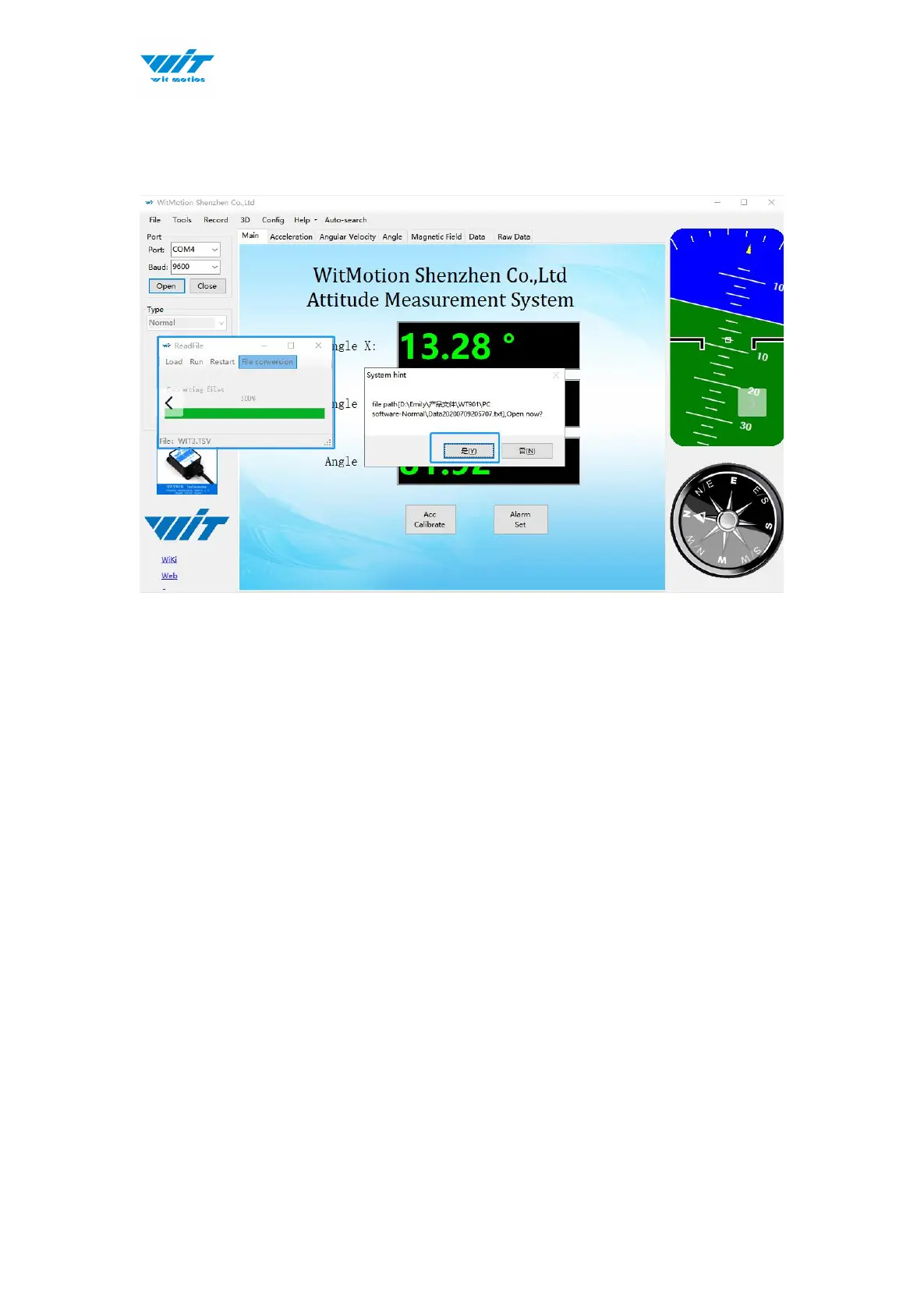
Step 2: After the conversion reaches 100%, it will pop up whether to open the
converted document and the path of the converted document.
Step 3: Click “Yes” to open the document as shown in the figure below, 1
represents the time to convert the document, 2 represents the time to convert
the data, and 3 represents the time to record the data.



 To Next Page