WT901SDCL | manual v0707 | http://wiki.wit-motion.com/english
2.1.3 Software Preparation
Step 1. Unzip the software and install the driver CH340
Link to CH340 driver
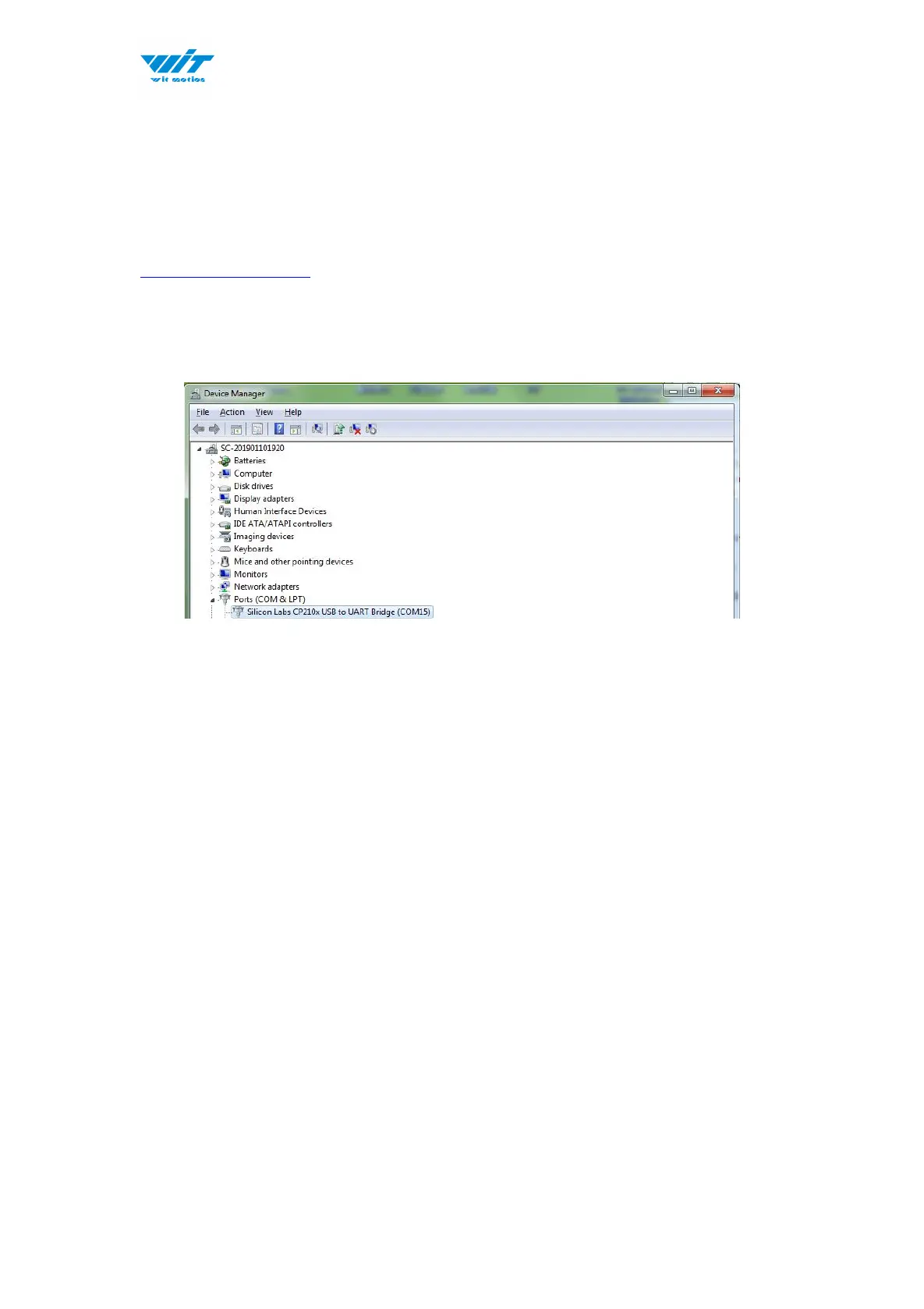
Step 2. Plugin the converter to computer and confirm the “com port” in device
manager
Step 3. Open the software(Minimu.exe)
Data will appear after auto-search finishes
Notice: If not successful, please operate manually
Choose the com port and baud rate 9600, data will be shown on the software.



 To Next Page