4. Software usage method
3.1 Connecting to an App
https://wit-motion.yuque.com/wumwnr/bf4d0f/bgclg0g6g1nm3qk7?singleDoc#
3.2 Connecting the Host Computer
Download from upper computer:
https://wit-motion.cn/#/witmotion/literature/download?id=1526108478018232321
First, automatic search:
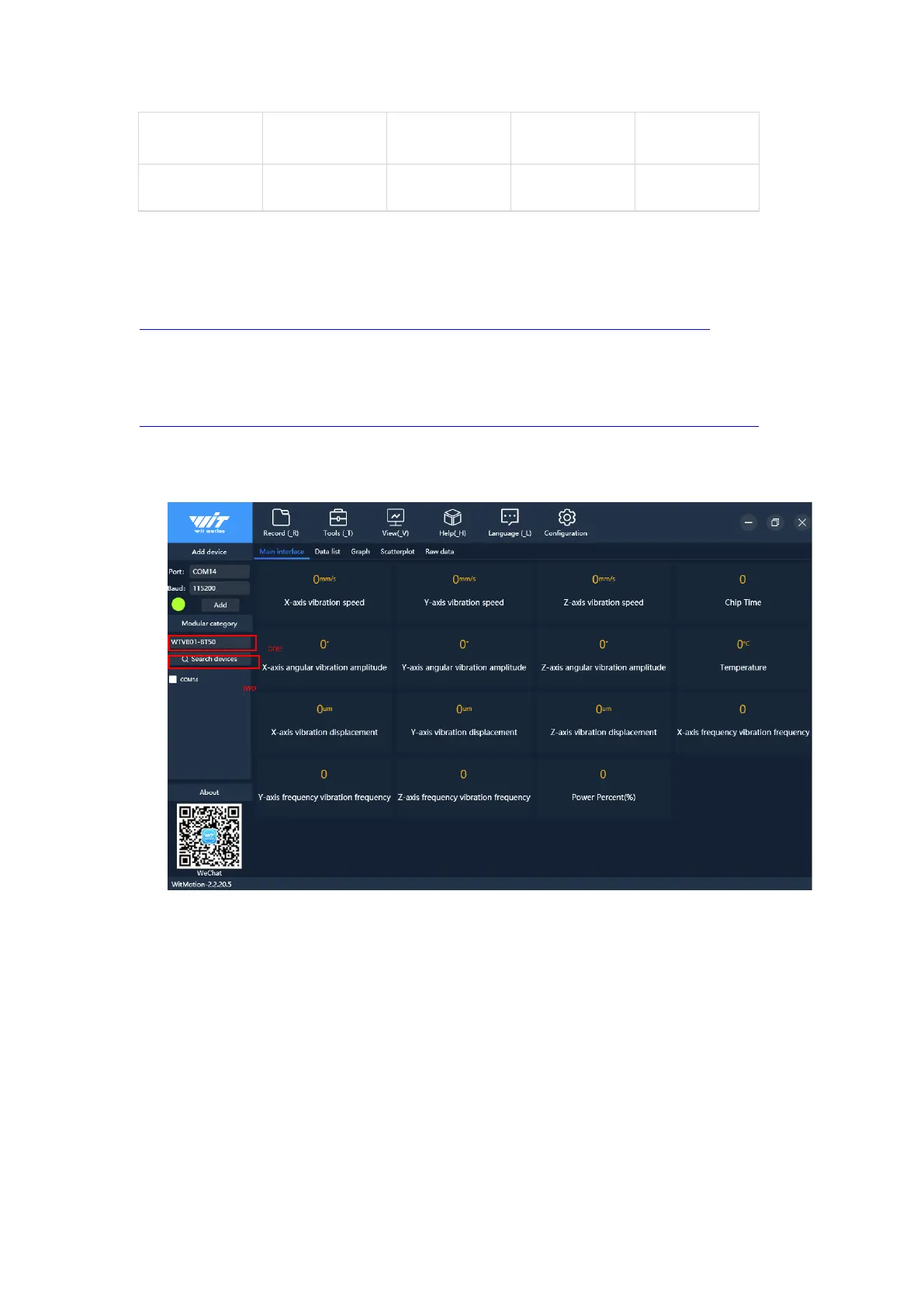
1. Search for the sensor model.
2. Click Search Device and select Bluetooth device WTVB01_BT50.
After successful connection, data can be displayed on the software, as shown in the
figure below:



 To Next Page