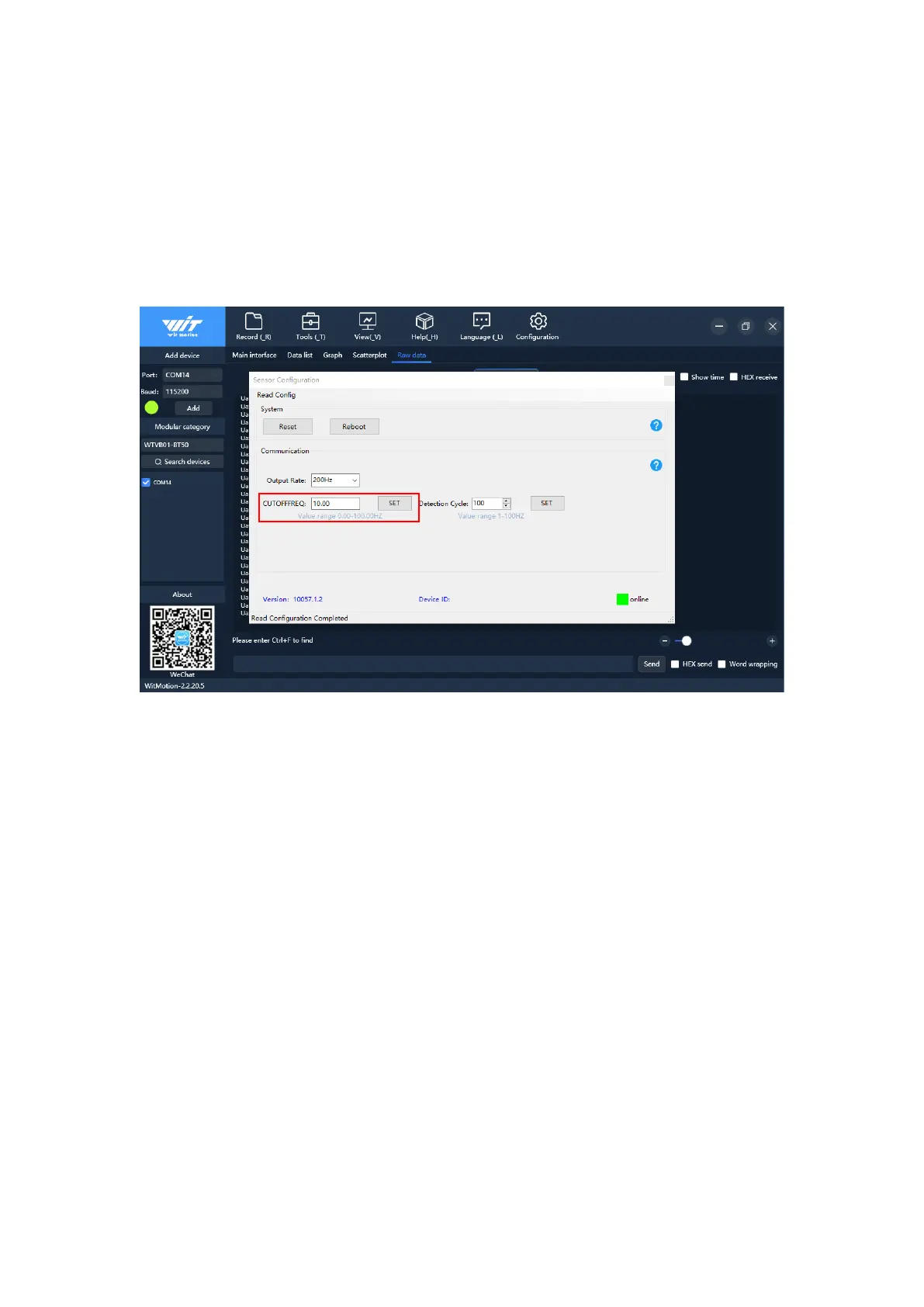
used in this way (excitation with amplitude sinusoidal signal, constantly changing
the frequency, the corresponding frequency when the output amplitude decreases to
0.707 times of the input is the cutoff frequency. The output amplitude is greater
than or equal to 0.707 times the frequency range of the input amplitude, that is,
the working frequency range. We can change the cut-off frequency to filter out
clutter of other frequencies. For example, the frequency of other clutter is 30Hz,
and the sensor works at 50Hz, so we may as well set the cut-off frequency to 40.0
and 50.0Hz.
4.4 Detection Cycle
Open "Configuration", click the drop-down menu of "Detection cycle" in the sensor
configuration interface, and select the corresponding detection cycle to set the
detection cycle (the default detection cycle is 100Hz, and the detection cycle can
be considered as the number of output packets per second), as shown in the figure:



 To Next Page