EasyManua.ls Logo

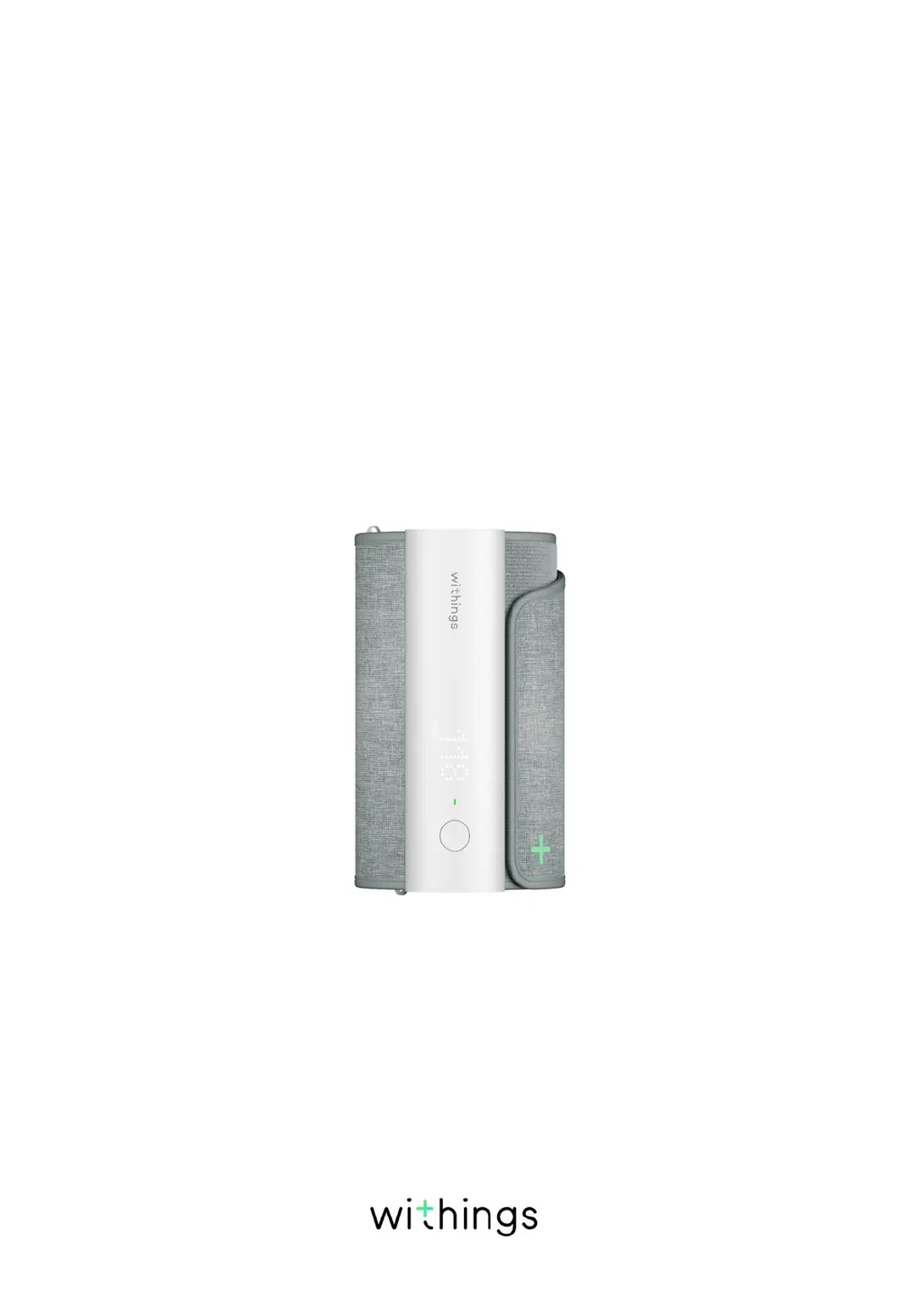
Withings BPM Connect - User Manual

Withings BPM Connect
43 pages
Print Icon
To Next Page IconTo Next Page
Loading...
EN-1
BPM Connect
v1.0 | July 2019
BPM Connect
Wi-Fi Smart Blood Pressure Monitor
Installation and Operating Instructions

Other manuals for Withings BPM Connect

Questions and Answers

  • M
    Michael MclaughlinJul 27, 2025
    Why won't the Withings Blood Pressure Monitor cuff inflate?
    • P
      Paul KelleyJul 27, 2025
      If the cuff of your Withings Blood Pressure Monitor cannot be inflated, or the air pressure cannot rise, check the cuff position and make sure it is correctly fastened before remeasuring. Also, verify the connection between the blood pressure monitor and your iOS or Android device.
  • H
    Heather GilesJul 31, 2025
    How to fix low battery on Withings BPM Connect Blood Pressure Monitor?
    • R
      Ryan GloverJul 31, 2025
      If the low battery icon is displayed on your Withings Blood Pressure Monitor, reload the device using the cable provided.
  • K
    kimberlyfosterAug 5, 2025
    What to do if the Withings BPM Connect Blood Pressure Monitor can't take a measurement and shows an error?
    • U
      ufrederickAug 5, 2025
      If your Withings Blood Pressure Monitor measurement cannot be taken and the application shows an error message, try the following: * Re-fasten the cuff. * Relax and sit down. * Keep the cuff level with your heart during the measurement period. * Keep silent and stay still during the measurement. If you have a severe heart issue, the blood pressure may not be measured correctly.
  • L
    Lisa ClarkAug 8, 2025
    Why does my Withings Blood Pressure Monitor give different readings than at the doctor's office?
    • C
      Courtney CampbellAug 9, 2025
      Under normal circumstances, measurements taken with the Withings Blood Pressure Monitor may differ from those taken in a medical setting due to variations in environment and changes in your body's physiological or psychological status. Share your recorded values with your physician or healthcare practitioner.
  • J
    Jose CooperAug 13, 2025
    What to do if Withings Personal Care Products blood pressure cannot be taken?
    • B
      Bradley GarciaAug 13, 2025
      If your blood pressure cannot be taken and the application shows an error message, try the following: * Re-fasten the cuff. * Relax and sit down. * Keep the cuff at the same level as your heart during the measurement period. * Keep silent and still during the measurement. If you have a severe heartbeat problem, your blood pressure may not be read correctly.
  • A
    Ashley JohnsonAug 17, 2025
    Why Withings Personal Care Products inflation action cannot be performed?
    • C
      Christopher PetersAug 17, 2025
      If the inflation action cannot be performed or the air pressure cannot rise, check the cuff position and fasten it correctly, then remeasure your blood pressure. Also, check the blood pressure monitor's connection to the iOS or Android device.
  • R
    Richard MontesAug 22, 2025
    How to fix low battery icon on Withings Personal Care Products?
    • T
      Tristan WernerAug 22, 2025
      If the low battery icon is displayed on the device, charge it using the cable provided.

Summary

Minimum Requirements

Internet Access

Details internet connectivity needed for setup, app download, and firmware updates.

Smartphone or Device

Specifies requirements for iOS or Android devices, including Bluetooth Low Energy and Wi-Fi.

OS Version

Outlines the minimum required operating system versions for iOS and Android devices.

Health Mate App Version

Emphasizes the need for the latest Health Mate app version for full functionality.

BPM Connect Description

Overview

Provides a general description of the BPM Connect, its purpose, and key benefits for users.

Box Contents

Lists all the components and accessories included in the BPM Connect product packaging.

Product Description

Details the physical components of the BPM Connect device with visual illustrations.

Setting Up BPM Connect

Installing the Health Mate App

Step-by-step guide to download and install the Health Mate mobile application on your device.

Installing BPM Connect

Instructions for setting up the BPM Connect device with a new or existing Health Mate account.

Using BPM Connect

Positioning for Measurement

Guidelines on proper body posture and arm placement for accurate blood pressure readings.

Taking a Measurement

Step-by-step instructions on how to perform a blood pressure measurement using the device.

Understanding Blood Pressure

US and Canada Guidelines

Explains blood pressure categories and readings according to US and Canadian standards.

EU and Other Country Guidelines

Details blood pressure categories and readings based on European Society of Hypertension guidelines.

Viewing Measurement History

Describes how to access and view past blood pressure and heart rate measurements in the Health Mate app.

Advanced Insights (iOS Only)

Purchasing Hy-Result

Instructions on how to purchase and enable the Hy-Result feature for deeper analysis.

Managing Your Data

Sharing Data with Doctor (iOS)

Steps to share blood pressure measurements and reports with a healthcare provider via the app.

Sharing with Apple Health

Guide to syncing blood pressure and heart rate data with Apple Health.

Sharing with Google Fit

Instructions for sharing heart rate measurements with Google Fit.

Deleting Data

Procedure for removing specific blood pressure or heart rate measurements from the Health Mate app.

Dissociating BPM Connect

Cleaning and Maintenance

Cleaning the BPM Connect

Guidelines for cleaning the BPM Connect device and its cuff safely and effectively.

Recharging the BPM Connect

Instructions on how to charge the BPM Connect using the provided USB cable.

Factory Resetting BPM Connect

Steps to perform a factory reset on the BPM Connect device to clear all data.

Safety Instructions

Use and Storage

Recommendations for proper product usage, operating temperatures, and storage conditions.

General Safety Precautions

Important safety warnings regarding device operation, patient conditions, and usage restrictions.

Service and Maintenance

Information on device repair, troubleshooting, and contacting customer service for assistance.

Cautions

Specifications

BPM Connect Dimensions and Circumference

Details the physical dimensions and cuff circumference compatibility of the BPM Connect.

Materials and Sensors

Lists the materials used in the device construction and its sensor components.

Connectivity Options

Specifies the wireless connectivity methods supported by the BPM Connect, such as Bluetooth and Wi-Fi.

Storage and Memory

Information on data storage capacity on the device and synchronization limits.

Technology and Accuracy

Details the measurement method, range, accuracy, and inflation technology used by the device.

Certifications and Standards

Lists the regulatory approvals and international standards the device complies with.

Metrics and Battery Life

Details the measured metrics (blood pressure, heart rate) and the device's battery performance.

Compatible Devices and OS

Lists the supported operating systems and specific devices for use with BPM Connect.

Document Release Overview

Warranty Information

Regulatory Statements

Withings BPM Connect Specifications

General IconGeneral
Measurement MethodOscillometric
ConnectivityWi-Fi, Bluetooth
Power SourceRechargeable battery
CompatibilityiOS, Android
TypeUpper arm
Pulse Rate Range40-180 bpm
Accuracy Blood Pressure±3 mmHg
Accuracy Pulse Rate±5%
Battery LifeUp to 6 months
Mobile AppWithings Health Mate
DisplayLED
Cuff Circumference22-42 cm
Data StorageCloud storage via app
Diastolic Range40-200 mmHg

Related product manuals