EN-8
BPM Connect
v1.0 | July 2019
Setting up BPM Connect
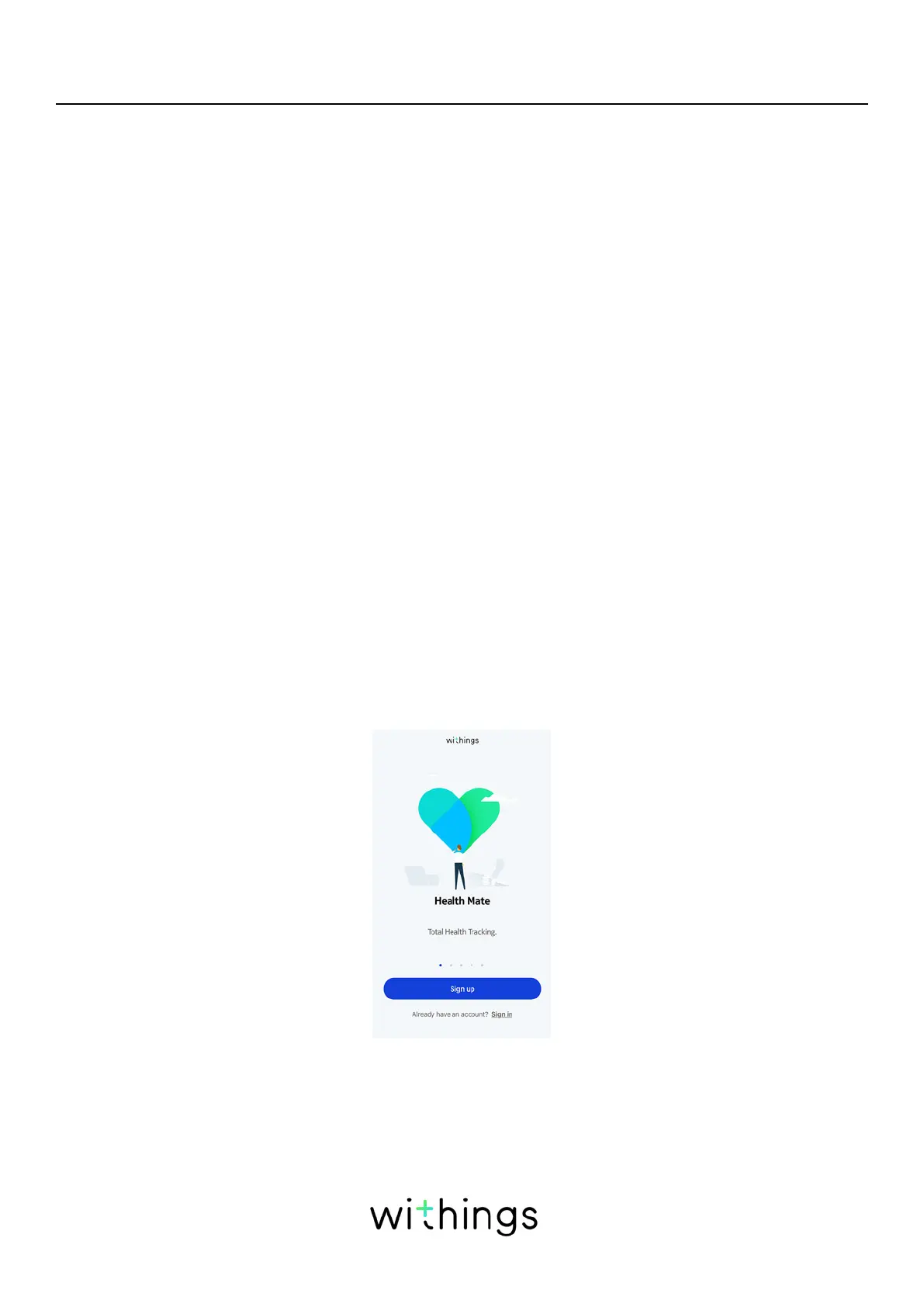
Installing the Health Mate app
If the Health Mate app is not already installed on your device, perform the
following steps:
1. Type go.withings.com in your device’s web browser.
2. Tap Download on the App Store or on the Play Store.
3. Tap Get.
The installation process starts.
When a new version of the Health Mate app is available, you will automatically be
prompted to update it.
Installing BPM Connect
I’m new to Health Mate
If you don’t already have a Health Mate account, you have to create one in order
to set up and use BPM Connect.
If you already have an account, refer to "I already have a Health Mate account" on
page12.
To install BPM Connect, perform the following steps:
1. Open the Health Mate app.
2. Tap Sign up.


 To Next Page