EasyManua.ls Logo

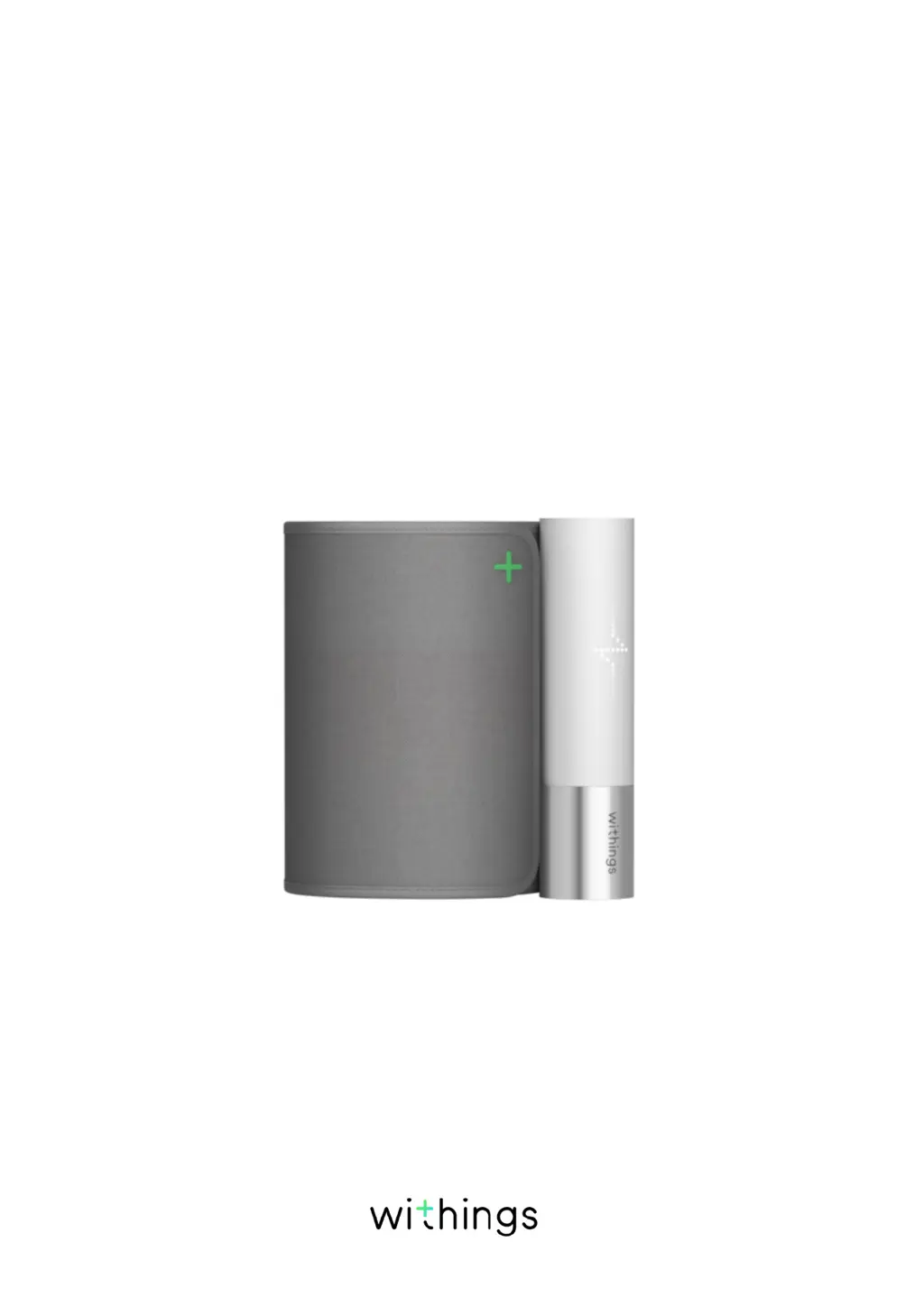
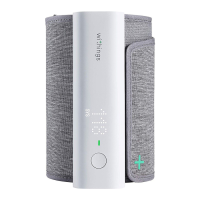
Withings BPM Core - User Manual

Withings BPM Core
51 pages
Print Icon
To Next Page IconTo Next Page
Loading...
EN-1
BPM Core
v1.0 | July 2019
BPM Core
Smart blood pressure monitor, with ECG &digital
stethoscope
Installation and Operating Instructions

Other manuals for Withings BPM Core

Questions and Answers

  • G
    Gary SandersAug 14, 2025
    What to do if the Withings Blood Pressure Monitor cuff won't inflate or the air pressure won't rise?
    • A
      Anna KimAug 14, 2025
      If your Withings Blood Pressure Monitor cuff isn't inflating or the air pressure isn't rising, consider the following: * Check the cuff position. Fasten the cuff correctly and remeasure the pressure again. * Check the blood pressure monitor connection to the iOS or Android device.
  • A
    amandacobbAug 17, 2025
    What to do if Withings Blood Pressure Monitor won't inflate?
    • M
      megan64Aug 17, 2025
      If your Withings Blood Pressure Monitor is not inflating or the air pressure isn't rising, try these steps: 1. Check the cuff position and ensure it is correctly fastened before re-measuring. 2. Verify the connection between the blood pressure monitor and your iOS or Android device.
  • D
    dorothy36Aug 21, 2025
    What to do if Withings Blood Pressure Monitor shows an error message and the blood pressure cannot be taken?
    • D
      Daniel OrtegaAug 21, 2025
      If your Withings Blood Pressure Monitor displays an error message and you're unable to take a blood pressure reading, try the following: * Re-fasten the cuff to ensure it's properly secured. * Relax and sit down before attempting another measurement. * Maintain the cuff and your heart at the same level during the measurement. * Remain silent and still throughout the measurement process. Also, be aware that if you have a severe heartbeat problem, the blood pressure levels may not be read correctly.
  • J
    Juan ReeseAug 25, 2025
    Why is the low battery icon displayed on my Withings BPM Core?
    • B
      Bradley RollinsAug 25, 2025
      If the low battery icon appears on your Withings Blood Pressure Monitor, it means the device needs to be recharged. Use the cable provided to reload the device.
  • V
    Valerie WrightAug 27, 2025
    Why is my Withings BPM Core Blood Pressure Monitor reading different from the clinic?
    • S
      Samuel WilsonAug 27, 2025
      Variations between home and clinic readings on your Withings Blood Pressure Monitor can occur due to: * Different environments affecting your physiological or psychological state. * Changes in your body's condition. It is advisable to show your recorded values to your physician for further evaluation, especially since atrial fibrillation may not be permanent at an early stage.
  • C
    christiansimmonsAug 31, 2025
    How to fix the low battery icon on Withings BPM Core?
    • O
      ortegaelizabethAug 31, 2025
      If the low battery icon appears on your Withings Blood Pressure Monitor, reload the device using the cable provided.
  • L
    lozanojenniferSep 3, 2025
    What to do if Withings Blood Pressure Monitor ECG measurement fails?
    • N
      Nicholas EstradaSep 3, 2025
      If you're not getting results for the ECG measurement on your Withings Blood Pressure Monitor, ensure that all three electrodes are in direct contact with your skin. If they are, try cleaning the electrodes with a tissue.
  • K
    Kimberly MillerSep 6, 2025
    Why can't I get a valvular heart disease analysis on my Withings Blood Pressure Monitor?
    • S
      Stefanie RiceSep 6, 2025
      To ensure a valvular heart disease analysis can be performed on your Withings Blood Pressure Monitor, check that the stethoscope is positioned correctly, with the flat surface in contact with your chest. Also, make sure you have completed the required number of measurements to obtain readings.
  • T
    terrence72Sep 9, 2025
    How to fix no results for the ECG measurement on Withings Blood Pressure Monitor?
    • V
      Victoria HornSep 10, 2025
      To resolve the issue of no results for the ECG measurement on your Withings Blood Pressure Monitor, make sure that the three electrodes are in direct contact with your skin. If they are, try cleaning them with a tissue.

Summary

Minimum Requirements

Internet Access

Access to the Internet is required for Health Mate app download, BPM Core setup, and firmware upgrades.

Device and OS Compatibility

Requires compatible iOS/Android device, specific OS versions, and BLE compatibility for setup.

BPM Core Description

Overview and Features

Introduces BPM Core as a multi-functional health device for BP, HR, ECG, and digital stethoscope.

Whats in the Box

Lists the items included: BPM Core, charging cable, and instructions manual.

Product Components

Device Part Identification

Identifies the physical parts of the BPM Core device with labels (A-E).

Setting Up BPM Core

Install Health Mate App

Steps to download and install the Health Mate app from a web browser or app store.

Initial Device Setup

Steps for new users to create a Health Mate account and begin BPM Core setup.

Select BPM Core in App

Steps within the app to select BPM Core and initiate the installation process.

Power On and Pair Device

Instructions for powering on the BPM Core and pairing it with the phone via Bluetooth.

Configure Network and User Data

Steps for entering personal data, Wi-Fi network details, or choosing Bluetooth setup.

Finalize BPM Core Setup

Final step to complete the BPM Core setup and confirm readiness.

Existing Health Mate Account

Add BPM Core to Account

Steps to add BPM Core to an existing Health Mate account via the 'Devices' menu.

Initiate Device Installation

Steps within the app to select BPM Core and start the installation process.

Connect Device via Bluetooth

Instructions for powering on, pairing, and connecting BPM Core to the phone.

Configure Wi-Fi or Bluetooth Connection

Steps to connect to Wi-Fi or use Bluetooth for BPM Core setup.

Confirm Device Readiness

Final step to complete the BPM Core setup and confirm readiness.

Using BPM Core

Positioning for Accurate Measurements

Guidelines on body posture, arm placement, and environment for accurate measurements.

Prepare for Measurement

Instructions on wrapping the cuff and placing the stethoscope for measurement.

Start Measurement and Options

Placing the arm, starting the measurement, and options for multiple measurements or ECG.

Complete Measurement and View Results

Hand placement, user selection, validation, and result display via app.

Electrocardiogram (ECG) Recording

ECG Basics and Medical Approval

Explains ECG, how BPM Core records it, and its medical approval status.

Understanding Atrial Fibrillation (AFib)

Defines AFib, its risk factors, and its link to high blood pressure.

AFib Symptoms and BP Correlation

Details AFib symptoms and the correlation between high blood pressure and AFib.

How to Record ECG

Step-by-step guide on how to perform an ECG recording using the BPM Core.

Finalize ECG Recording and Results

Hand placement, user selection, and result display for ECG recordings.

Analyzing ECG Recordings

Interpreting ECG Results

Explains normal sinus rhythm, AFib, and low/high heart rate results.

Reasons for Inconclusive ECGs

Details reasons for inconclusive ECGs, such as noise or abnormal heart rates.

Handling Inconclusive ECGs

Advice on re-recording ECGs and seeking medical help for symptoms or emergencies.

Digital Stethoscope Function

How the Stethoscope Works

Explains the stethoscope's function in detecting potential valvular heart disease.

Learning from Stethoscope Recordings

Discusses how BPM Core identifies risks for valvular heart disease and recommends doctor visits.

Valvular Heart Disease (VHD) FAQs

Definition of VHD

Defines valvular heart disease and its causes like stenosis or insufficiency.

Symptoms and Prevalence of VHD

Describes symptoms, and discusses the prevalence of VHD in aging populations.

Understanding Blood Pressure

BP Categories (US;Canada)

Provides a table classifying blood pressure readings based on AHA guidelines.

BP Categories (EU;Other)

Offers blood pressure classification based on European Society of Hypertension guidelines.

Viewing Measurement History

Accessing Historical Data in App

Explains how to view detailed measurements and history in the Health Mate app.

Advanced Blood Pressure Insights (iOS)

Purchasing Hy-Result Feature

Steps to purchase the Hy-Result feature for advanced blood pressure analysis.

Setting Up Hy-Result Protocol

Instructions for configuring Hy-Result after purchase, including setting reminders and filling a form.

Using the Hy-Result Protocol

Details on how to perform measurements during the 5-day Hy-Result protocol.

Viewing Hy-Result Reports

How to access the PDF report with blood pressure analysis and hypertension insights.

Managing Your Data

Share ECG Data with Doctor

Steps to share ECG recordings with a doctor via PDF from the Health Mate app.

ECG Sharing Options

Options for sending ECG invitations via message, email, or printing.

Share BP Data with Doctor (iOS)

How to share blood pressure measurements with a doctor (iOS only).

Share BP Measurements via App

Steps to select a BP measurement and access sharing options in the app.

Configure BP Data Sharing Options

Instructions for sharing BP data with a doctor, including options for frequency and confirmation.

Share Data with Apple Health

Link Health Mate and Apple Health

Steps to connect Health Mate app with Apple Health to share BP and heart rate data.

Share Data with Google Fit

Link Health Mate and Google Fit

Steps to connect Health Mate app with Google Fit for heart rate data sharing.

Deleting Data

How to Delete Measurements

Instructions on how to delete heart rate and blood pressure measurements from the Health Mate app.

Dissociating BPM Core

Unlink Device from Account

Steps to dissociate BPM Core from the Health Mate account to stop using it.

Remove Device from Account

Final step to remove the BPM Core from the user's account.

Cleaning and Maintenance

Cleaning the BPM Core

Guidelines on how to clean the BPM Core device safely and effectively.

Recharging the BPM Core

Instructions for charging the BPM Core using the provided USB cable.

Factory Resetting BPM Core

Explains the process and implications of factory resetting the device.

Factory Reset Procedures

Detailed steps for factory resetting BPM Core on both Android and iOS devices.

User Guide Copyright

Legal Notice

Medical Device Classification

Clarifies BPM Core's status as a medical device and Health Mate app's non-medical status.

Personal Data Protection

Recommendations for securing account passwords, app access, and data export.

Safety Instructions

Use and Storage Guidelines

Recommended operating and storage temperatures, arm circumference, and medical device usage.

Critical Safety Precautions

Crucial safety warnings for using the BPM Core, including avoiding certain conditions or implants.

Service and Maintenance Advice

Guidelines against self-repair and contact information for customer service.

Cautions

General Usage Cautions

Important warnings about self-diagnosis, consulting doctors, and potential side effects of cuff inflation.

Specifications

Physical Dimensions and Cuff Size

Provides physical specifications like length, width, height, weight, and cuff circumference.

Materials and Sensors Used

Details the materials used for ECG, stethoscope, display, and pressure sensors.

Connectivity Options

Specifies the available connectivity options: Bluetooth and Wi-Fi.

Storage and Memory Details

Information on cloud storage and local measurement storage capacity.

Technical Specifications

Describes the measurement method, range, accuracy, and cuff inflation technology.

Certifications and Standards

Lists medical device approvals and standards compliance (CE, ANSI/AAMI, FCC).

Measurement Metrics

Specifies the heart rate measurement range.

Battery Life and Charging

Details the battery life and charging method (micro-USB).

Compatible Devices List

Lists the compatible Apple devices (iPhone, Watch, iPod Touch, iPad).

Compatible Operating Systems

Specifies the required operating system versions for iOS and Android.

Document Release Overview

Version and Release Information

Indicates the first release date and version of the document.

Warranty Information

One-Year Limited Warranty

Outlines the terms of the one-year limited warranty for the BPM Core hardware.

Regulatory Statements

FCC Compliance Information

Provides FCC ID and compliance information regarding RF exposure and interference.

Withings BPM Core Specifications

General IconGeneral
Measurement Range (Pressure)0-285 mmHg
Measurement Range (Pulse)40-180 bpm
Accuracy (Pressure)±3 mmHg
ConnectivityWi-Fi, Bluetooth
CompatibilityiOS and Android
Power SourceRechargeable battery
PowerUSB charging
App SupportWithings Health Mate
Wireless SyncYes
TypeBlood Pressure Monitor, ECG, Digital Stethoscope
MeasurementECG
Cuff Size22-42 cm
Accuracy (Pulse)±5% of reading

Related product manuals