EN-43
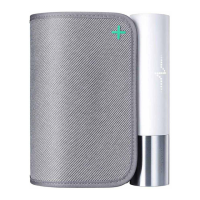
BPM Core
v1.0 | July 2019
On Android:
1. Go to Settings and select Bluetooth.
2. Select the gear icon next to the BPM Core.
3. Select Forget or Remove.
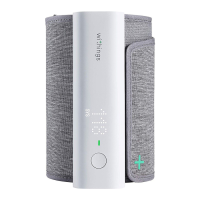
BPM Core can now be reset to factory settings. To reset BPM Core, perform the
following steps:
1. Press and hold the monitor's button for 6 seconds until Training is displayed
on the screen.
2. Use your finger to scroll up or down on the vertical bar on the monitor's
display until Reset is displayed on the screen.
3. Press and hold the monitor's button for 2 seconds.
4. Press the button 5 times as the display counts down from 5.
BPM Core has now been reset.
Once the factory reset is complete, you can reconfigure your BPM Core. Please
refer to "Setting up BPM Core" on page8 for more information.


 To Next Page