EN-38
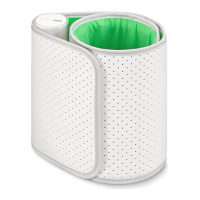
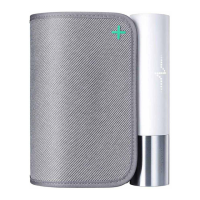
BPM Core
v1.0 | July 2019
Sharing my data with Google Fit
The Health Mate app can share the heart rate measurements with Google Fit.
To link your accounts, perform the following steps:
1. Open the Health Mate app.
2. Tap Profile.
3. Tap Google Fit.
4. Tap the toggle to activate the Google Fit integration.
5. Select the Google account you want to link your Withings Account to.
6. Tap OK twice.


 To Next Page