EN-42
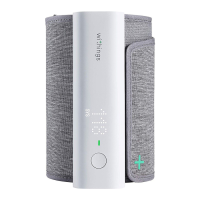
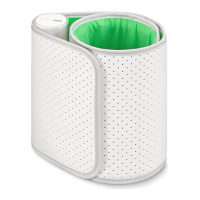
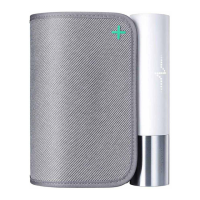
BPM Core
v1.0 | July 2019
Cleaning and maintenance
Cleaning BPM Core
• Do not use an alcoholic-base or solvent agent to clean BPM Core.
• Clean BPM Core with a soft and dry cloth.
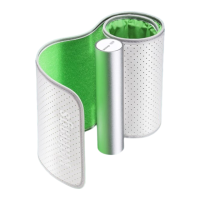
• The dirt on the cu can be cleaned by a moisten cloth and soap.
• Do not flush BPM Core and cu with much water.
• Do not dismantle BPM Core or disconnect the cu or try to repair by yourself.
If any problem happens, refer to the distributor.
• Do not operate BPM Core under severe environment of extreme temperature
or humidity, or direct sunshine.
• Do not shake BPM Core violently.
• Do not submerge BPM Core or any of the components in water.
• Do not let BPM Core under strong shocks, such as dropping the device on the
floor.
Recharging BPM Core
You can easily charge BPM Core using the charging cable provided with the
blood pressure monitor. To do so, connect the USB end of the charging cable to a
power source.
Factory resetting BPM Core
Performing a factory reset allows you to delete all of the data stored on it.
Important:
• Factory resetting BPM Core. will not remove any of the data that was synced
from the Health Mate app.
• All data that wasn't synced before resetting BPM Core will be lost
permanently.
To do this, first dissociate BPM Core from your Health Mate account. Please refer
to "Dissociating" on page32 for more information.
Then, 'forget' or 'unpair' BPM Core from your mobile device's list of Bluetooth
devices.
On iOS:
1. Go to Settings and select Bluetooth.
2. Select the i icon next to the BPM Core.
3. Select Forget Device to confirm.


 To Next Page