EN-40
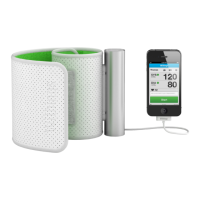
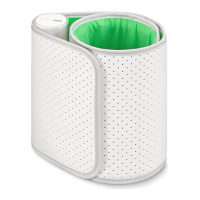
BPM Core
v1.0 | July 2019
Dissociating BPM Core
If you want to stop using BPM Core, you have to dissociate it from your account
first.
Dissociating BPM Core will not remove any of the data that was synced
from the Health Mate app.
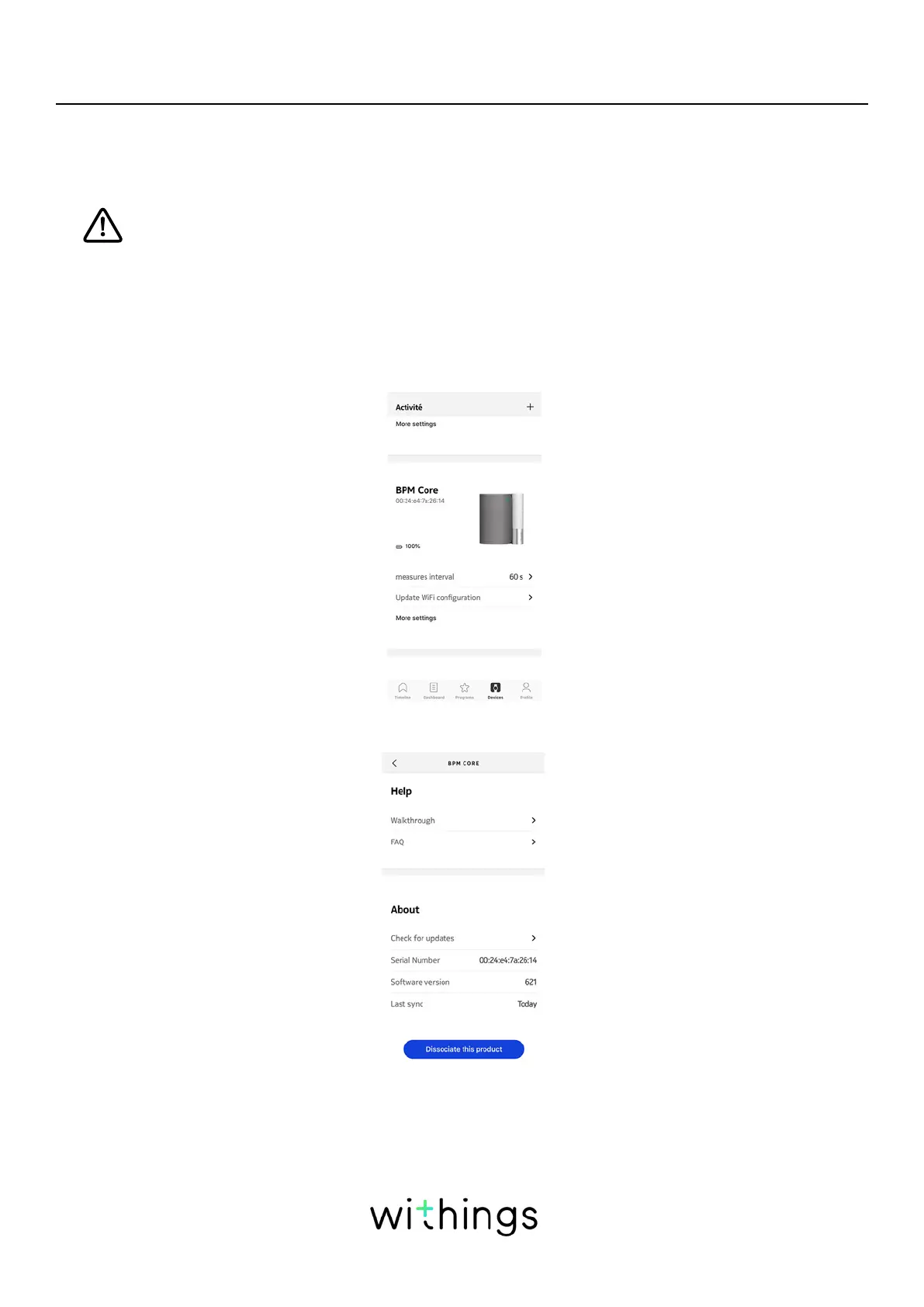
To dissociate your BPM Core, perform the following steps:
1. Open the Health Mate app.
2. Go to Devices.
3. Tap BPM Core.
4. Tap Dissociate this product.


 To Next Page