EN-20
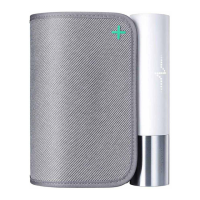
BPM Core
v1.0 | July 2019
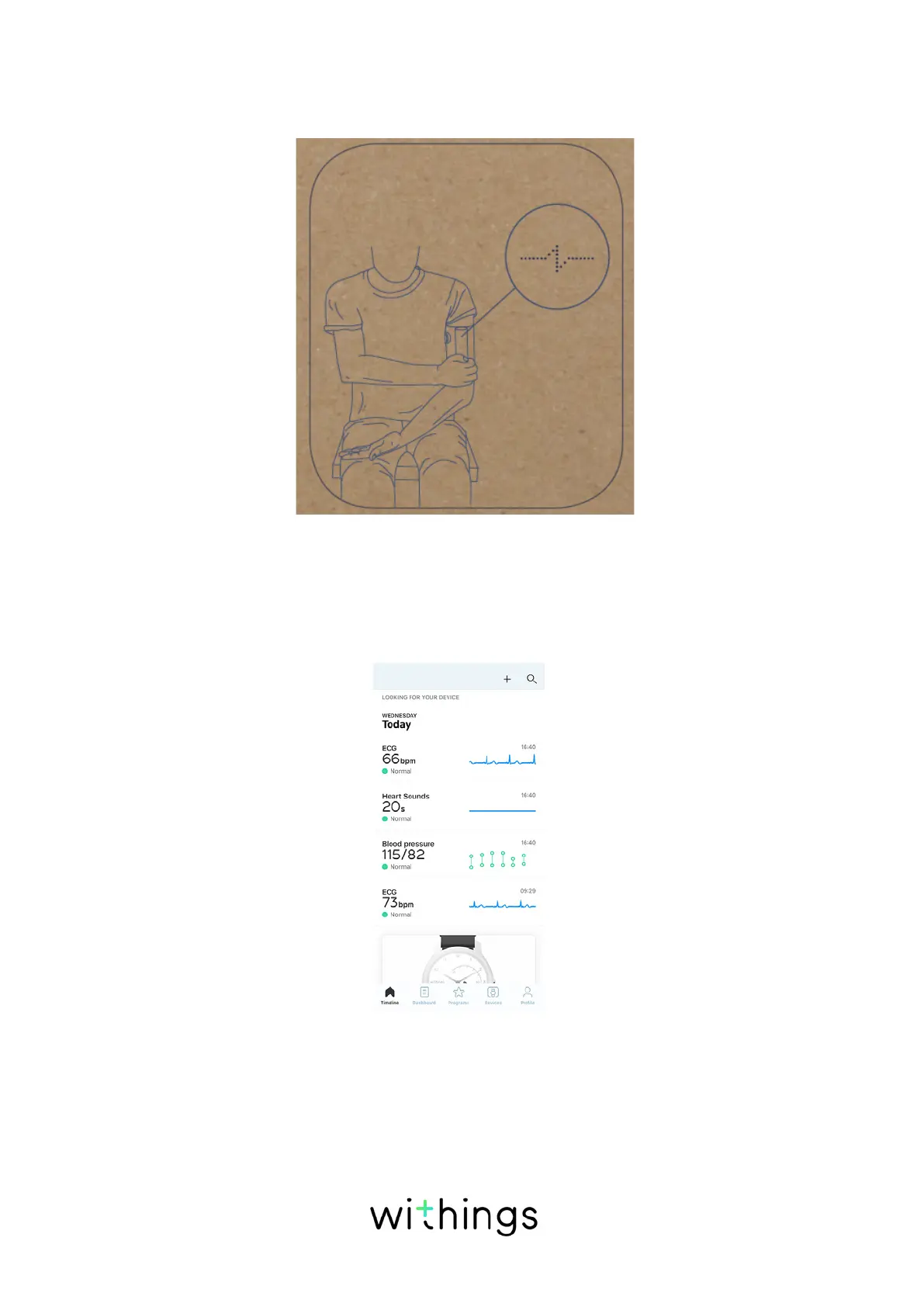
6. When BPM Core. displays the pictogram below, you need to place your hand
on the metal tube and the stethoscope against your chest. Adjust your arm
position to ensure an accurate measurement.
7. At the end of the measurement, select the user by swiping the light trail on the
right part of the screen.
8. Press the button of BPM Core to validate.
Results are displayed on the screen of BPM Core and sent via Wi-Fi or
Bluetooth in the Health Mate app.
Note: If you don't place your hand on the electrode, BPM Core can't record
ECG and stethoscope signal. BPM Core will only display blood pressure
readings.


 To Next Page