EN - 14
Withings Pulse ™
v1.0 | April, 2015
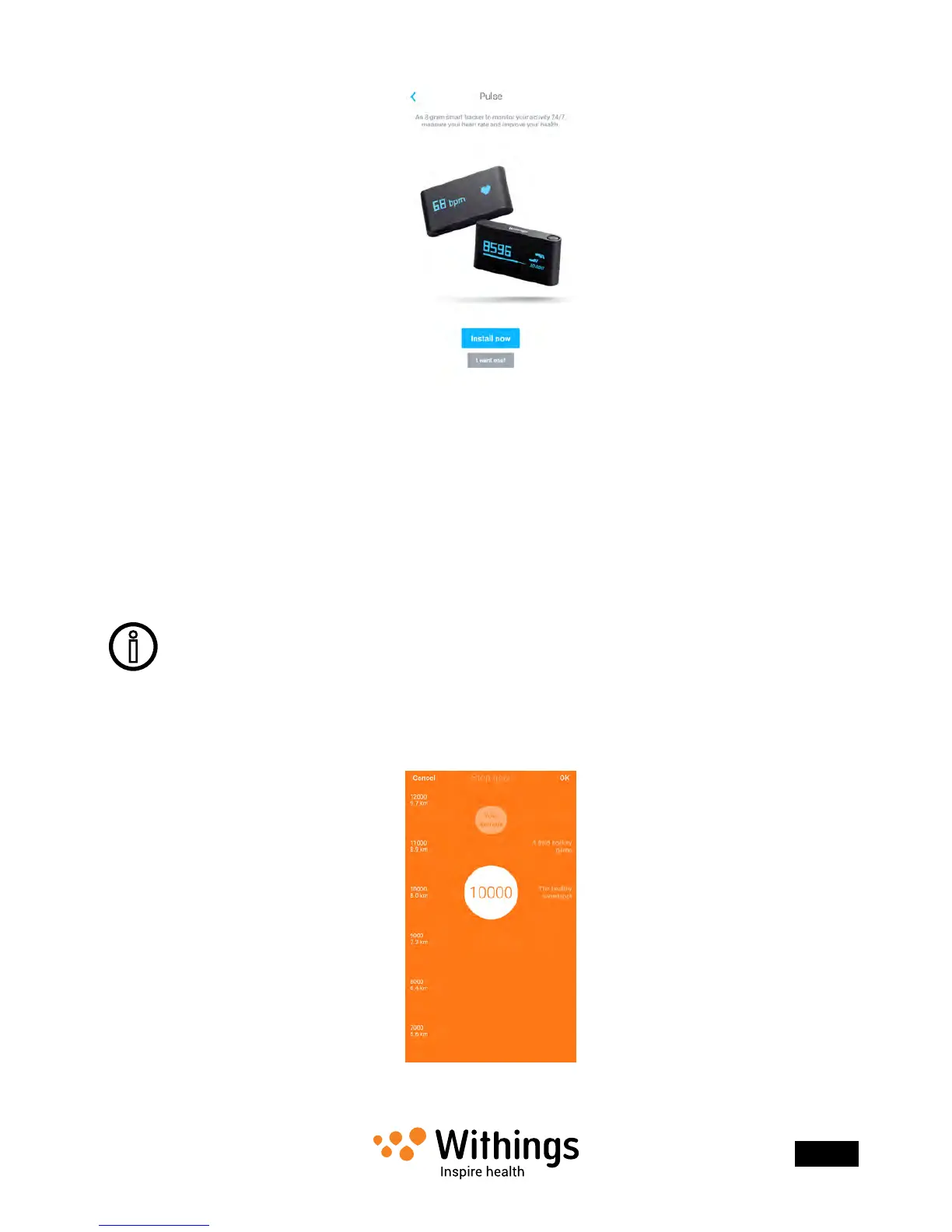
4. Tap Install now.
5. Turn on your Withings Pulse ™ by pressing the button.
6. Put your Withings Pulse ™ close enough to your iOS device. Tap Next.
The installation process starts. It can take a few minutes as your Withings Pulse ™
rmware might need updating.
7. Tap the user account on which you want to install your Withings Pulse ™.
You need to enter a valid email address and press Next if you do not use the main user
account.
Setting your activity goal
Your custom goal is only taken into account in the Withings Health Mate ™ app.
Your Withings Pulse ™ will always show your progress according to the default
10,000 step goal.
1. Tap and slide the daily step goal up or down to select the goal you want.
The range for your goal is between 3,000 and 15,000 steps per day.


 To Next Page