EN - 32
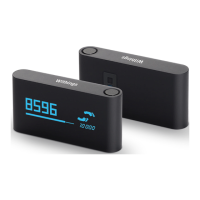
Withings Pulse ™
v1.0 | April, 2015
Dissociating Your Withings Pulse ™
All data that wasn’t synced before dissociating your Withings Pulse ™
will be lost permanently.
Dissociating your Withings Pulse ™ allows you to remove it from your account. Once
it is no longer linked to your account, it can be installed on another account or on the prole
of another user of your account.
Dissociating your Withings Pulse ™ will not remove any of your data
from the Withings Health Mate ™ app.
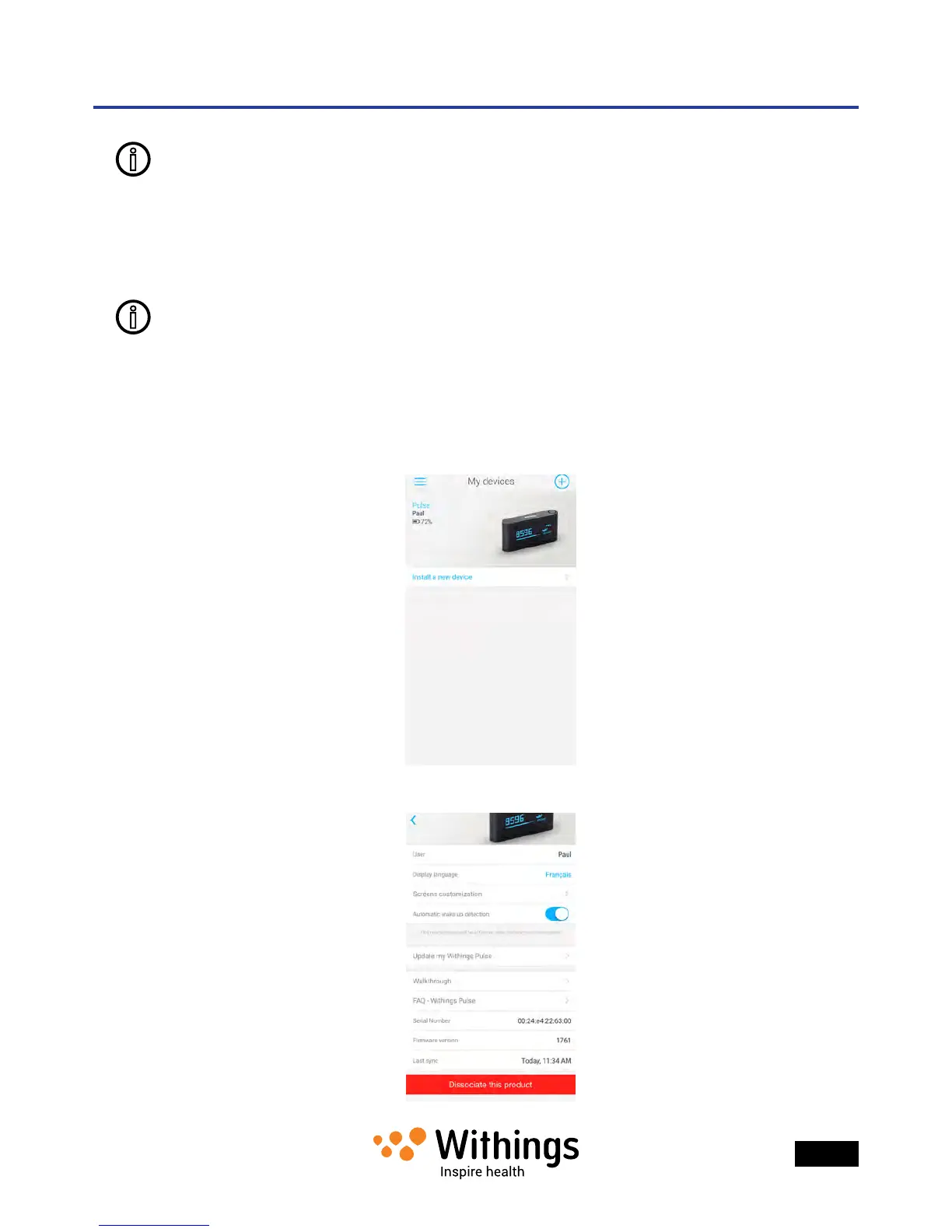
To dissociate your Withings Pulse ™, perform the following steps:
1. Open the Withings Health Mate ™ app.
2. Go to My devices.
3. Tap Pulse.
4.
5. Tap Dissociate this product.


 To Next Page