EN - 9
Withings Pulse ™
v1.0 | April, 2015
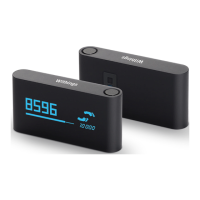
• Horizontal Watch: to display time horizontally
• Total Calories: shows the sum of all active calories and calories a rest
You can disable or change the order of these screens as you like after you install
your Withings Pulse ™. Otherwise, they will appear in the default order.
Refer to “Changing the screen order” on page17 for more information.
Wearing Your Withings Pulse ™
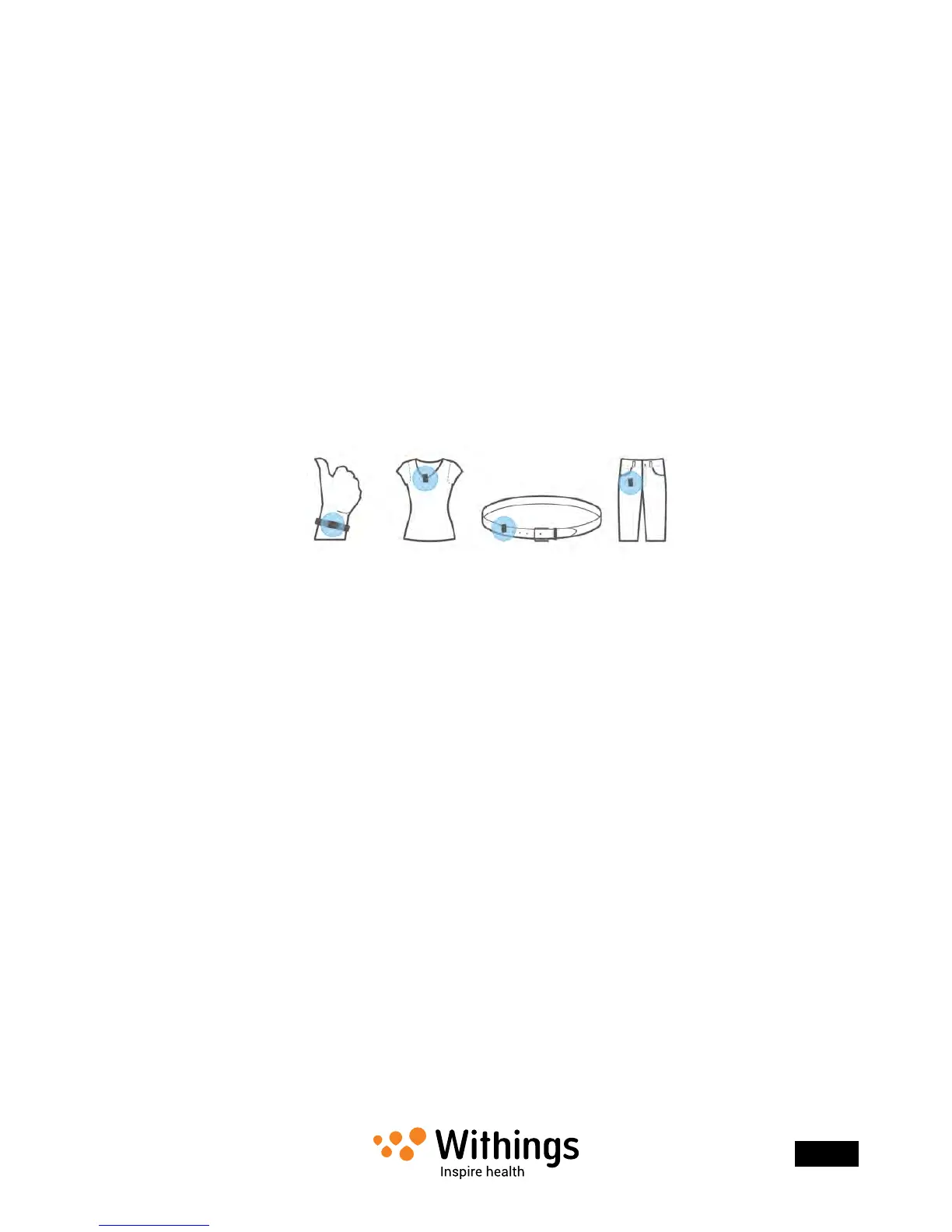
During the day, the belt clip allows you to wear your Withings Pulse ™ clipped to your belt,
pocket, or even bra. If you clip it to your pocket, we recommend that you clip it so that
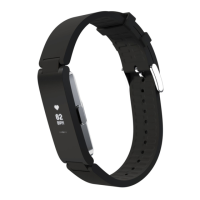
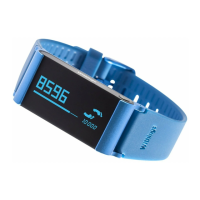
the Withings Pulse ™ remains inside your pocket. You can also use the wristband to wear it
around your wrist. If you do, we recommend that you put it on your non-dominant hand
to improve accuracy.
When comes nighttime, you should wear your Withings Pulse ™ using the wristband
to track your sleep accurately.


 To Next Page