EN - 17
Withings Pulse ™
v1.0 | April, 2015
Changing the time format
The time format of the Withings Pulse ™ clock is based on the distance unit selected
in the Withings Health Mate ™ app. To change the distance unit, perform the following steps:
1. Open the Withings Health Mate ™ app.
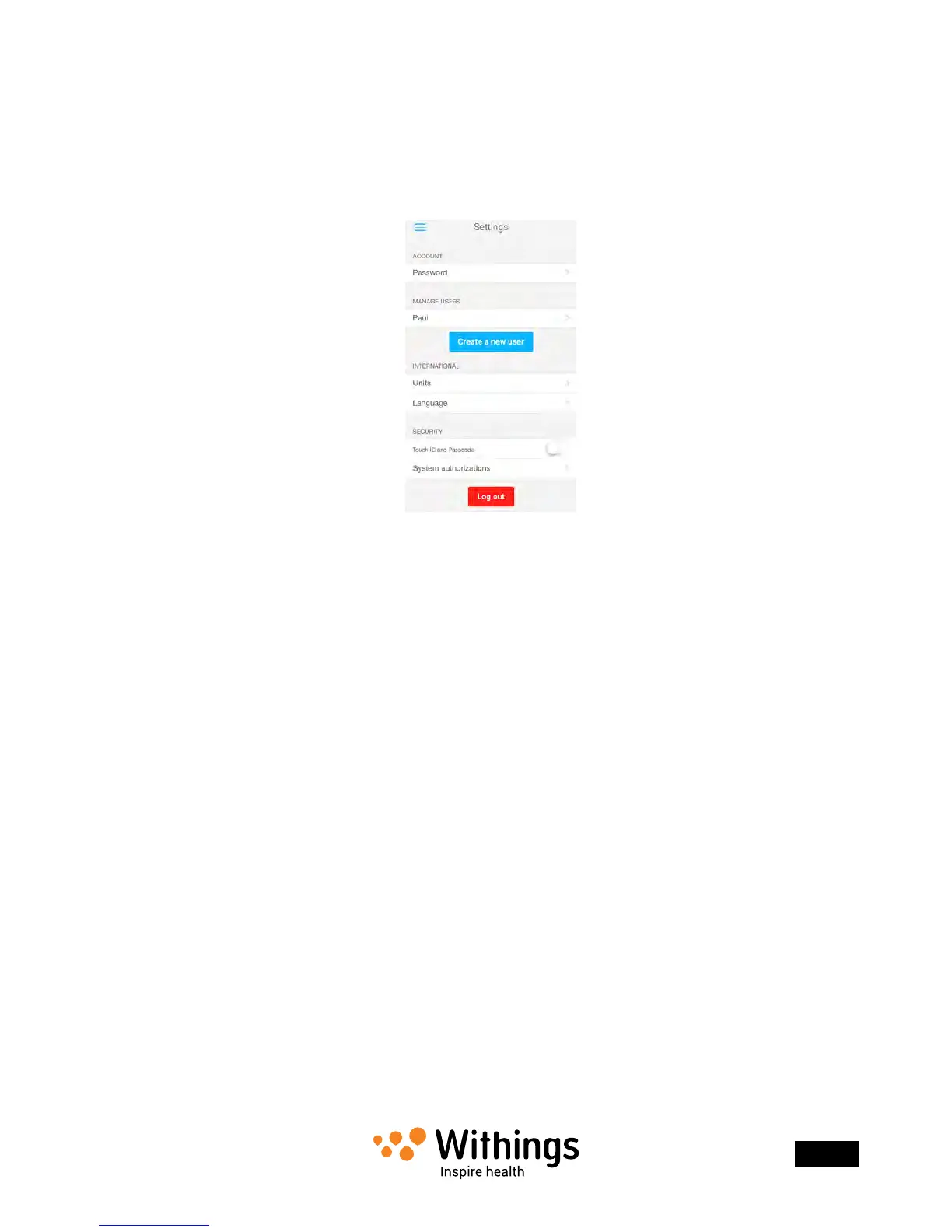
2. Open the left menu and tap Settings.
3. Tap Units.
4. Select km as your distance unit if you want the 24-hour format, or miles if you want
the 12-hour format.
5. Tap the back button to conrm.
6. Synchronize your Withings Pulse ™ with your app to nalize the change.
Press the button of your Withings Pulse ™ for three seconds to force
the synchronization.
Changing the screen order
You can change the order of the screens of your Withings Pulse ™, for example if you want
to display the clock screen rst. To do so, perform the following steps:
1. Open the Withings Health Mate ™ app.
2. Open the left menu and tap My devices.


 To Next Page