EasyManua.ls Logo

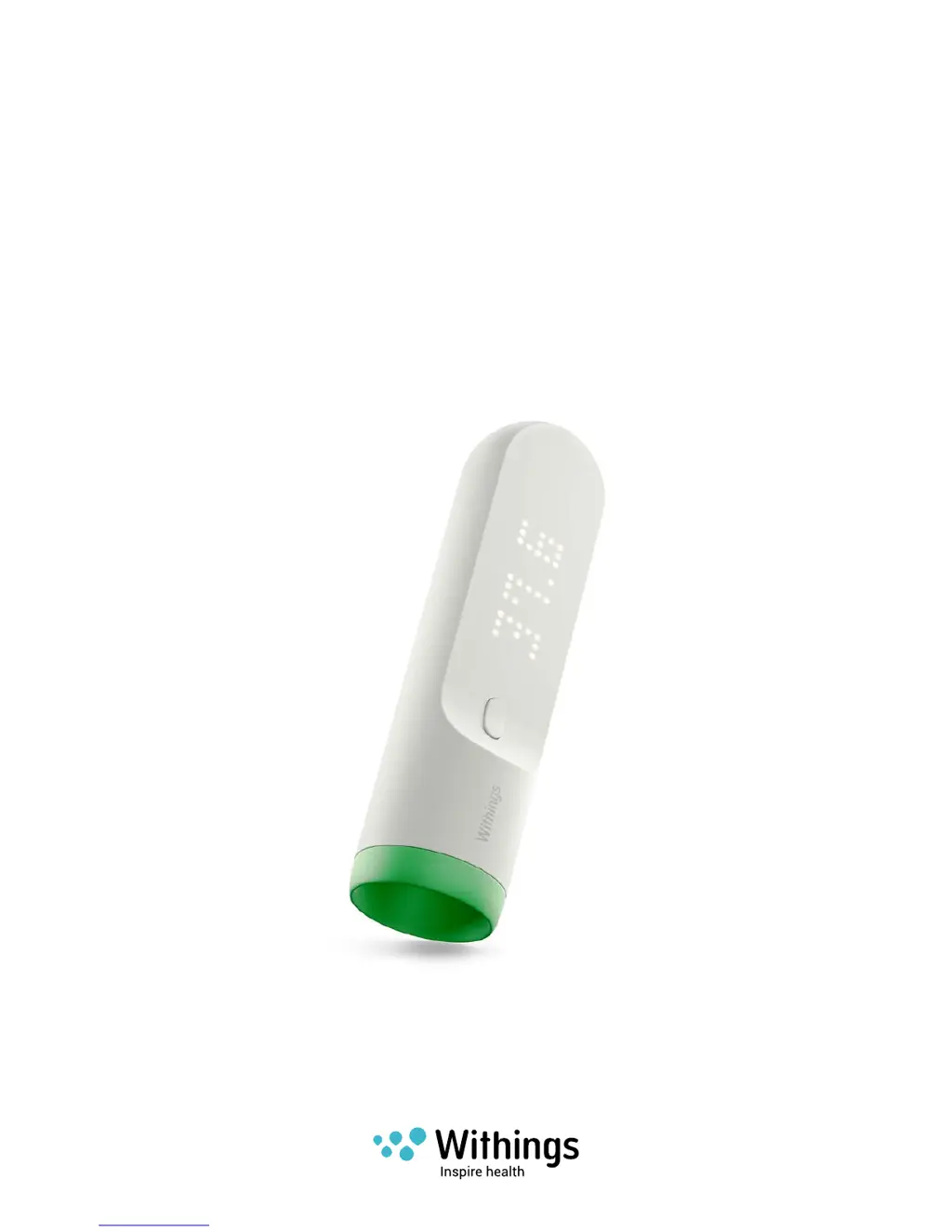
Withings Thermo - User Manual

Withings Thermo
55 pages
Print Icon
To Next Page IconTo Next Page
Loading...
Withings Thermo
v1.0 | July 2016
Withings Thermo
Smart Temporal Thermometer
Installation and Operating Instructions
(iOS users)

Other manuals for Withings Thermo

Questions and Answers

  • S
    sotojeffreyJul 26, 2025
    How to fix a Withings Thermo that won't turn on?
    • D
      Destiny SalazarJul 27, 2025
      If your Withings Thermometer isn't turning on, there are several things to try: 1. Check that the AAA alkaline cells are inserted with the correct polarities. 2. Remove the batteries, wait one minute, and then reinstall them. 3. Try replacing the AAA alkaline cells with a new set.
  • K
    Kathleen AndersonJul 31, 2025
    What to do if my Withings Thermo shows a low battery icon?
    • K
      Kenneth BanksJul 31, 2025
      If your Withings Thermometer displays a low battery icon, the solution is to replace the batteries.
  • E
    Edward TaylorAug 4, 2025
    Why is my Withings Thermo Bluetooth not working?
    • P
      patrickallenAug 4, 2025
      If the Bluetooth on your Withings Thermometer isn't working, it could be due to the following reasons: * Your smartphone might be out of range. Try moving it closer to the thermometer. * Bluetooth might be turned off on your smartphone. Ensure that Bluetooth is switched on.
  • K
    kevinbellAug 8, 2025
    Why is my Withings Thermometer Wi-Fi not working?
    • L
      Lori HurleyAug 8, 2025
      If the Wi-Fi on your Withings Thermometer isn't working, here are a couple of potential reasons: * The device might be too far from the Wi-Fi source. Try moving your smartphone and the thermometer closer to the Wi-Fi router. * Wi-Fi might be turned off. Ensure that Wi-Fi is switched on for both your smartphone and your router.
  • X
    xrhodesAug 13, 2025
    What to do if my Withings Thermometer displays an “Error” message?
    • K
      Katie WilsonAug 13, 2025
      If your Withings Thermometer shows an "Error" message, it could be due to the temperature being outside the acceptable ranges. In body mode, this means lower than 35°C (95°F) or higher than 43.2°C (109.76°F); in surface mode, lower than 22°C (71.6°F) or higher than 40°C (104°F). Make a new temperature measurement, referring to the user manual.
  • S
    Scott SmithAug 17, 2025
    Why does my Withings Thermometer show a low temperature?
    • A
      Alexis MorganAug 17, 2025
      If your Withings Thermometer is showing a temperature that seems too low, there might be a few reasons: * Sweat or hair on the skin can interfere with the reading. Ensure there is no hair in front of the sensor, clean the skin with a dry cloth, and wait 5 minutes before measuring. * The thermometer might be in surface mode. Switch to body mode. * The patient might be cold. Wait until the patient is warmer before taking the measurement. * The measurement might not have been taken on the temple. Refer to the user manual for the correct sensor placement.
  • B
    benjamin09Aug 21, 2025
    Why does my Withings Thermo Thermometer show a high temperature?
    • J
      Joel WatersAug 21, 2025
      If your Withings Thermometer is showing a temperature that seems too high, it could be because the unit has been stored in a cold room. Leave the unit in the room where the patient is for 30 minutes before taking another measurement.

Summary

Minimum Requirements

Internet Access

Requirements for internet connectivity for setup and operation.

Smartphone or Device

Supported mobile devices for app use and data synchronization.

OS version

Minimum operating system versions required for the Withings Thermo app.

Setting up my Withings Thermo

Installing the Withings Thermo app

Steps to download and install the mobile application on your device.

Installing my Withings Thermo

Guide to pairing the Withings Thermo device with the app.

Customizing the Settings of the Withings Thermo

Using my Withings Thermo

Taking a measurement

Step-by-step instructions for performing a temperature measurement.

Assigning a measurement

Using the Withings Thermo app

Assigning measurements

Assigning an unassigned measurement

Assigning measurements taken but not yet linked to a user profile.

Reassigning a measurement

Correcting incorrectly assigned temperature measurements to the right user.

Deleting data

Getting Personalized Advice

Dissociating my Withings Thermo

Cleaning and Maintenance

Safety Instructions

Use and Storage

Guidelines for product usage and proper storage conditions.

Safety

General safety precautions and warnings for device usage.

Withings Thermo Specifications

General IconGeneral
TypeContact
CertificationCES
Product colorGreen, White
Memory function-
Thermometer locationForehead
Quantity per pack1 pc(s)