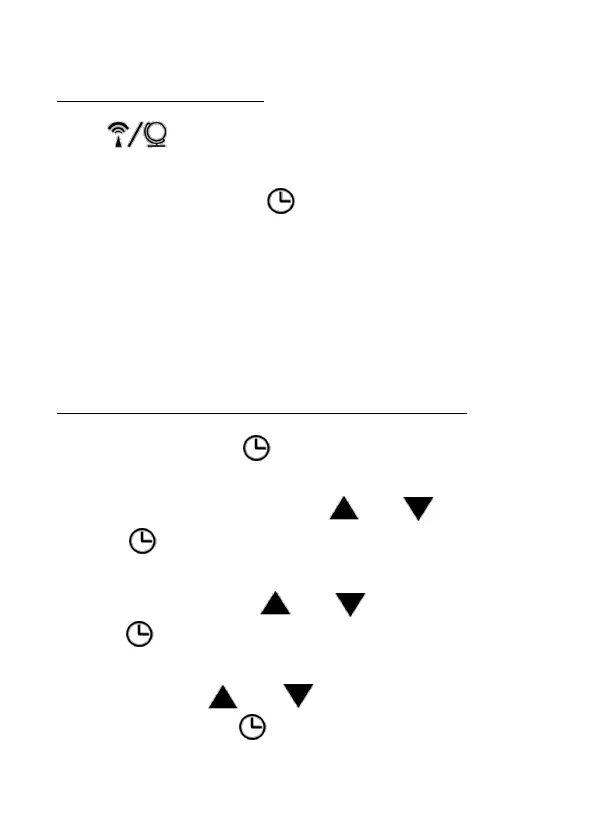
Set the Time Zone
Press button to select time zone PST, MST, CST
and EST. Default is PST.
Set your time zone with button.
Set the Time Zone to your area for the hours to be
correct.
PST Pacific | MST Mountain | CST Certral | EST Eastern
Setting the time and date manually
1. Press and hold the button until the display for the
DST begins to flash.
2. Set the DST ON/OFF with the and buttons.
3. Press to store the setting. The year will flash on
the display.
4. Set the year with the and buttons.
5. Press to store the setting.
6. Continue as described:
- Set a value with and .
- Store a setting with .
7. Set the following settings one after another:


 To Next Page