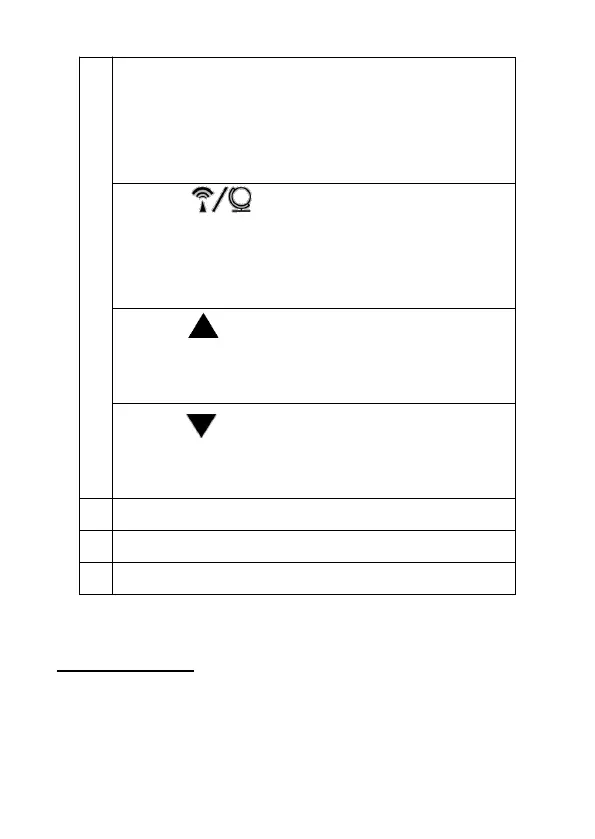
* Switch time and year display
* Activate setting mode (DST, year, month,
date , time and atomic signal)
* Save changes to settings
Button
* Select time zone ( PST, MST, CST and EST)
* Activate / Deactivate atomic signal
reception
Button
* Select 12-/24- hour format
* Set values (increase)
Button
* Switch temperature in °C / °F
* Set values (decrease)
Initial setup
Follow the instructions in the order described and do
not press any buttons while switching the device on.


 To Next Page