Operation
46
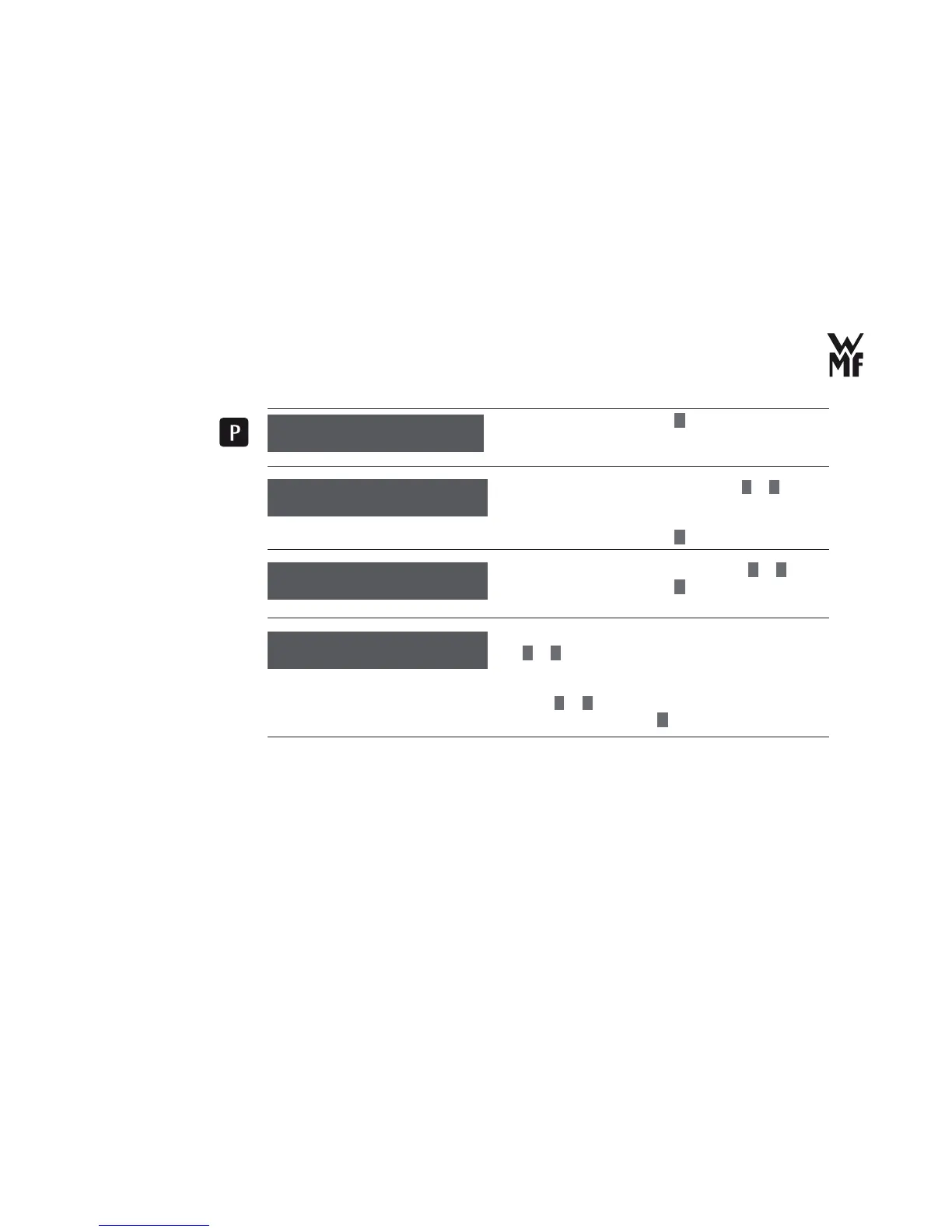
> Confi rm your selection with
P
.
> Set the pre brew function on or off with
–
or
+
(chapter “3.1.3 Timer operation (automatic switch-on)”
on page 21).
> Confi rm your selection with
P
.
> Set the desired brewing temperature with
–
or
+
.
> Confi rm your selection with
P
button.
> Adjust the illumination of the cup platform with
–
or
+
. You can adjust the illumination permanently or
just for beverage delivery.
> If you want to switch the illumination off, set to “off”
using
–
or
+
.
> Confi rm the setting with
P
button.
basic settings
OK: P change: -/+
switch-on time: on
OK: P change: -/+
Automatic
switch-on time
brewing temp. 92 °C
OK: P change: -/+
Brewing temperature
Basic setting: 92 °C
illumination: On
OK: P change: -/+
Illumination


 To Next Page